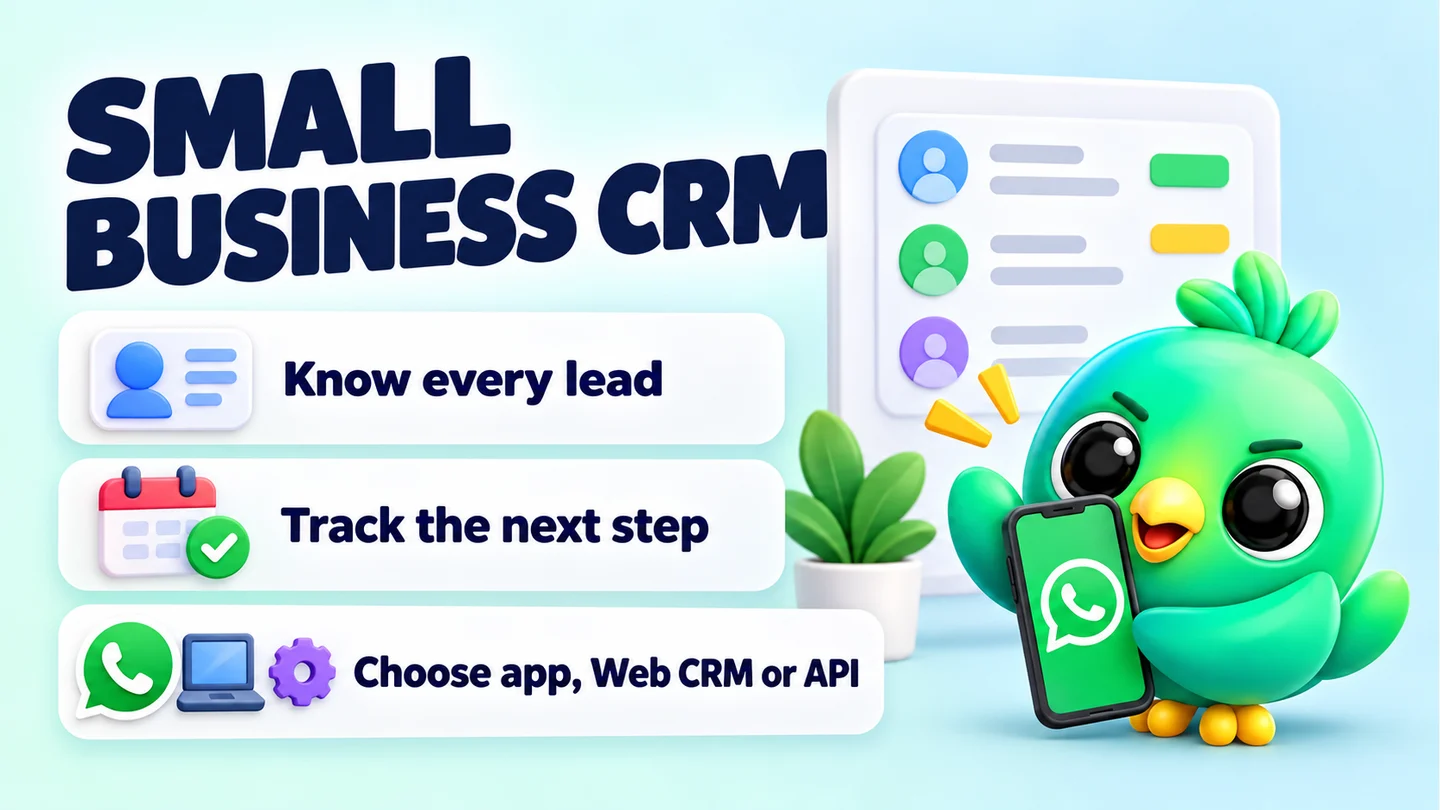
A WhatsApp CRM for a small business is any system that tracks where each WhatsApp conversation stands: who the customer is, what they want, what you promised and when you'll follow up. You have three realistic options: the free WhatsApp Business app on its own, a CRM layer that runs on WhatsApp Web, or the WhatsApp Business API with a platform on top. For most 1–3 person businesses, the choice comes down to how many open conversations you juggle and whether you need several people answering one number.
This guide explains all three honestly, including where each one runs out of road. It's written for people who sell through chat every day: a cake seller taking custom orders, a real estate agent chasing viewings, a phone shop answering price questions. These are illustrations, not real customers.
Last updated 23 September 2026. WhatsApp limits and API pricing were checked against the WhatsApp Help Center and Meta's developer documentation on that date. See the sources at the end.
What a WhatsApp CRM actually does
A CRM (customer relationship management) system does four jobs. On WhatsApp, those jobs look like this:
- Remember who each person is. Their name, what they asked about, their budget, their size, their address, what they bought last time.
- Show where each conversation stands. New enquiry, price sent, waiting for payment, paid, delivered. This is your pipeline.
- Make sure nobody is forgotten. A reminder or follow-up when a chat goes quiet after you sent a quote.
- Tell you what's working. How many enquiries became sales this month, and where the rest dropped off.
WhatsApp on its own is very good at the conversation itself. It isn't built to do those four jobs. That's why so many small sellers end up with a notes app, a spreadsheet and a lot of scrolling alongside their chats.
If you already know the pain, the signs are familiar. A hot lead from this morning is twenty chats down by lunch. You told someone "I'll send photos on Thursday" and Thursday came and went. The spreadsheet says "quote sent" but the customer paid two days ago.
The three options at a glance
| WhatsApp Business app alone | CRM layer on WhatsApp Web | WhatsApp Business API + platform | |
|---|---|---|---|
| What it is | Meta's free app with labels, quick replies and away messages | A browser extension that adds pipeline, notes and follow-ups inside WhatsApp Web | Meta's business messaging platform, usually used through a provider's inbox |
| Setup | Download the app and verify your number | Install the extension in Chrome and open WhatsApp Web | Meta business portfolio, app setup or a provider, template approval |
| Cost model | Free to download; optional paid features such as marketing messages in some countries | Depends on the tool | Charged per delivered template message, plus any provider fees |
| Pipeline and deal tracking | No; labels only | Yes, usually a kanban board | Depends on the platform |
| Follow-up reminders | No | Yes, in most CRM layers | Depends on the platform |
| Several people on one number | Up to four linked devices plus the phone | Usually one person at a desk | Yes, built for teams |
| Best for | Low volume, one person, simple products | 1–3 people with many open deals who have outgrown labels | Teams with high volume, automation needs and a budget |
The rest of this guide goes through each option in turn.
Option 1: The WhatsApp Business app on its own
The WhatsApp Business app is free to download on Android and iPhone and was built for small business owners, according to WhatsApp's own help page. It looks and works like normal WhatsApp, with a business profile and a set of messaging tools added on top.
What you get
- Labels (now being renamed "lists"). You can create up to 20 labels and add them to whole chats, for example "New customer" or "Paid". WhatsApp is gradually rolling out "lists" in place of labels, and lists also have a 20-list cap.
- Quick replies. Saved shortcuts for messages you send often. WhatsApp caps stored quick replies at 50, and notes that media files aren't supported in quick replies on Web or Desktop.
- Greeting and away messages. Simple automatic replies for first contact or out-of-hours.
- Broadcast lists. One message to up to 256 contacts per list, but only people who have saved your number in their phone's contacts will receive it.
- Linked devices. You can use up to four linked devices and one phone at a time, which covers WhatsApp Web on a laptop. Linked devices log out if the phone isn't used for over 14 days, and broadcast lists can't be created or viewed on linked devices.
In some countries WhatsApp also offers paid marketing messages (being renamed "business broadcasts"), where you pay for each message delivered. Availability is limited, so check the help page for your country.
Where it works well
A home baker who takes ten custom orders a week can run everything from the Business app. Three labels ("Enquiry", "Deposit paid", "Ready to collect"), a few quick replies with prices, and an away message for evenings will cover it.
Where it starts to strain
The app has no idea of stages in order, deal values or time. A label tells you a chat is "Quote sent". It doesn't tell you the quote went out six days ago and nobody replied. There's no reminder, no count of how many quotes became sales, and no place for longer notes about the customer.
Many sellers feel this once they have more open conversations than they can keep in their head, and labels turn into a long list of coloured tags that nobody filters any more. We cover the exact tipping points in WhatsApp labels vs a real CRM.
Option 2: A CRM layer on WhatsApp Web
The middle option keeps your normal WhatsApp account and adds CRM tools around it in the browser. You open WhatsApp Web on a laptop as usual, and an extension adds a pipeline board, contact notes, follow-up reminders and saved replies next to your chats.
How it works
WhatsApp Web shows your chats in a browser tab. A Chrome extension can add panels and buttons to that page. So a CRM layer can show a sidebar beside the chat list, a panel next to the open conversation, and full-page tools like a kanban board, all without moving your number anywhere.
What you get compared with the app alone
- A real pipeline. Chats move through stages in order, such as Lead, Qualified, Proposal, Won and Lost, often with a deal value on each card.
- Notes and custom fields. Space for the details labels can't hold: "size 10, prefers blue, delivery to Kandy, paid deposit by bank transfer".
- Follow-ups on a timer. A reminder or a follow-up message when a chat has sat in a stage for a set number of days.
- Richer saved replies. Many tools allow templates with photos, documents or voice notes, which the app's quick replies can't send from Web.
- Reports. A funnel view of how many chats reach each stage.
What to watch out for
This option has honest trade-offs, and you should know them before you choose.
- It depends on WhatsApp Web. Extensions work with the WhatsApp Web page, which changes often. A good tool updates quickly, but features can break for a while after a WhatsApp change.
- It usually needs your computer on. Scheduled messages and automated follow-ups can only send while Chrome is running with WhatsApp Web open.
- It's unofficial. Extensions are not made or approved by WhatsApp. WhatsApp's Terms of Service forbid bulk messaging and auto-messaging, so any tool that sends automatically carries some risk of your number being restricted. Good tools reduce that risk with pacing and limits. None can remove it.
- Extension quality varies a lot. Some extensions are built for bulk sending, which is exactly what WhatsApp's rules forbid, and not all are clear about where your data goes. Check what data a tool collects and where it stores your customer records before you install. Our WhatsApp Web extension checklist walks through the questions to ask.
Who it fits
A CRM layer fits the person who sells all day from a laptop, has more open conversations than labels can handle, and doesn't want the cost or setup of the API. A real estate agent with 60 active buyers, or an online clothing seller moving each order from "Asked about size" to "Shipped", are typical examples.
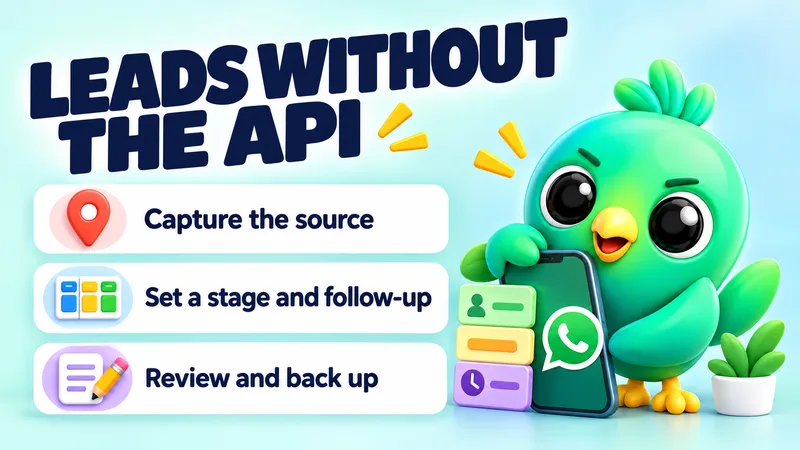
For a practical walk-through of this setup, see how to manage leads on WhatsApp without the Business API.
Option 3: The WhatsApp Business API
The WhatsApp Business API (Meta now calls it the WhatsApp Business Platform, with the Cloud API as its messaging part) is how larger businesses connect WhatsApp to their own software. You don't use it through the normal app. You either build on it yourself or sign up with a provider that gives you a shared inbox, chatbots and broadcast tools.
How it differs from the app
- Setup is heavier. Meta requires a business portfolio to use the platform. You set up an app and a WhatsApp Business account, or go through a solution provider who does this for you.
- Messages outside a conversation need approved templates. When a customer messages you, a 24-hour customer service window opens. Inside that window you can reply freely. Outside it, you can only send pre-approved template messages. Meta reviews templates, usually within 24 hours, and can pause templates that get negative feedback.
- You pay per message. Since 1 July 2025, Meta charges per delivered template message, not per conversation. Rates depend on the template category (marketing, utility or authentication) and the recipient's country code. Replies inside the customer service window are free, and so are utility templates sent inside that window.
- There are sending limits for new accounts. New business portfolios can message 250 unique people outside the customer service window in a rolling 24 hours, rising to 2,000 once the business is verified or meets Meta's other scaling criteria.
- Providers add their own fees. If you use a provider's inbox, expect its subscription or fees on top of Meta's message charges.
Can you keep the app and use the API on the same number?
Partly. Meta now supports onboarding an existing WhatsApp Business app number to the Cloud API through a provider (often called "coexistence"). You keep chatting one-to-one in the app while a provider's tools send at volume. There are conditions: you need a recent app version, and some app features switch off, including broadcast lists, disappearing messages in one-to-one chats and view-once messages.
Who it fits
The API fits a business with several staff answering one number, high message volumes, customers who expect order updates and reminders sent automatically, and a budget for monthly software plus per-message costs. A 20-person clinic group or an ecommerce brand shipping hundreds of orders a day are good examples.
For a 1–3 person business it is often more tool than you need. We compare the two in detail in WhatsApp Business app vs API for a 1–3 person business.
How to choose: five questions
Answer these honestly and the right option usually becomes obvious.
- How many conversations are open at once? As a rough rule of thumb, if you can hold them all in your head, the app is usually enough. From there to a few hundred, a CRM layer earns its place. Beyond that, especially with staff, look at the API.
- How many people answer the number? One person at a laptop suits a CRM layer. Two or three people can share linked devices on the app. A real team with assignment and handovers needs an API inbox.
- Do you need messages to send when your computer is off? If yes, you need the API. Browser-based tools send only while the browser is open.
- Do you mainly reply, or mainly start conversations? If customers message you first (from ads, Instagram or a website button), you mostly work inside the customer service window, and an app-based setup works well. If you send lots of reminders and offers to people who haven't messaged recently, the API's template system is designed for that, at a cost.
- Where do you want customer data to live? API providers store conversations in their cloud. Some CRM layers keep records in your own browser. Decide which you're comfortable with.
A quick decision table:
| Your situation | Likely best fit |
|---|---|
| Solo seller, low volume, mostly on your phone | WhatsApp Business app |
| Solo or 2–3 people, lots of open deals, working from a laptop | CRM layer on WhatsApp Web |
| Team of 5+, one shared number, automated order updates | WhatsApp Business API |
| You want API features but must keep using the app | API with coexistence through a provider |
Setting up a simple WhatsApp CRM process (whichever option you pick)
Tools help, but the process matters more. This five-step setup works on paper, in a spreadsheet or in a CRM.
1. Define your stages
Write down the steps a customer goes through before paying. Keep it to five to seven stages. Examples:
- Online shop: Enquiry → Price sent → Awaiting payment → Paid → Shipped → Delivered
- Real estate agent: New lead → Qualified (budget and area known) → Viewing booked → Offer → Closed
- Service business: Enquiry → Quote sent → Booked → Done → Review asked
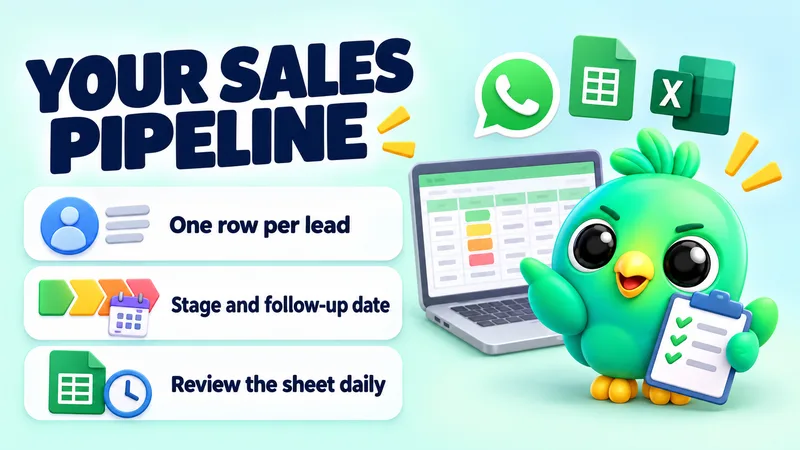
If you want a ready-made starting point, our free WhatsApp sales pipeline template gives you a Google Sheet with stages already set up.
2. Decide what you record for each customer
Pick the three to five facts that change what you say next. For a clothing seller: size, colour preferences, city, payment method. For a tutor: subject, level, preferred times. Don't record anything you won't use.
3. Set a follow-up rule for each stage
Every stage where a customer might go quiet needs a follow-up time. For example: follow up two days after sending a price, then again after six days, then close the chat as lost. Our 20 WhatsApp follow-up message scripts include wording and timing for each step. You can also build and save your own with the free WhatsApp message templates tool.
4. Save your five most common answers
Prices, delivery times, payment details, opening hours and "how to order" are the usual suspects. Save them as quick replies so they're consistent and fast.
5. Review your numbers every week
Count how many new enquiries you had, how many got a price, how many paid and how long it took. The five sales funnel numbers small sellers should track explains which figures matter and how to read them.
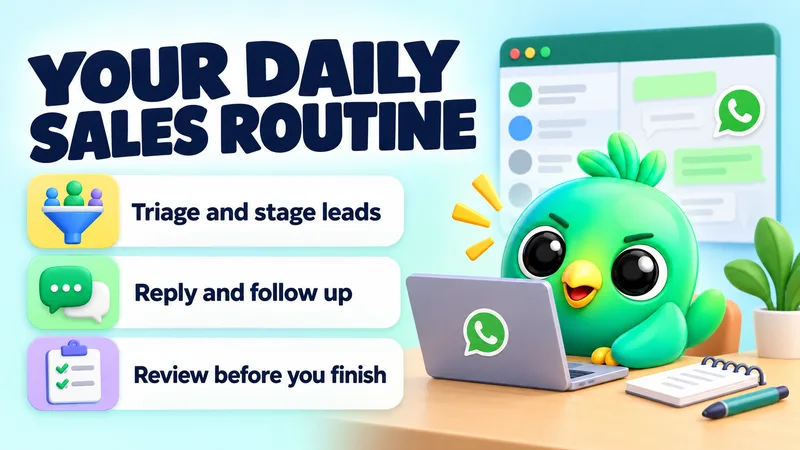
Finally, build a routine around it. A short morning and evening pass through your pipeline beats checking chats all day. Our daily WhatsApp Web sales workflow gives a routine you can copy.
Getting more leads into the pipeline
A CRM only helps if enquiries arrive in a trackable way. A few free tools make that easier:
- A WhatsApp link generator creates a click-to-chat link with a pre-filled message, such as "Hi, I'm interested in the 2-bedroom flat in Colombo 5". The pre-filled text tells you where the lead came from.
- A WhatsApp QR code generator puts the same link on flyers, packaging or a shop counter.
- A WhatsApp chat button adds a floating button to your website.
Use a different pre-filled message for each source (Instagram, flyer, website) and you'll know which channel sends the best customers.
Rules that apply whichever option you choose
WhatsApp's Business Messaging Policy applies to both the Business app and the Business Platform. Two rules matter most for sellers:
- Get permission first. You may only contact people who have given you their number and agreed to receive messages from you.
- Respect opt-outs. If someone asks you to stop, stop, including removing them from your lists.
Following these rules is also the best protection for your number. Unwanted messages lead to blocks and reports, and those can lead to restrictions. How to collect WhatsApp opt-in without the API shows simple ways to ask and keep a record.
Where InboxCRM fits
InboxCRM is a WhatsApp CRM that runs as a Chrome extension inside WhatsApp Web. It is built for option 2: small businesses that have outgrown labels but don't want the API.
What it adds to WhatsApp Web:
- A sales pipeline of drag-and-drop kanban boards with your own stages and deal values. See the CRM pipeline guide.
- Contact context: notes, tags and custom fields shown beside the open chat in a slide-in chat tools panel.
- Follow-up rules that send the steps you choose when a chat has sat in a stage for the time you set. See the follow-up guide.
- Quick replies with text, images, video, audio and documents, plus scheduling, auto-replies and a funnel report built from your boards.
- Orders and stock tracking for sellers who need to know what's left before they promise it.
A few honest points about it:
- Your CRM records are stored locally in Chrome's extension storage on your device, not in an InboxCRM database. The privacy-first page explains exactly when data leaves your device (for example, an AI request to a provider you chose).
- Automation is paced conservatively. Campaigns have randomised delays, hourly and daily caps (40 per hour and 250 per day by default), quiet hours and warm-up mode. These reduce the risk of restrictions but can't remove it, and no tool can guarantee against them. Follow-up rules and scheduled messages aren't paced by these controls, so keep their volume low. The responsible automation page lists every control.
- It needs Chrome and WhatsApp Web open for scheduled messages, follow-ups and campaigns to send.
- It's single-user. There's no shared team inbox. If several staff need to answer one number with assignment and handovers, an API platform is the better fit.
You can see the full list on the features page, or compare plain WhatsApp with WhatsApp plus a CRM, feature by feature, on the compare page.
Frequently asked questions
What is the best CRM for WhatsApp for a small business?
It depends on your volume and team size. A solo seller with a handful of daily chats can manage with the WhatsApp Business app's labels. Once you have dozens of open deals, a CRM layer on WhatsApp Web adds pipelines and follow-ups without the API. Teams that need several agents on one number are better served by an API platform.
Can I use a WhatsApp CRM without the Business API?
Yes. The WhatsApp Business app has basic organisation tools, and browser extensions can add a pipeline, notes and follow-ups on top of WhatsApp Web using your existing account. You don't need to move your number or pay per message.
Is the WhatsApp Business app free?
The app is free to download on Android and iPhone. Some newer features, such as paid marketing messages in certain countries, are charged per message delivered.
How much does the WhatsApp Business API cost?
Meta charges per delivered template message, with rates that depend on the message category and the recipient's country. Replies inside the 24-hour customer service window are free. If you use a provider for the inbox and tools, you'll also pay its fees, so check Meta's current rate card and your provider's pricing.
Can two people use one WhatsApp Business number?
Yes, to a point. The WhatsApp Business app allows up to four linked devices plus the phone, so two or three people can answer from different computers. It has no assignment or handover features, which is where API team inboxes come in.
Sources
- About WhatsApp Business — WhatsApp Help Center, checked 23 September 2026
- How to use labels — WhatsApp Help Center, checked 23 September 2026
- How to use lists — WhatsApp Help Center, checked 23 September 2026
- How to use quick replies — WhatsApp Help Center, checked 23 September 2026
- How to use greeting messages — WhatsApp Help Center, checked 23 September 2026
- How to use away messages — WhatsApp Help Center, checked 23 September 2026
- How to use broadcast lists — WhatsApp Help Center, checked 23 September 2026
- How to use broadcast lists on the WhatsApp Business app — WhatsApp Help Center, checked 23 September 2026
- About linked devices on the WhatsApp Business app — WhatsApp Help Center, checked 23 September 2026
- About marketing messages — WhatsApp Help Center, checked 23 September 2026
- WhatsApp Business Messaging Policy — WhatsApp, checked 23 September 2026
- WhatsApp Terms of Service — WhatsApp, checked 23 September 2026
- About the WhatsApp Business Platform — Meta for Developers, checked 23 September 2026
- Pricing on the WhatsApp Business Platform — Meta for Developers, checked 23 September 2026
- Messaging limits — Meta for Developers, checked 23 September 2026
- Message templates — Meta for Developers, checked 23 September 2026
- Send messages (customer service window) — Meta for Developers, checked 23 September 2026
- Onboard WhatsApp Business app users — Meta for Developers, checked 23 September 2026
InboxCRM is a WhatsApp CRM for WhatsApp Web. Pipeline, notes, follow-ups and quick replies beside every chat, with your CRM data kept in your browser.
Add InboxCRM to Chrome