WhatsApp CRM MCP · New
Ask Claude, ChatGPT or Gemini to run your WhatsApp CRM
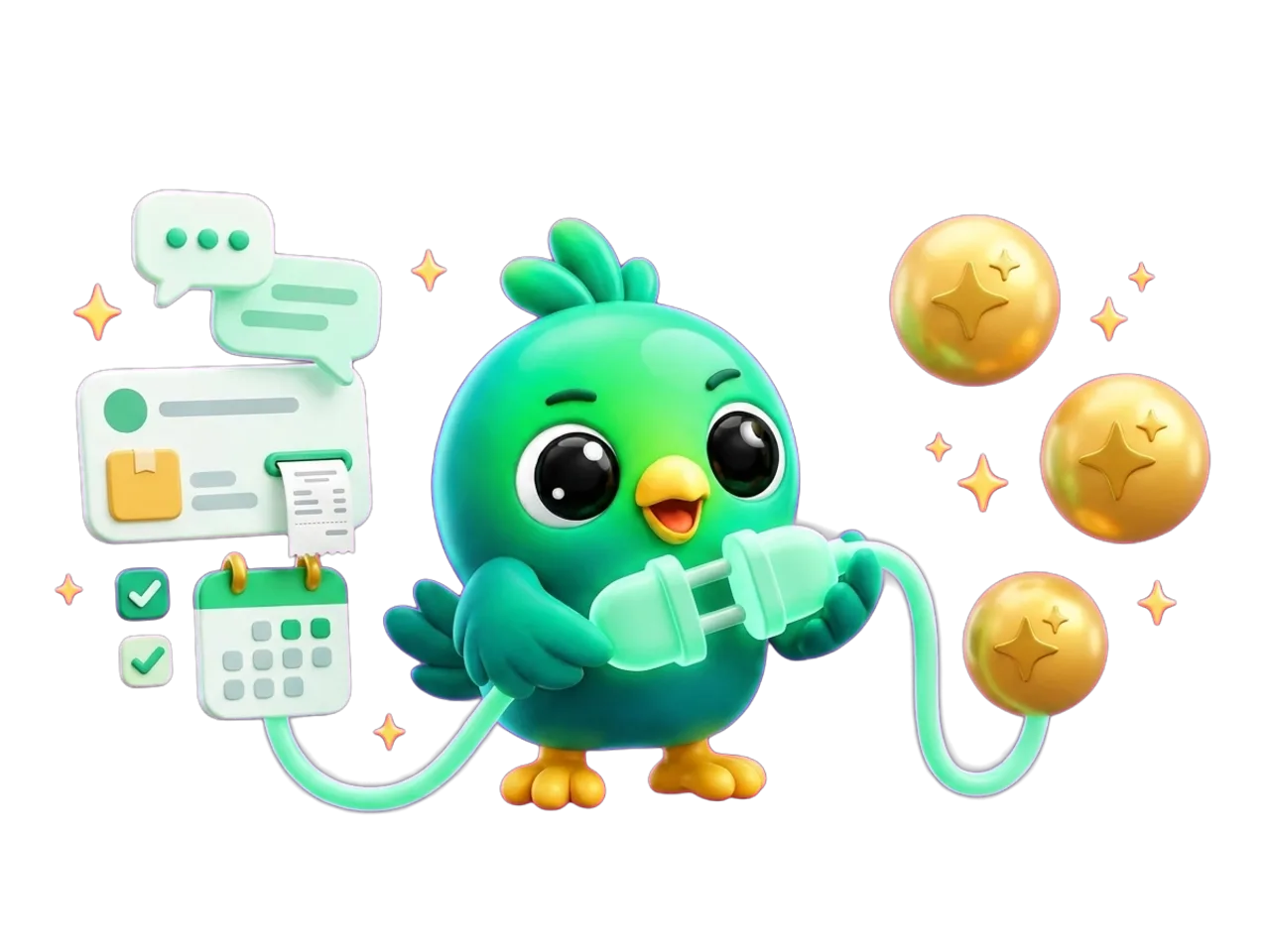
Create an order for Kamal Perera: 2 ceramic mugs, cash on delivery. Then send him the invoice on WhatsApp.
Found contact Kamal Perera
Created order #1042 · LKR 3,800
Sent the invoice PDF to his chat
Done. Order #1042 is in InboxCRM as Pending, and Kamal has the invoice in his WhatsApp chat.
Set up in minutes
One address for every AI app
No code, no API keys to copy. You sign in with the same InboxCRM account you already use.
- 1
Switch on the HTTP API in InboxCRM
Settings → HTTP API. On the Claude tab, choose whether the AI may read your chats and orders, and whether it may change things. Both switches start off.
- 2
Add one address to your AI app
Add a custom connector (MCP server) with the address below. It is the same for Claude, ChatGPT and Gemini.
- 3
Sign in and start asking
Sign in with your InboxCRM account, allow access, and ask in plain words. The work happens in your own WhatsApp Web.
https://bridge.extino.net/mcpWhat you need
- The InboxCRM Chrome extension with an active plan or free trial
- A computer that is on, with Chrome open and WhatsApp Web logged in
- The HTTP API switched on in InboxCRM settings
- An AI app that supports custom connectors (MCP)
Ask in plain words
Hours of clicking, done in one sentence
The AI picks the right InboxCRM tools for the job. Here are a few things you can ask, and 30 more with step-by-step instructions.
“Which chats have unread messages? Read Ayesha's chat and tell me what she needs.”
Reads chats“Create an order for Kamal: 2 ceramic mugs, cash on delivery. Then send him the invoice.”
Orders + invoice“Schedule “The gift boxes are back in stock” to my VIP list for Saturday at 10:00.”
Campaigns“Make an automation: when someone asks for the price list, reply with my price-list quick reply.”
Automations“How were sales in the last 30 days, and which products sold best?”
Reports“Which products are low in stock? Add 50 units of the blue T-shirt in size M.”
Stock
Everything the AI can reach
- Send texts, pictures & files
- Read chats & contacts
- Quick replies
- Automations & workflows
- Follow-ups & reminders
- Scheduled messages
- Campaigns & lists
- Sales pipeline
- Notes & labels
- Orders & invoices
- Courier bookings
- Stock & expenses
- Status posts
- Reports & calendar
- Webhooks
- Call a person alerts
AI connector use cases
What will you hand to your AI first?
Copy a prompt into Claude, ChatGPT or Gemini and follow the steps. Each one runs in your own WhatsApp Web.
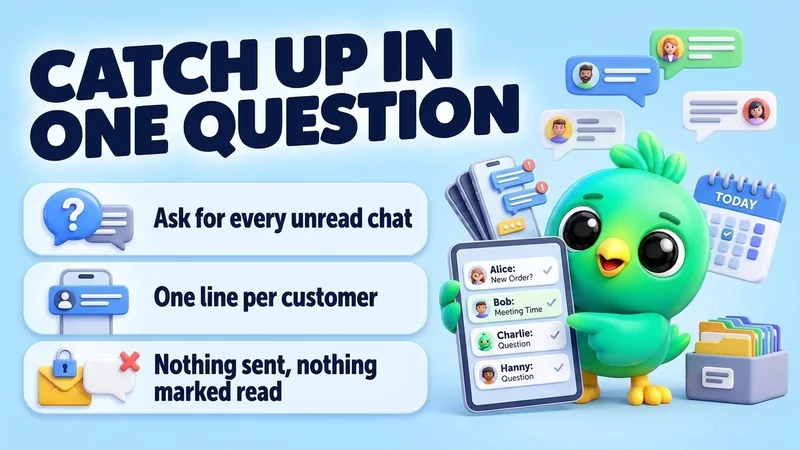
Catch up
Catch up on unread WhatsApp chats in one question
“Which of my WhatsApp chats have unread messages? For each one, give me one line: the name, what they want, and how urgent it looks. Don't reply to anyone.”
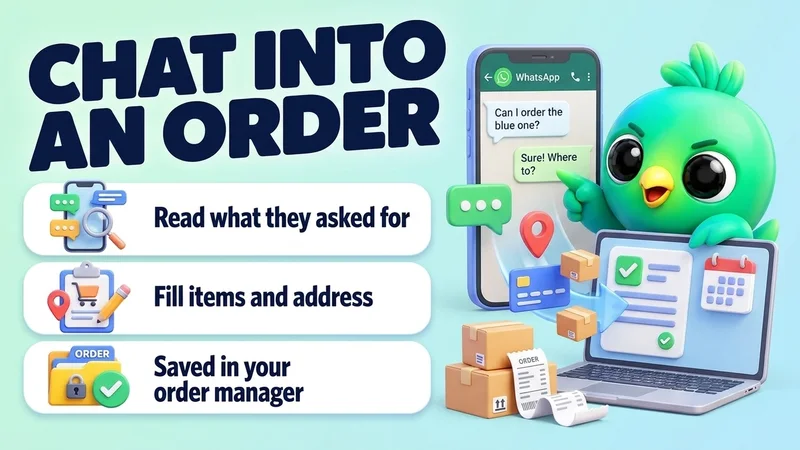
Orders
Turn a WhatsApp chat into an order
“Create an order for Kamal Perera from his chat: 2 ceramic mugs at 1,900 each, cash on delivery, deliver to No 12, Temple Lane, Nugegoda. If anything is missing, ask me.”
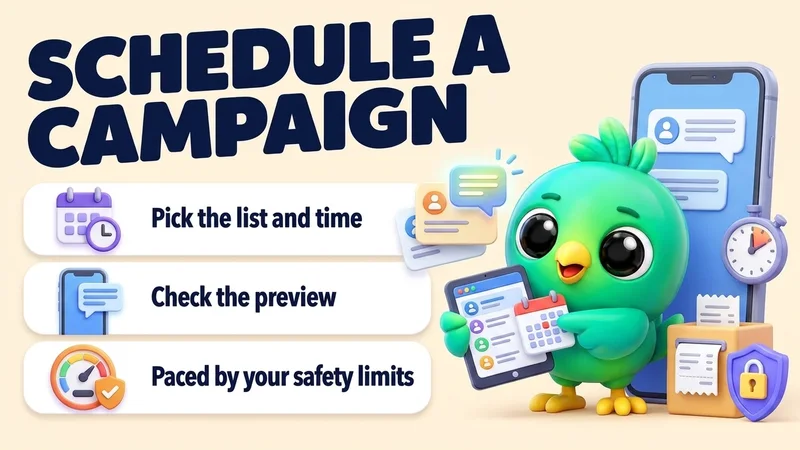
Campaigns
Schedule a WhatsApp campaign to a customer list
“Schedule a campaign to my "VIP customers" list for Saturday at 10:00: "The holiday gift boxes are back in stock. Reply YES and I'll keep one for you."”
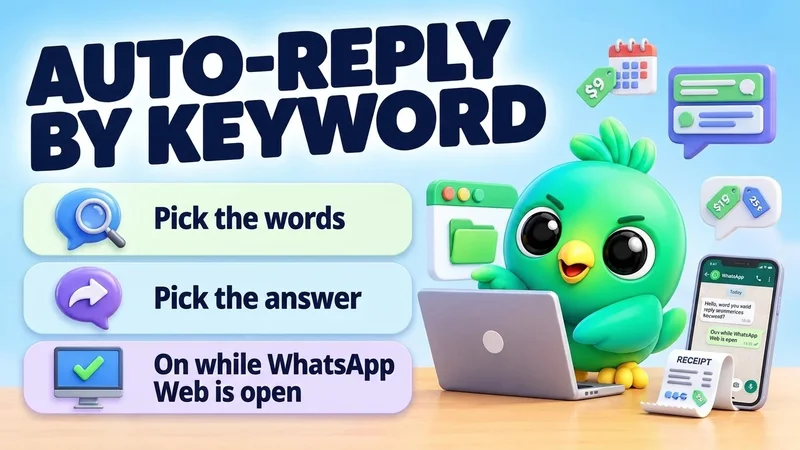
Automations
Make an auto-reply for a keyword like price
“Make an automation: when a message contains "price" or "price list", reply with my "Price list" quick reply. Don't answer chats that are already in my pipeline.”
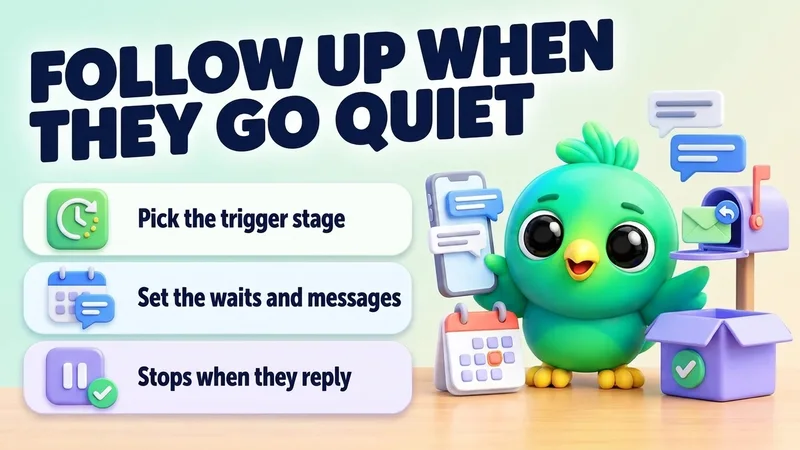
Follow-ups
Follow up automatically when a lead goes quiet
“Make a follow-up for my Sales board: if a lead in "Quote sent" doesn't reply for 2 days, send my "Gentle check-in" quick reply. If still nothing after 5 more days, send "Last check-in". Stop if they reply or change stage.”
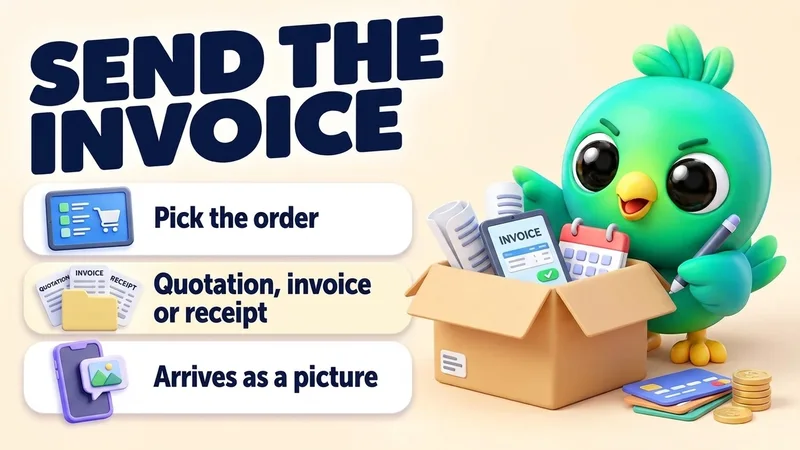
Orders
Send a quotation, invoice or receipt into the chat
“Kamal paid 3,800 by bank transfer. Mark his latest order paid and send him the receipt.”
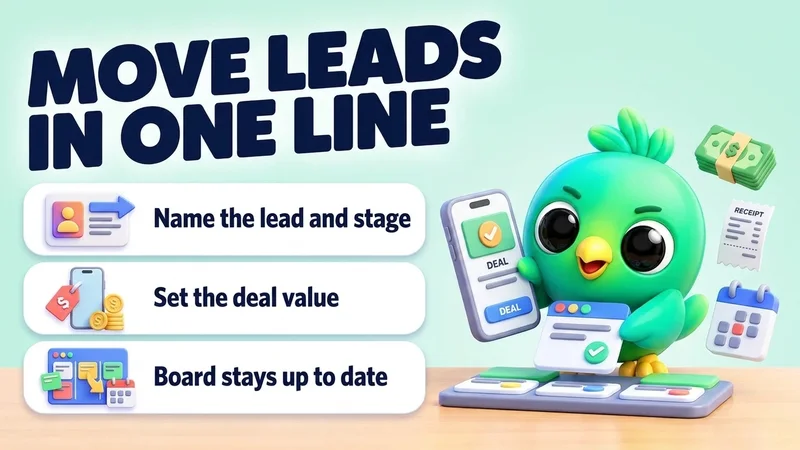
Pipeline
Move leads to the next stage and set deal values
“Move Sara to "Proposal" on my Sales board and set her deal value to 85,000. Move Kamal to "Won".”
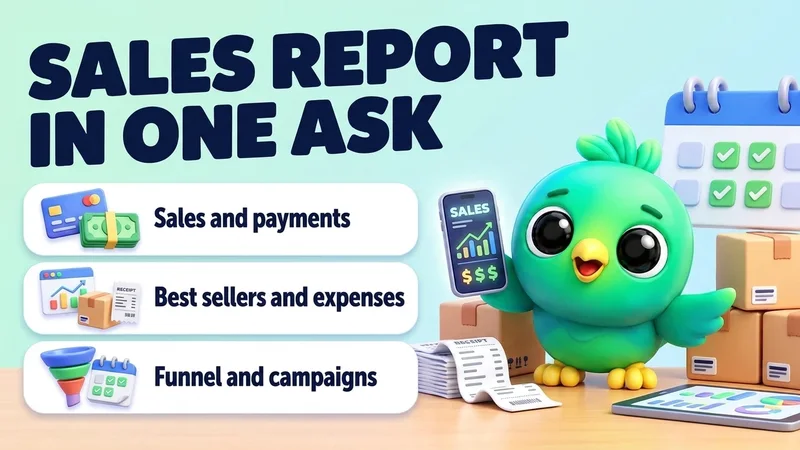
Reports
Get your monthly sales report in one question
“How did sales go in the last 30 days compared with the 30 days before? Show orders, total sales, paid versus unpaid, best sellers, expenses and campaign results in a table.”
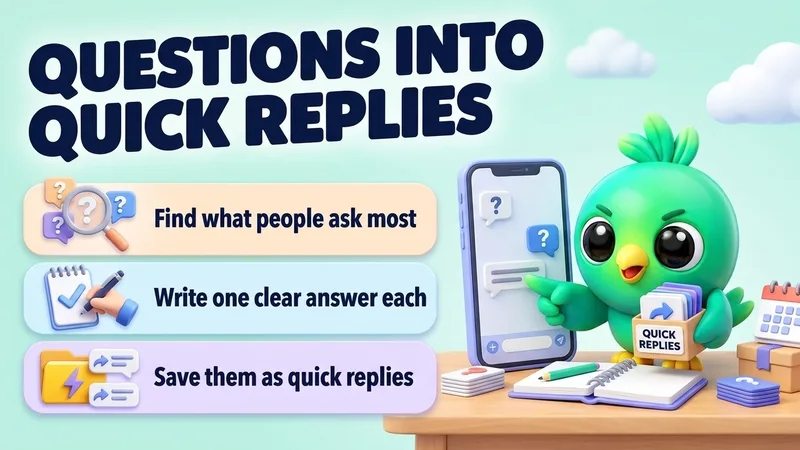
Replies
Turn your most common WhatsApp questions into quick replies
“Read my recent WhatsApp chats and find the 5 questions customers ask most. Write a short, friendly answer for each and save them as quick replies. Show me the answers before you save.”
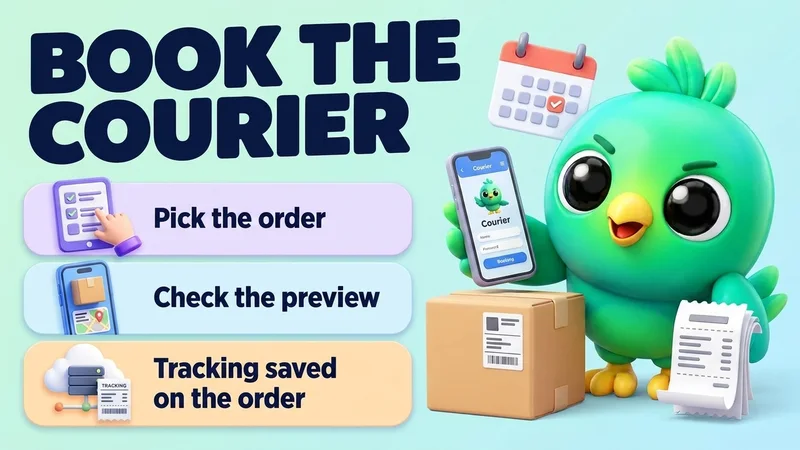
Orders
Book a courier for an order (Sri Lanka)
“Book the parcel for Kamal's latest order with Koombiyo, then send him the tracking number.”
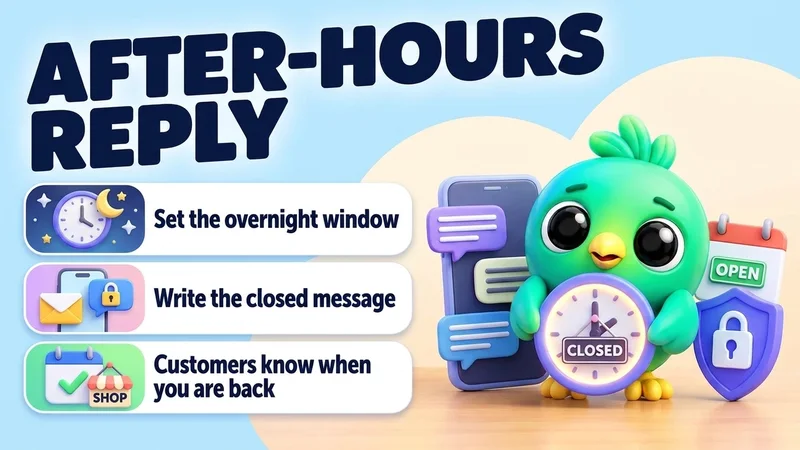
Automations
Set an after-hours auto-reply
“Make an automation with a time window from 18:00 to 09:00, every day, that answers: "Thanks for your message! We're closed now and will reply first thing in the morning." Answer each chat only once.”
Stock & money
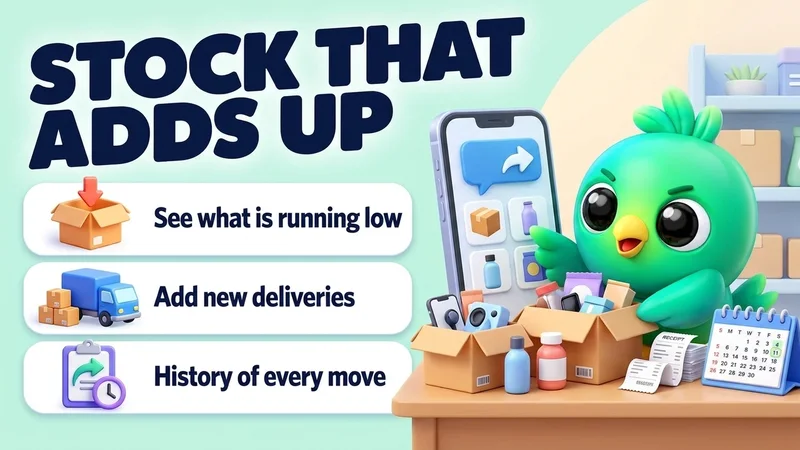
Check low stock and add new stock
“Which products have fewer than 5 in stock? Then add 50 units of the blue T-shirt in size M, delivered today.”
You stay in control
Powerful, with the brakes built in
Messages go out from your own number to real customers, so every risky step waits for you.
Reading is your choice
The AI can't read chats, contacts or orders until you switch reading on in InboxCRM.
Changes need their own switch
Creating, editing and deleting has a separate switch, also off until you turn it on.
A preview before big steps
Deletes, bulk sends, status posts and courier bookings first show a preview. Nothing happens until you agree.
Secrets stay out of reach
Passwords, API keys, backups, your plan and these switches are never available to the AI.
See what it changed
InboxCRM lists every change the AI made under “What Claude changed”.
Your sending limits still apply
Messages the AI sends count against your own limits, and quiet hours can hold them back.
Requests pass through InboxCRM's relay, which stores no messages, chats, contacts or orders. What the AI app does with what it reads follows that app's own terms.

Can I use InboxCRM from Claude, ChatGPT or Gemini?
Yes. InboxCRM has an AI connector (an MCP server). Add https://bridge.extino.net/mcp as a custom connector in your AI app, sign in with your InboxCRM account, and you can ask the AI to read chats, send messages, create orders, schedule campaigns, build automations and more. The work happens in your own WhatsApp Web through the extension.
Does the AI connector need my computer to be on?
Yes. The AI app talks to the InboxCRM extension in your browser, so your computer must be on, with Chrome open and WhatsApp Web logged in. If it is off, the AI is told that InboxCRM is offline and nothing is sent.
Can the AI send messages or delete things without asking me?
Reading and changing each have their own switch in InboxCRM, and both start off. Deletes, bulk sends, status posts and courier bookings first return a preview, and nothing happens until you agree. Passwords, API keys, backups and your plan are never available to the AI, and InboxCRM lists every change the AI made.
Does InboxCRM store my messages when I use the AI connector?
No. Requests pass through InboxCRM's relay, which stores no messages, chats, contacts or orders. What the AI reads goes to the AI app you connected, under that app's own terms.

Turn your WhatsApp inbox into an organised sales workspace
Add the extension, open WhatsApp Web and start organising the chats you already have. No separate CRM to keep in sync.
- Works with your existing WhatsApp Web account
- CRM records stay on your device
- AI optional, your own key