AI connector use case · Stock & money
Check low stock and add new stock
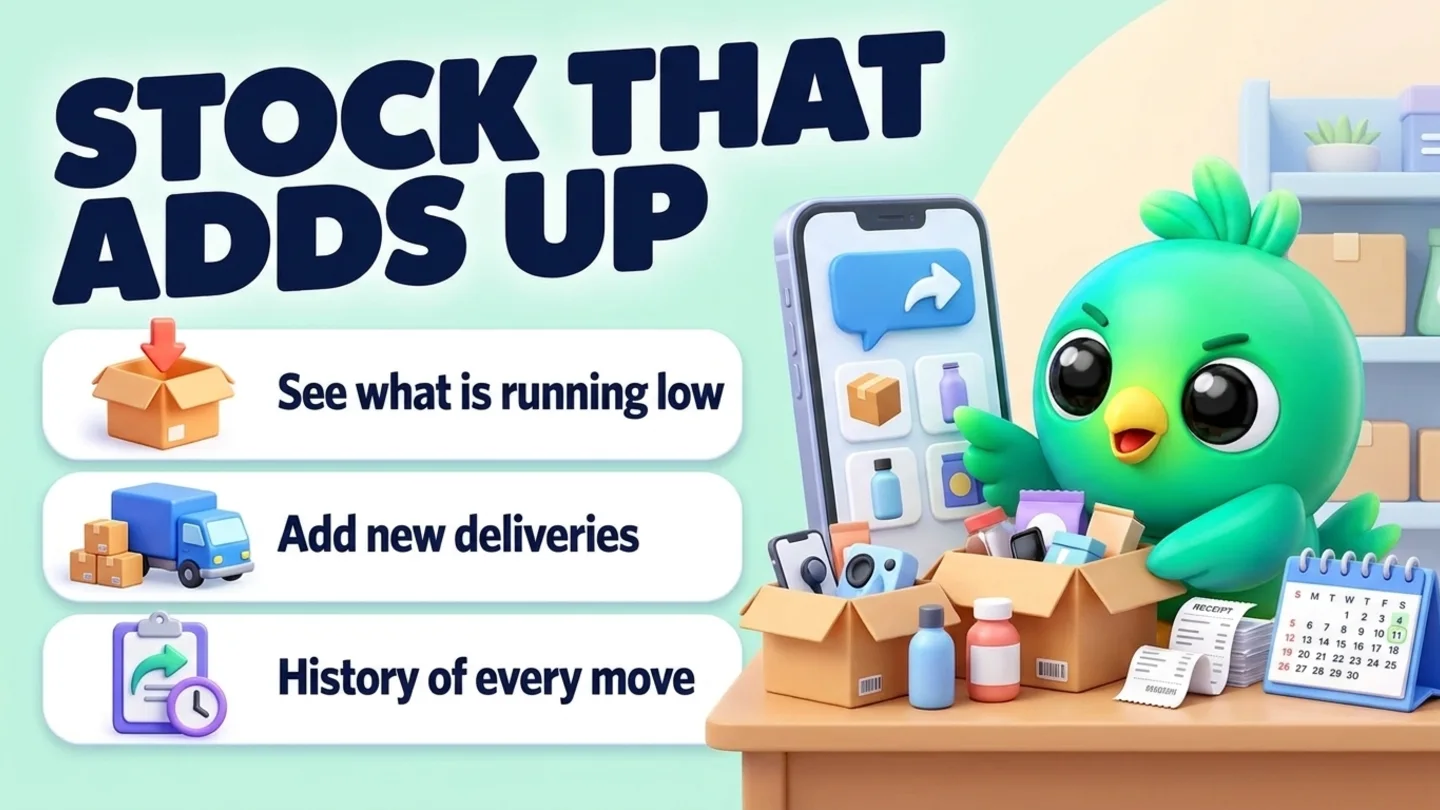
Ask the AI which products are running low and add new deliveries to stock, with a history of every move.
- Reading on
- Changes on
The prompt
Copy this into Claude, ChatGPT or Gemini
Which products have fewer than 5 in stock? Then add 50 units of the blue T-shirt in size M, delivered today.
- Reading on: Switch on “Let Claude read my chats and orders” on the Claude tab of InboxCRM’s HTTP API window.
- Changes on: Switch on “Let Claude change my InboxCRM (create, edit, delete)” on the same tab.
Step by step
How to do it
What you get: You know what to reorder before a customer asks for something you do not have.
- 1Switch on reading and changes in InboxCRM.
- 2Paste the prompt.
- 3Read the low-stock list.
- 4Check the stock move the AI made in InboxCRM's stock history.
Tips
- Ask every Monday for a reorder list.
- Ask "why did this number change?" to read the history.
Watch out
Deleting a product that has no history shows a preview first.
Connector tools used:stock
Not connected yet?
Add one address to your AI app, sign in with your InboxCRM account and choose what it may read and change.
Try these next
Orders
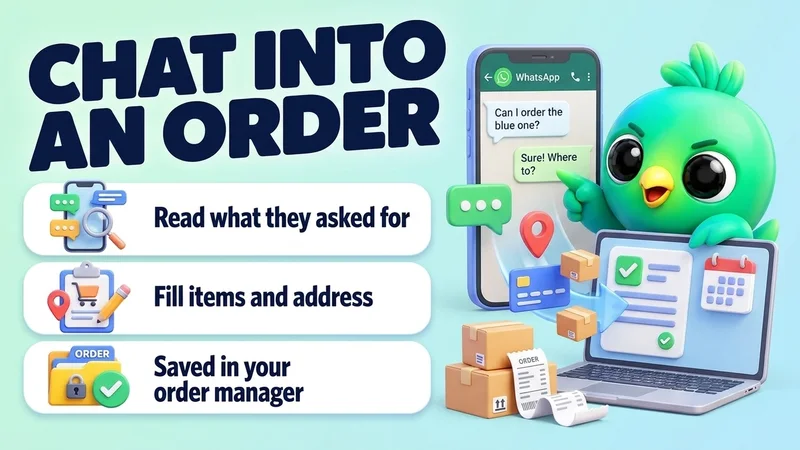
Turn a WhatsApp chat into an order
“Create an order for Kamal Perera from his chat: 2 ceramic mugs at 1,900 each, cash on delivery, deliver to No 12, Temple Lane, Nugegoda. If anything is missing, ask me.”
See the steps- Reading on
- Changes on
Stock & money
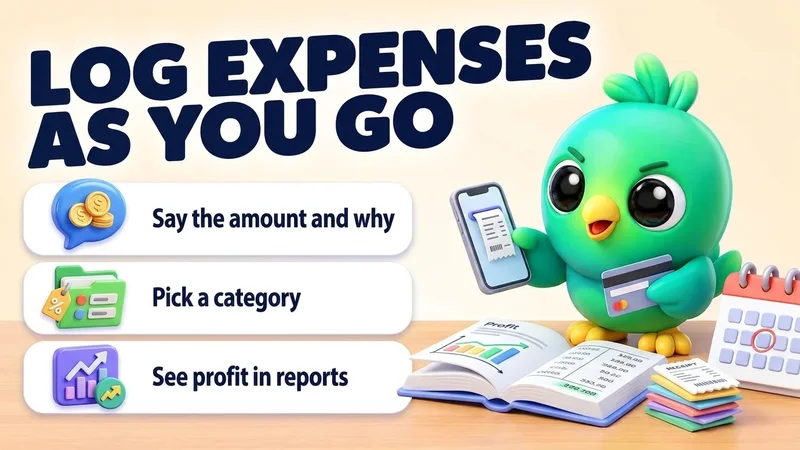
Log business expenses as you go
“Add expenses for today: 3,500 for packaging (Supplies) and 1,200 for delivery fuel (Transport).”
See the steps- Changes on
Reports
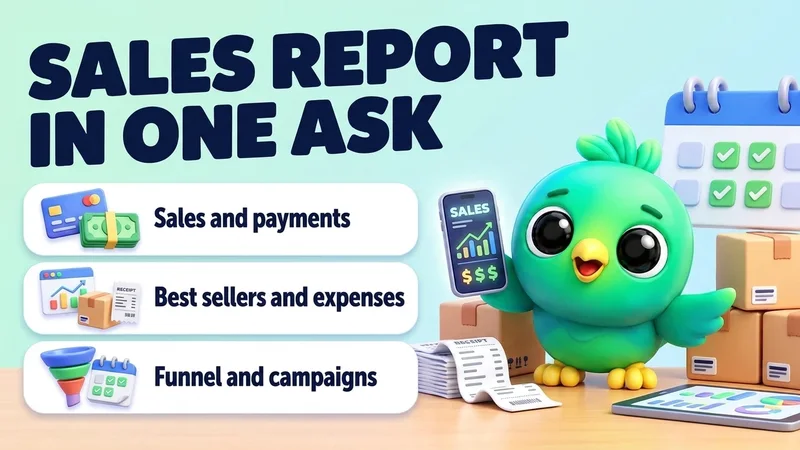
Get your monthly sales report in one question
“How did sales go in the last 30 days compared with the 30 days before? Show orders, total sales, paid versus unpaid, best sellers, expenses and campaign results in a table.”
See the steps- Reading on
Turn your WhatsApp inbox into an organised sales workspace
Add the extension, open WhatsApp Web and start organising the chats you already have. No separate CRM to keep in sync.
- Works with your existing WhatsApp Web account
- CRM records stay on your device
- AI optional, your own key