AI connector use case · Catch up
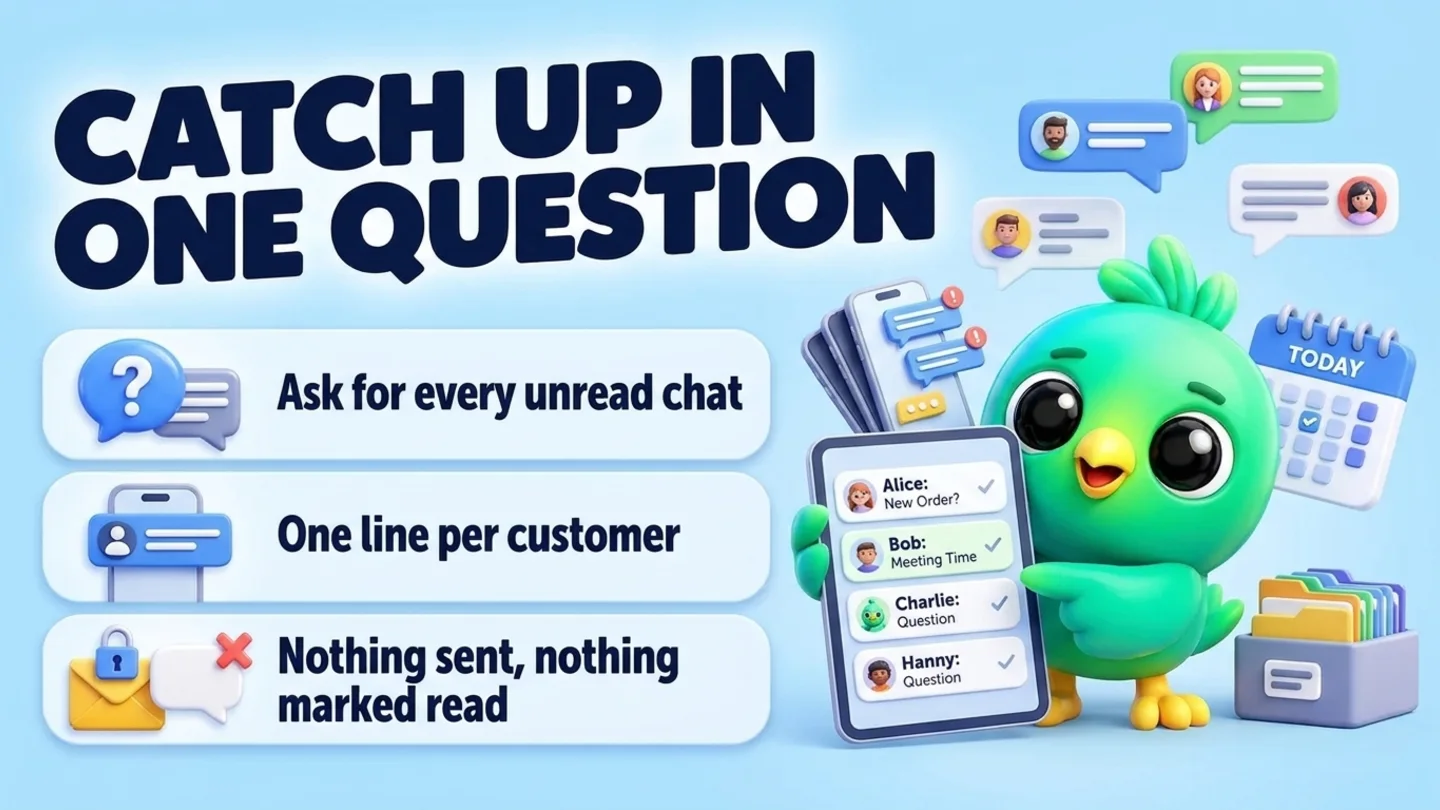
Catch up on unread WhatsApp chats in one question
Ask your AI app which WhatsApp chats are waiting and get one line per customer: who it is and what they want. It reads your recent chats through InboxCRM and replies to nobody.
- Reading on
The prompt
Copy this into Claude, ChatGPT or Gemini
Which of my WhatsApp chats have unread messages? For each one, give me one line: the name, what they want, and how urgent it looks. Don't reply to anyone.
- Reading on: Switch on “Let Claude read my chats and orders” on the Claude tab of InboxCRM’s HTTP API window.
Step by step
How to do it
What you get: A short, sorted to-do list of the people waiting for you, without opening twenty chats.
- 1Open your AI app with InboxCRM connected, and keep WhatsApp Web open in Chrome on your computer.
- 2Check that "Let Claude read my chats and orders" is on, on the Claude tab of InboxCRM's HTTP API window.
- 3Paste the prompt. The AI lists your recent chats and reads the unread ones.
- 4Read the list and pick who to answer first.
- 5Ask a follow-up such as "Read Ayesha's chat in full and tell me what she is waiting for".
Tips
- Add "sort by urgency" or "orders first" to get the list in the order you work.
- Do this at the start of the day and again after lunch.
Watch out
The AI reads up to the last 50 messages of a chat, and what it reads is sent to your AI provider.
Connector tools used:list_chatsread_chat
Not connected yet?
Add one address to your AI app, sign in with your InboxCRM account and choose what it may read and change.
Try these next
Catch up
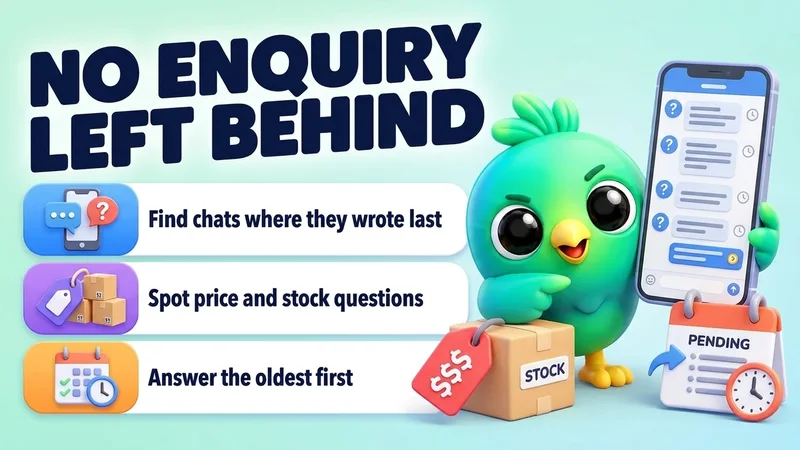
Find WhatsApp enquiries you forgot to answer
“Look at my recent WhatsApp chats and find the ones where the customer sent the last message and I haven't replied. List them oldest first, with what they asked.”
See the steps- Reading on
Catch up
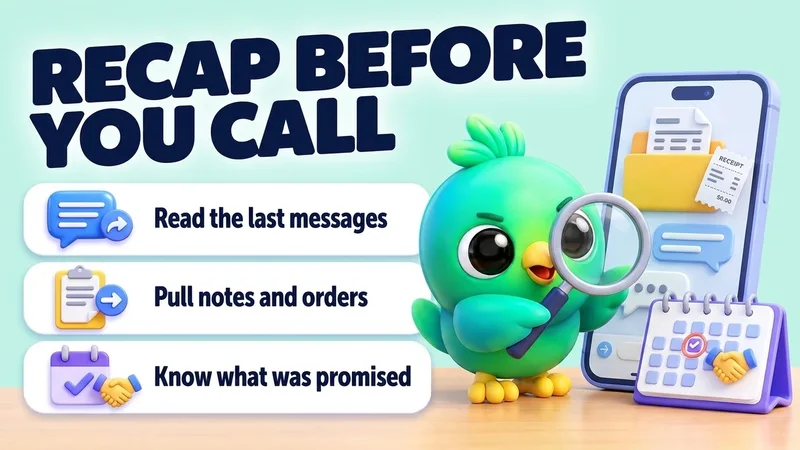
Get a quick recap of a customer before you call them
“I'm about to call Dilan (0771234567). Read our recent WhatsApp chat, his notes and his orders, and tell me in five lines what we agreed, what he's waiting for, and anything I promised.”
See the steps- Reading on
Catch up
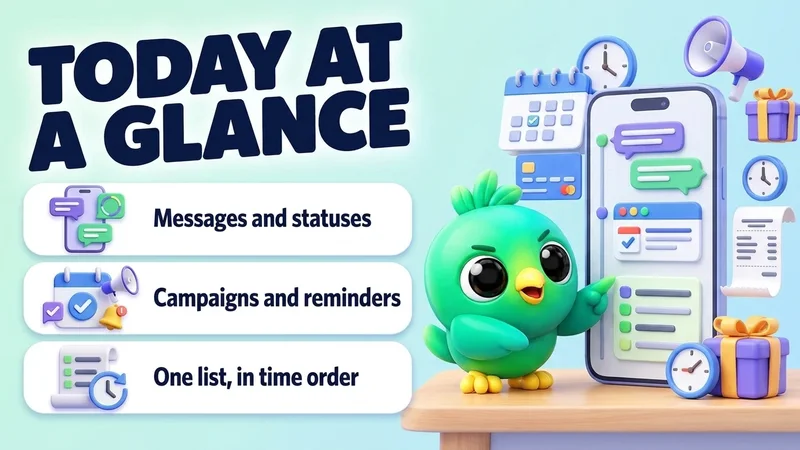
See everything scheduled for today on WhatsApp
“What's scheduled in InboxCRM for today and tomorrow? List messages, statuses, campaigns and reminders in time order.”
See the steps- Reading on

Turn your WhatsApp inbox into an organised sales workspace
Add the extension, open WhatsApp Web and start organising the chats you already have. No separate CRM to keep in sync.
- Works with your existing WhatsApp Web account
- CRM records stay on your device
- AI optional, your own key