AI connector use case · Catch up
Get a quick recap of a customer before you call them
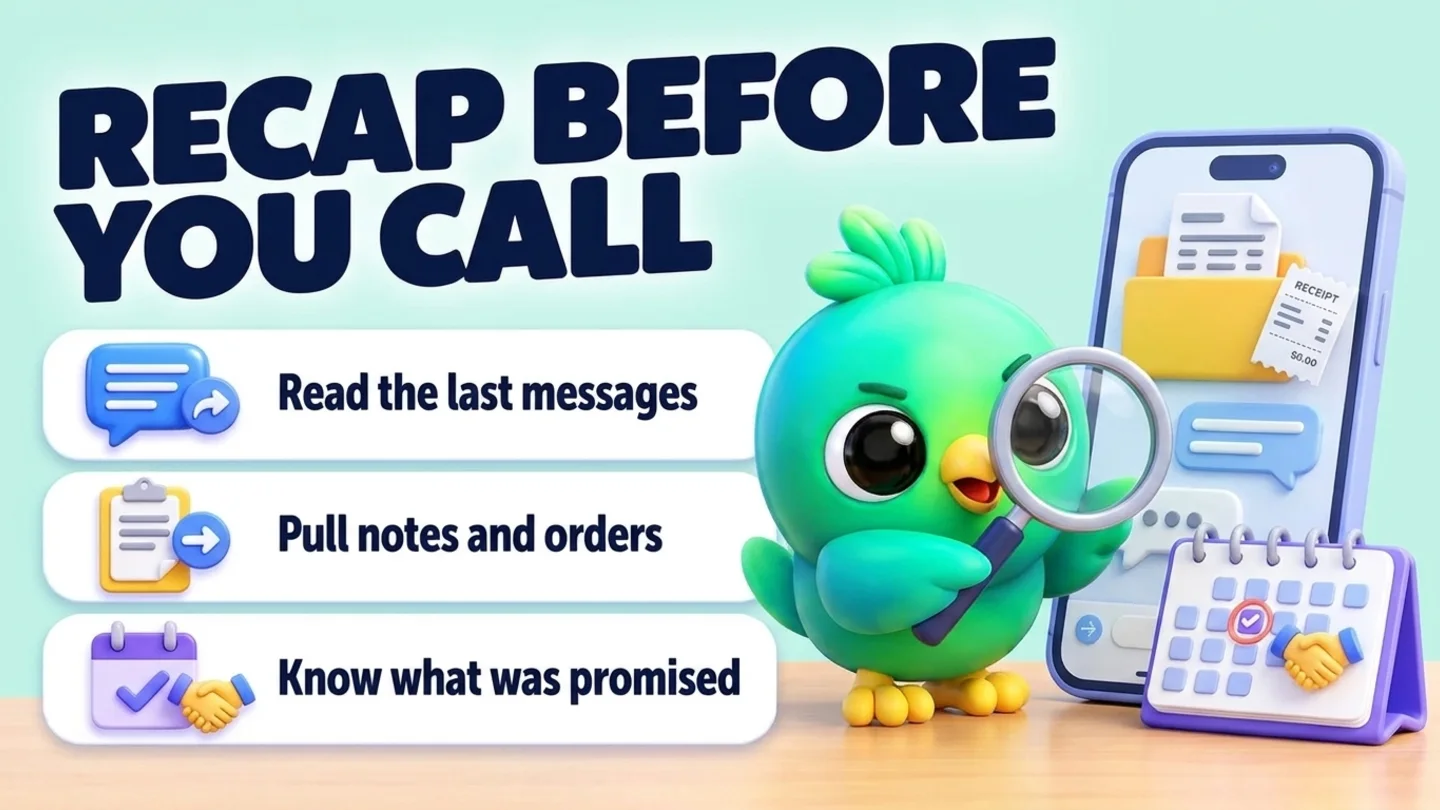
Before a call, ask the AI to read the chat, the contact's notes and their orders, and tell you in a few lines what was agreed and what is still open.
- Reading on
The prompt
Copy this into Claude, ChatGPT or Gemini
I'm about to call Dilan (0771234567). Read our recent WhatsApp chat, his notes and his orders, and tell me in five lines what we agreed, what he's waiting for, and anything I promised.
- Reading on: Switch on “Let Claude read my chats and orders” on the Claude tab of InboxCRM’s HTTP API window.
Step by step
How to do it
What you get: A five-line brief, so you never ask a customer to repeat themselves.
- 1Switch on reading in InboxCRM.
- 2Paste the prompt with the customer's name or number.
- 3The AI finds the contact, reads the last messages, the notes and recent orders.
- 4Read the recap before you dial.
- 5After the call, ask the AI to add a note with what you agreed.
Tips
- Use the phone number when two contacts share a name.
- Ask "what did he object to?" for sales calls.
Watch out
The recap is only as good as what is in the chat and your notes.
Connector tools used:find_contactsread_chatlist_ordersnotes
Not connected yet?
Add one address to your AI app, sign in with your InboxCRM account and choose what it may read and change.
Try these next
Follow-ups
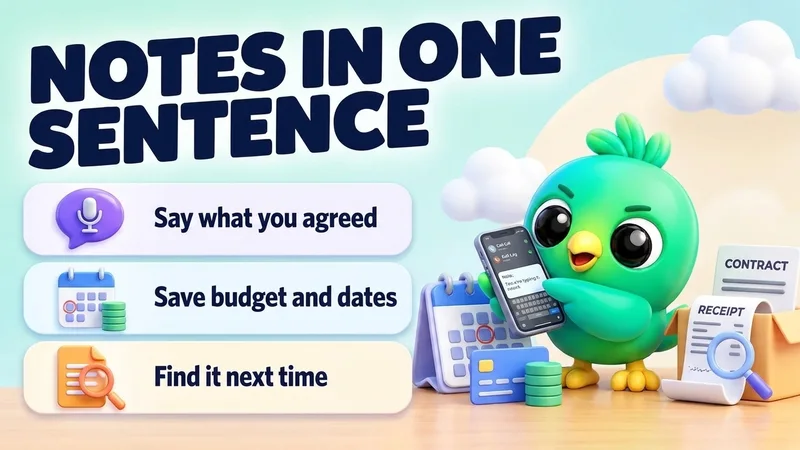
Add notes and details to a contact after a call
“Add a note to Dilan's chat: wants delivery before the 15th, budget around 40,000, prefers bank transfer. Also save his email [email protected] and set his deal value to 40,000.”
See the steps- Changes on
Catch up
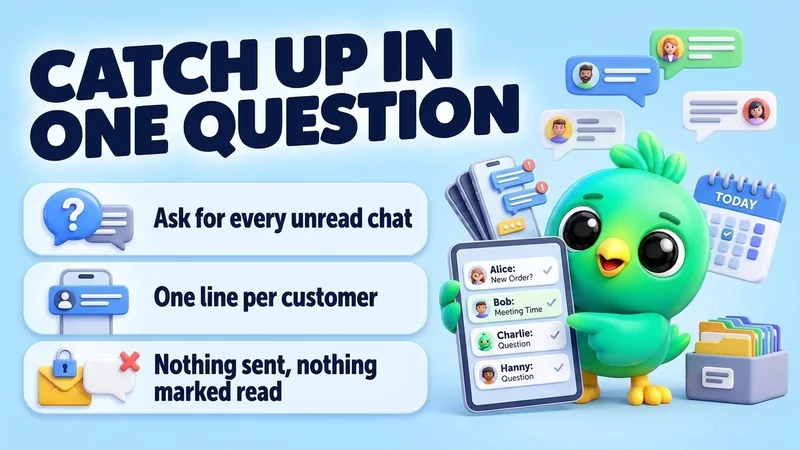
Catch up on unread WhatsApp chats in one question
“Which of my WhatsApp chats have unread messages? For each one, give me one line: the name, what they want, and how urgent it looks. Don't reply to anyone.”
See the steps- Reading on
Pipeline
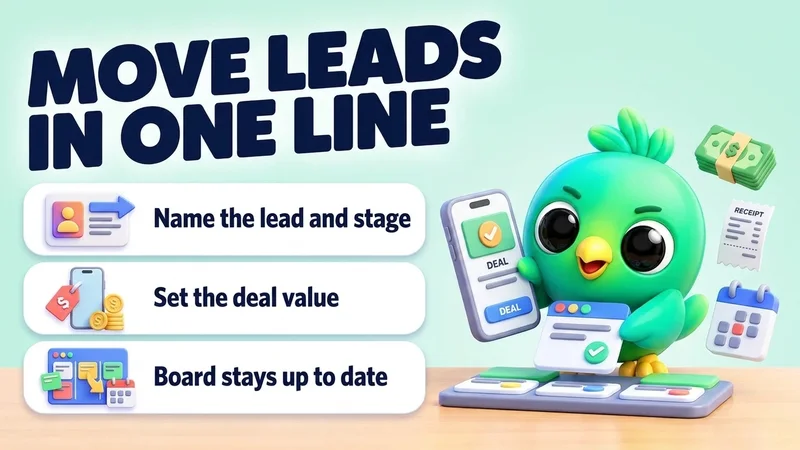
Move leads to the next stage and set deal values
“Move Sara to "Proposal" on my Sales board and set her deal value to 85,000. Move Kamal to "Won".”
See the steps- Changes on

Turn your WhatsApp inbox into an organised sales workspace
Add the extension, open WhatsApp Web and start organising the chats you already have. No separate CRM to keep in sync.
- Works with your existing WhatsApp Web account
- CRM records stay on your device
- AI optional, your own key