AI connector use case · Follow-ups
Add notes and details to a contact after a call
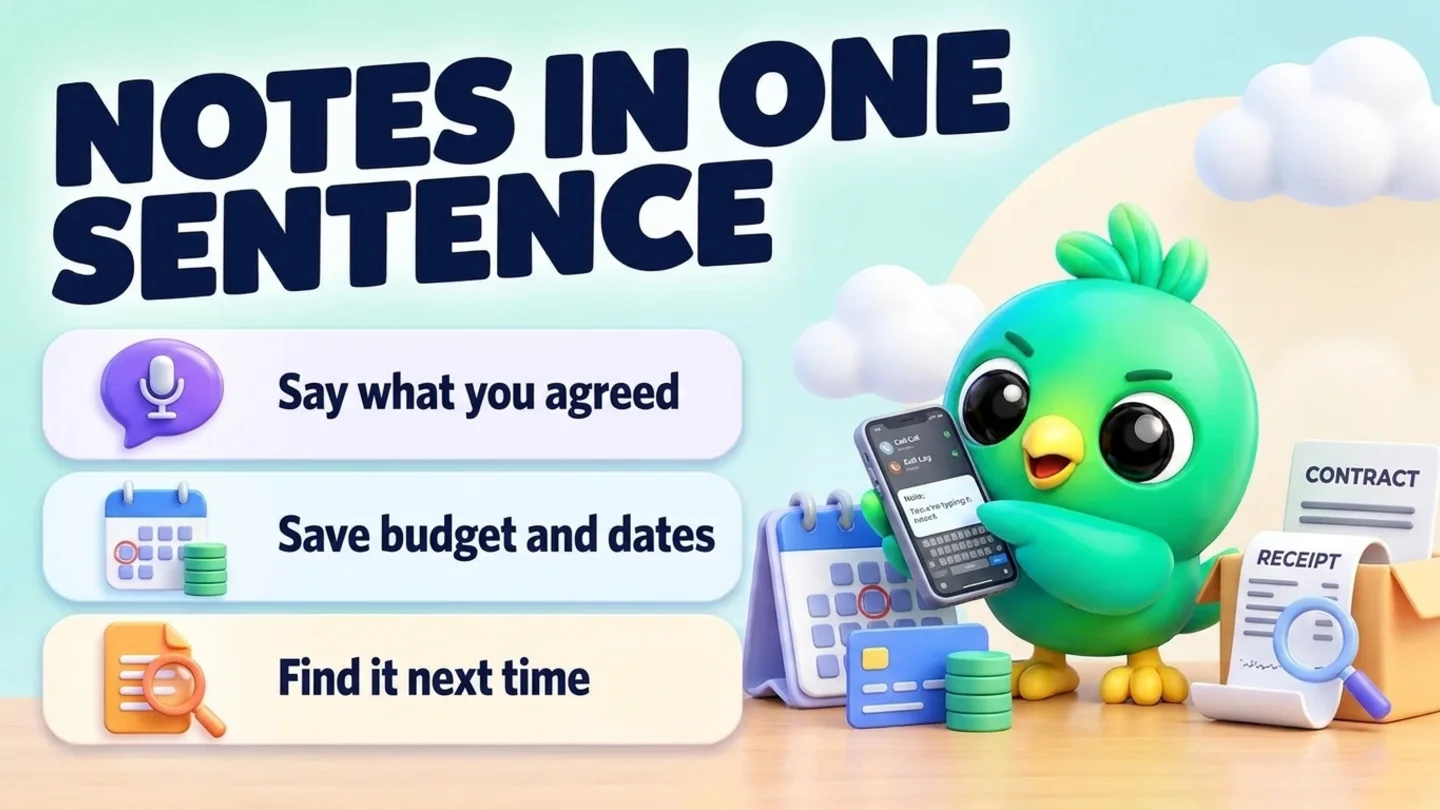
Tell the AI what happened on a call in one sentence. It adds a note to the chat and fills the contact's details such as email, company and deal value.
- Changes on
The prompt
Copy this into Claude, ChatGPT or Gemini
Add a note to Dilan's chat: wants delivery before the 15th, budget around 40,000, prefers bank transfer. Also save his email [email protected] and set his deal value to 40,000.
- Changes on: Switch on “Let Claude change my InboxCRM (create, edit, delete)” on the same tab.
Step by step
How to do it
What you get: Every detail lives next to the chat instead of in your head.
- 1Switch on changes in InboxCRM.
- 2Paste the prompt right after the call, while you remember.
- 3The AI adds the note and updates the contact.
- 4Open the chat tools panel next to the chat to see it.
Tips
- Start notes with the date so you can read them as a timeline.
- Ask "what do my notes say about Dilan?" before the next call.
Watch out
Do not save card numbers or passwords in notes.
Connector tools used:notescontacts
Not connected yet?
Add one address to your AI app, sign in with your InboxCRM account and choose what it may read and change.
Try these next
Catch up
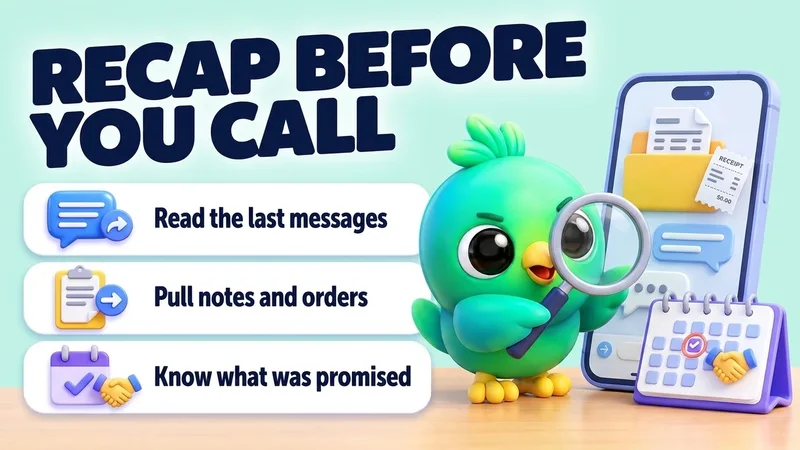
Get a quick recap of a customer before you call them
“I'm about to call Dilan (0771234567). Read our recent WhatsApp chat, his notes and his orders, and tell me in five lines what we agreed, what he's waiting for, and anything I promised.”
See the steps- Reading on
Pipeline
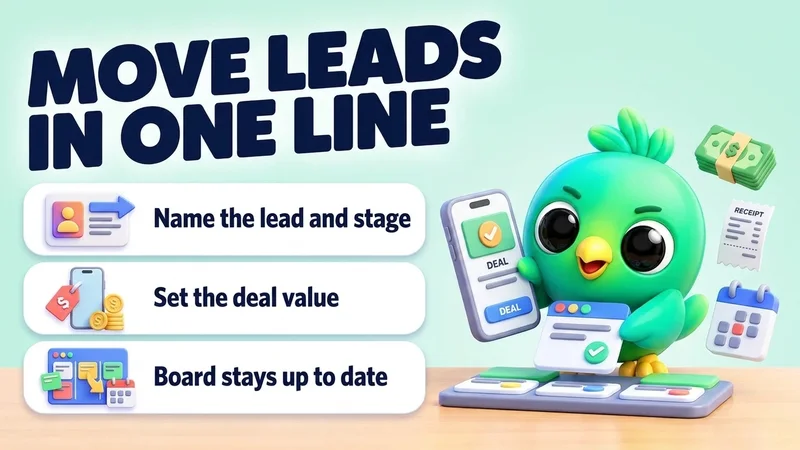
Move leads to the next stage and set deal values
“Move Sara to "Proposal" on my Sales board and set her deal value to 85,000. Move Kamal to "Won".”
See the steps- Changes on
Follow-ups
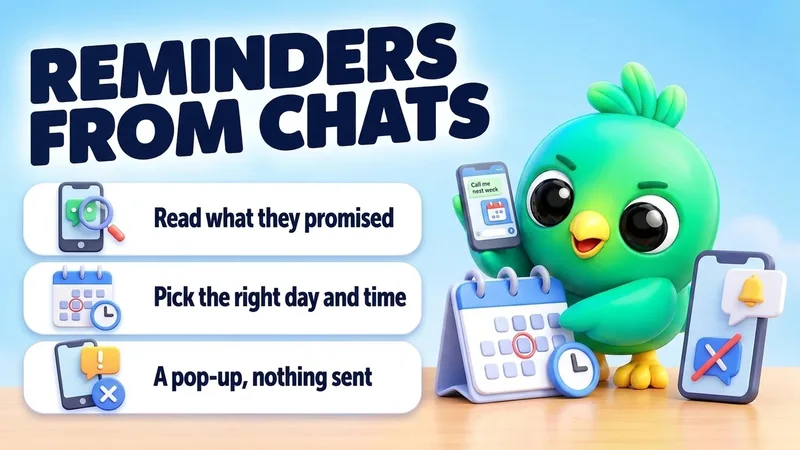
Set reminders from what customers tell you
“Read today's chats. Wherever a customer asked me to get back to them later, set a reminder for that day at 10:00 with their name and what to do.”
See the steps- Reading on
- Changes on
Turn your WhatsApp inbox into an organised sales workspace
Add the extension, open WhatsApp Web and start organising the chats you already have. No separate CRM to keep in sync.
- Works with your existing WhatsApp Web account
- CRM records stay on your device
- AI optional, your own key