30 use cases · AI connector (MCP)
30 WhatsApp jobs to hand to your AI

Catch up
Catch up
Catch up on unread WhatsApp chats in one question
“Which of my WhatsApp chats have unread messages? For each one, give me one line: the name, what they want, and how urgent it looks. Don't reply to anyone.”
See the steps- Reading on
Catch up
Find WhatsApp enquiries you forgot to answer
“Look at my recent WhatsApp chats and find the ones where the customer sent the last message and I haven't replied. List them oldest first, with what they asked.”
See the steps- Reading on
Catch up
Get a quick recap of a customer before you call them
“I'm about to call Dilan (0771234567). Read our recent WhatsApp chat, his notes and his orders, and tell me in five lines what we agreed, what he's waiting for, and anything I promised.”
See the steps- Reading on
Catch up
See everything scheduled for today on WhatsApp
“What's scheduled in InboxCRM for today and tomorrow? List messages, statuses, campaigns and reminders in time order.”
See the steps- Reading on
Replies
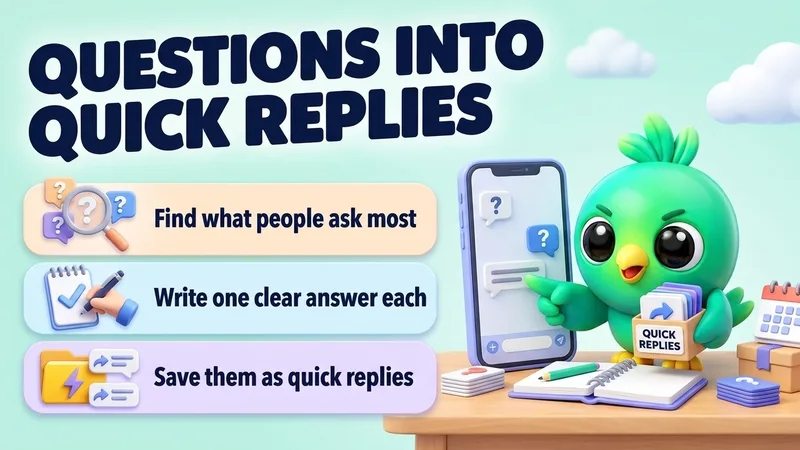
Replies
Turn your most common WhatsApp questions into quick replies
“Read my recent WhatsApp chats and find the 5 questions customers ask most. Write a short, friendly answer for each and save them as quick replies. Show me the answers before you save.”
See the steps- Reading on
- Changes on
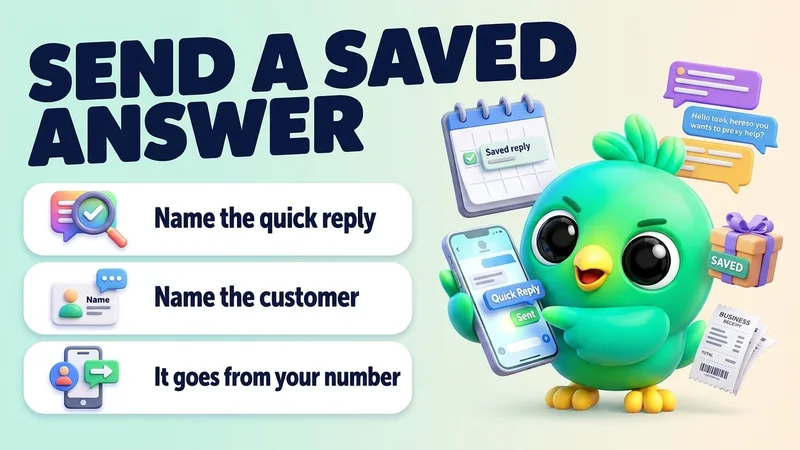
Replies
Send a saved quick reply to a customer by name
“Send my "Delivery times" quick reply to Nimali.”
See the steps- Changes on
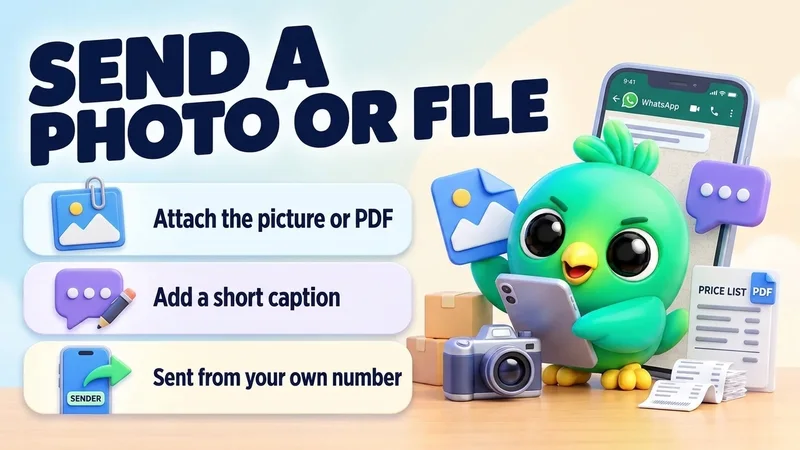
Replies
Send a product photo or file with a caption
“Send this photo of the blue dress to Kamal with the caption: "Just arrived in your size. Want me to keep one for you?"”
See the steps- Sending
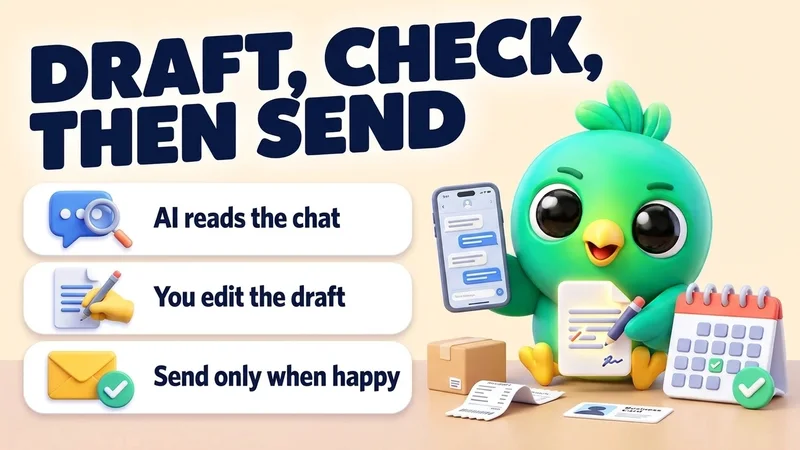
Replies
Draft a careful reply and review it before it is sent
“Read my chat with Sara. She's unhappy about a late delivery. Draft a short, kind reply that apologises and offers a new delivery date of Friday. Show me the draft and wait for my OK before sending.”
See the steps- Reading on
- Sending
Follow-ups
Follow-ups
Set reminders from what customers tell you
“Read today's chats. Wherever a customer asked me to get back to them later, set a reminder for that day at 10:00 with their name and what to do.”
See the steps- Reading on
- Changes on
Follow-ups
Schedule a WhatsApp message to send later
“Schedule a message to Sara for Friday at 9:00: "Hi Sara, just checking if you had a chance to look at the quotation. Happy to answer any questions."”
See the steps- Changes on
Follow-ups
Follow up automatically when a lead goes quiet
“Make a follow-up for my Sales board: if a lead in "Quote sent" doesn't reply for 2 days, send my "Gentle check-in" quick reply. If still nothing after 5 more days, send "Last check-in". Stop if they reply or change stage.”
See the steps- Changes on
Follow-ups
Add notes and details to a contact after a call
“Add a note to Dilan's chat: wants delivery before the 15th, budget around 40,000, prefers bank transfer. Also save his email [email protected] and set his deal value to 40,000.”
See the steps- Changes on
Pipeline
Pipeline
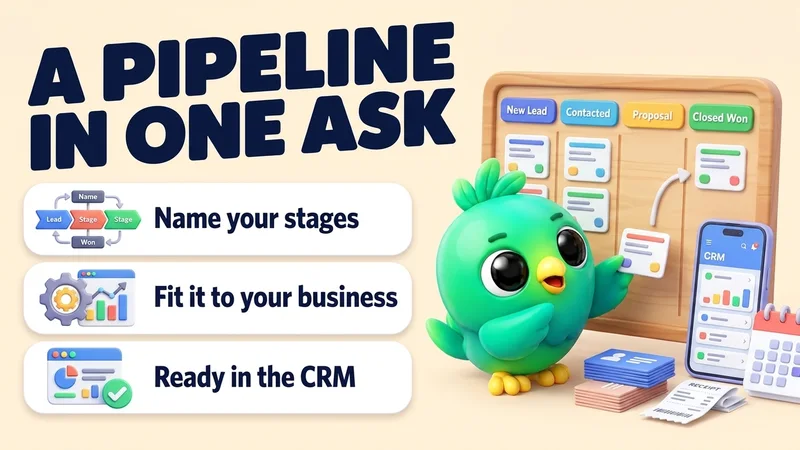
Build a sales pipeline board for your business
“I run a wedding photography business. Make a CRM board called "Wedding enquiries" with stages: New, Date checked, Quote sent, Booked, Lost.”
See the steps- Changes on
Pipeline
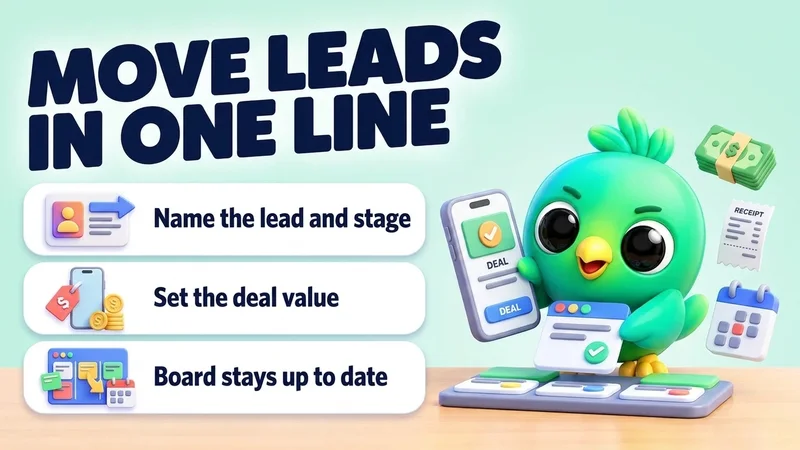
Move leads to the next stage and set deal values
“Move Sara to "Proposal" on my Sales board and set her deal value to 85,000. Move Kamal to "Won".”
See the steps- Changes on
Pipeline
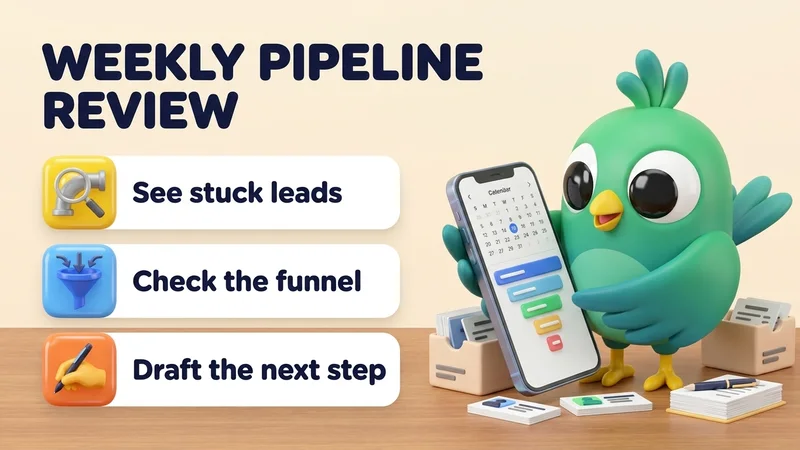
Review your sales pipeline every week
“Review my Sales board. Which leads have been in the same stage for more than 7 days? Show the funnel numbers, and draft a short check-in for each stuck lead. Don't send anything.”
See the steps- Reading on
Campaigns
Campaigns
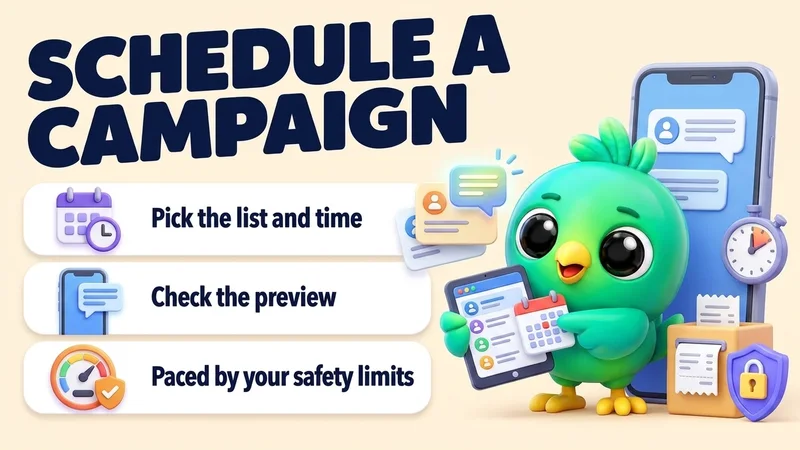
Schedule a WhatsApp campaign to a customer list
“Schedule a campaign to my "VIP customers" list for Saturday at 10:00: "The holiday gift boxes are back in stock. Reply YES and I'll keep one for you."”
See the steps- Changes on
- Preview first
Campaigns
Build a recipient list for your next campaign
“Make a recipient list called "VIP customers" with Kamal Perera, Nimali, Sara and Dilan.”
See the steps- Reading on
- Changes on
Campaigns
Schedule a WhatsApp status post
“Post a WhatsApp status tomorrow at 8:00 with this photo and the text: "Weekend sale: 20% off all mugs until Sunday."”
See the steps- Changes on
- Preview first
Campaigns
Post a campaign in your WhatsApp groups
“Schedule a campaign to my groups "Colombo buyers" and "Wholesale club" for today at 18:00: "New stock list is ready. Message me for prices."”
See the steps- Reading on
- Changes on
- Preview first
Automations
Automations
Make an auto-reply for a keyword like price
“Make an automation: when a message contains "price" or "price list", reply with my "Price list" quick reply. Don't answer chats that are already in my pipeline.”
See the steps- Changes on
Automations
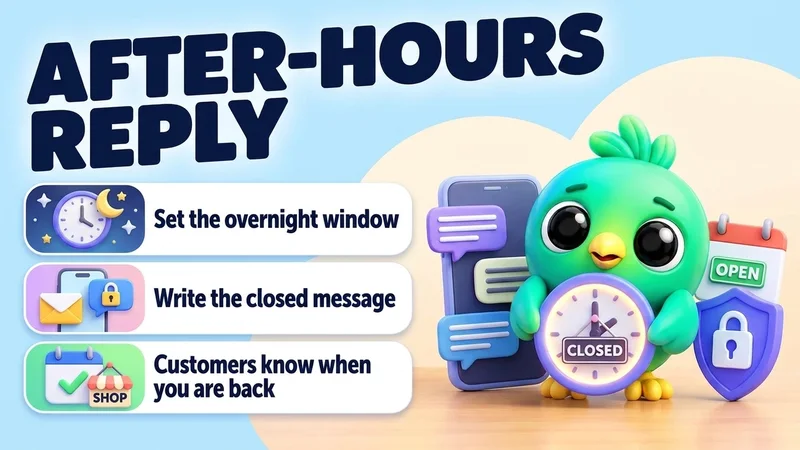
Set an after-hours auto-reply
“Make an automation with a time window from 18:00 to 09:00, every day, that answers: "Thanks for your message! We're closed now and will reply first thing in the morning." Answer each chat only once.”
See the steps- Changes on
Automations
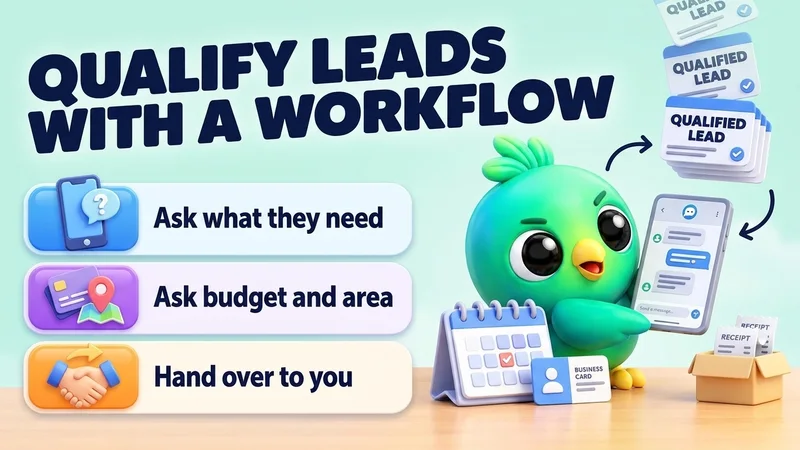
Qualify new leads with a chatbot workflow
“Make a workflow from a template that greets new leads, asks what they need, their budget and their area, then tells them I'll reply within an hour.”
See the steps- Changes on
Automations
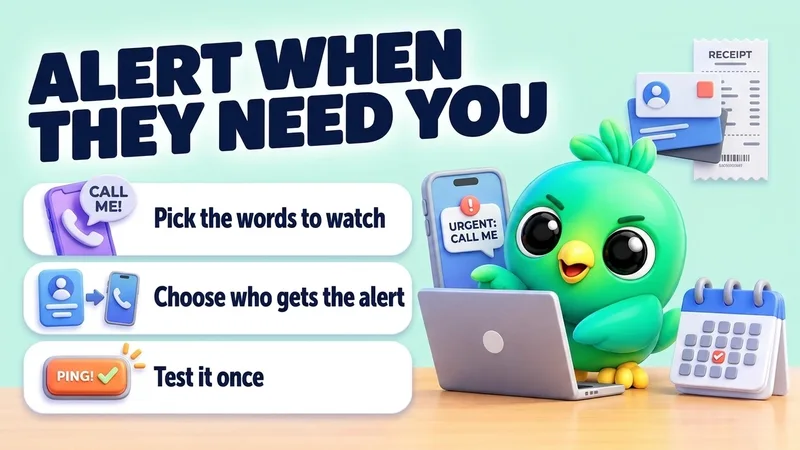
Get a phone alert when a customer asks for a person
“Set up Call a person: when a customer writes "urgent", "call me" or "complaint", alert my number 0771234567. Then send a test alert.”
See the steps- Changes on
- Preview first
Automations
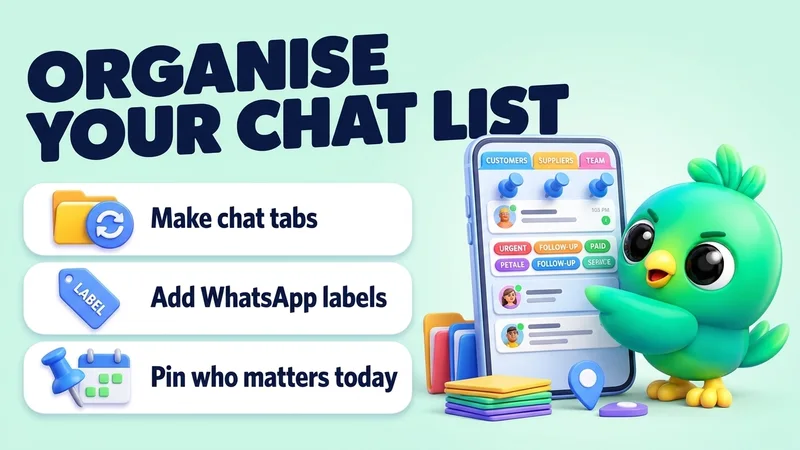
Organise chats with tabs, labels and pins
“Make a chat tab called "Wholesale" with Kamal, Dilan and Sara. Add the label "Paid" to Nimali's chat, and pin my 3 most recent order chats.”
See the steps- Reading on
- Changes on
Orders
Orders
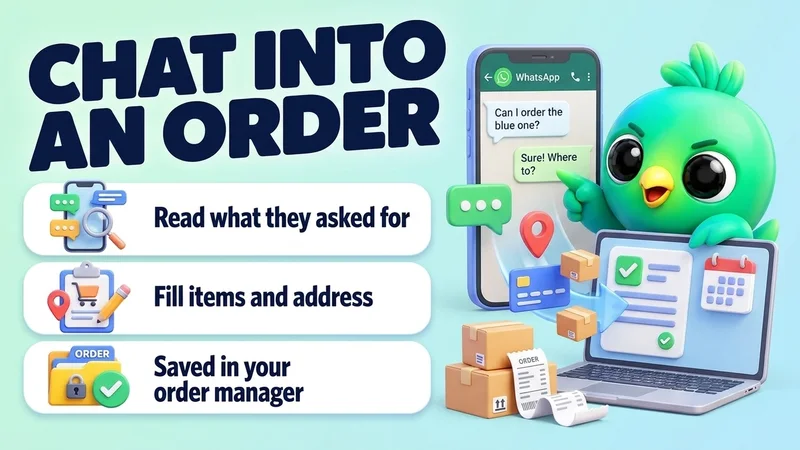
Turn a WhatsApp chat into an order
“Create an order for Kamal Perera from his chat: 2 ceramic mugs at 1,900 each, cash on delivery, deliver to No 12, Temple Lane, Nugegoda. If anything is missing, ask me.”
See the steps- Reading on
- Changes on
Orders
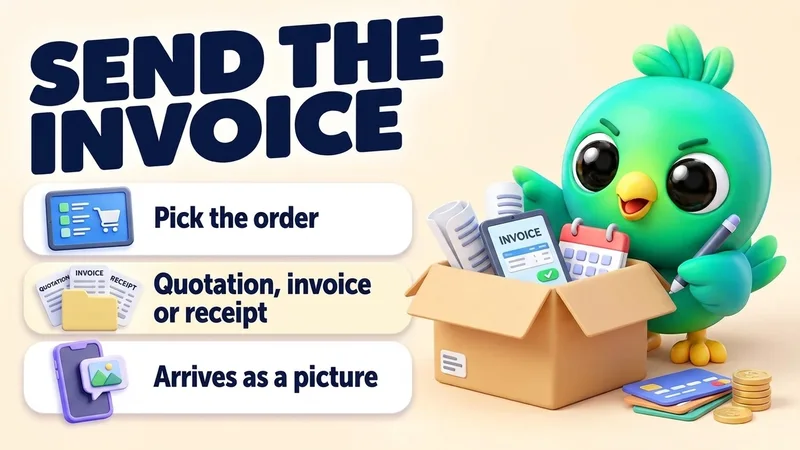
Send a quotation, invoice or receipt into the chat
“Kamal paid 3,800 by bank transfer. Mark his latest order paid and send him the receipt.”
See the steps- Reading on
- Changes on
Orders
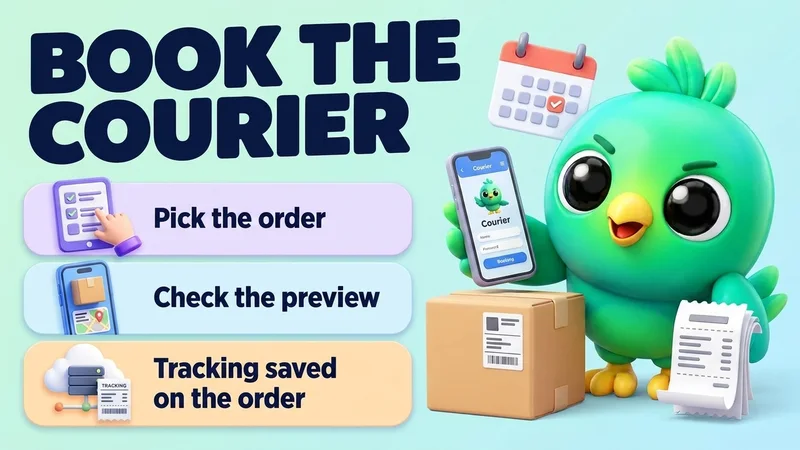
Book a courier for an order (Sri Lanka)
“Book the parcel for Kamal's latest order with Koombiyo, then send him the tracking number.”
See the steps- Reading on
- Changes on
- Preview first
Stock & money
Stock & money
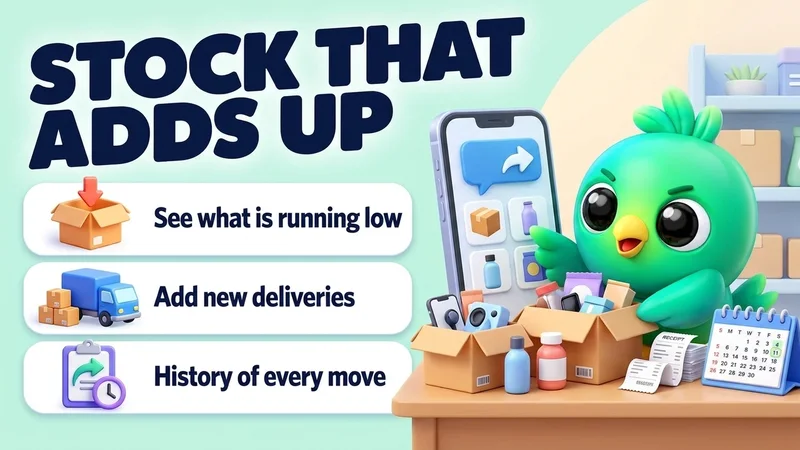
Check low stock and add new stock
“Which products have fewer than 5 in stock? Then add 50 units of the blue T-shirt in size M, delivered today.”
See the steps- Reading on
- Changes on
Stock & money
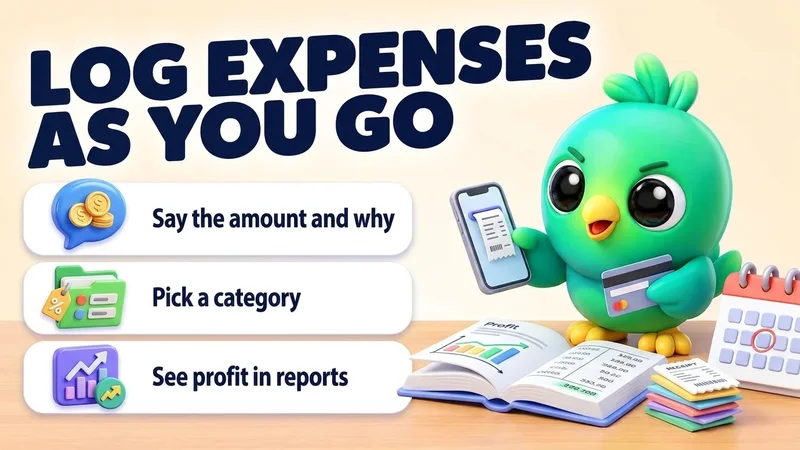
Log business expenses as you go
“Add expenses for today: 3,500 for packaging (Supplies) and 1,200 for delivery fuel (Transport).”
See the steps- Changes on
Not connected yet? It takes a few minutes.
Set up the AI connector
Turn your WhatsApp inbox into an organised sales workspace
Add the extension, open WhatsApp Web and start organising the chats you already have. No separate CRM to keep in sync.
- Works with your existing WhatsApp Web account
- CRM records stay on your device
- AI optional, your own key