AI connector use case · Automations
Get a phone alert when a customer asks for a person
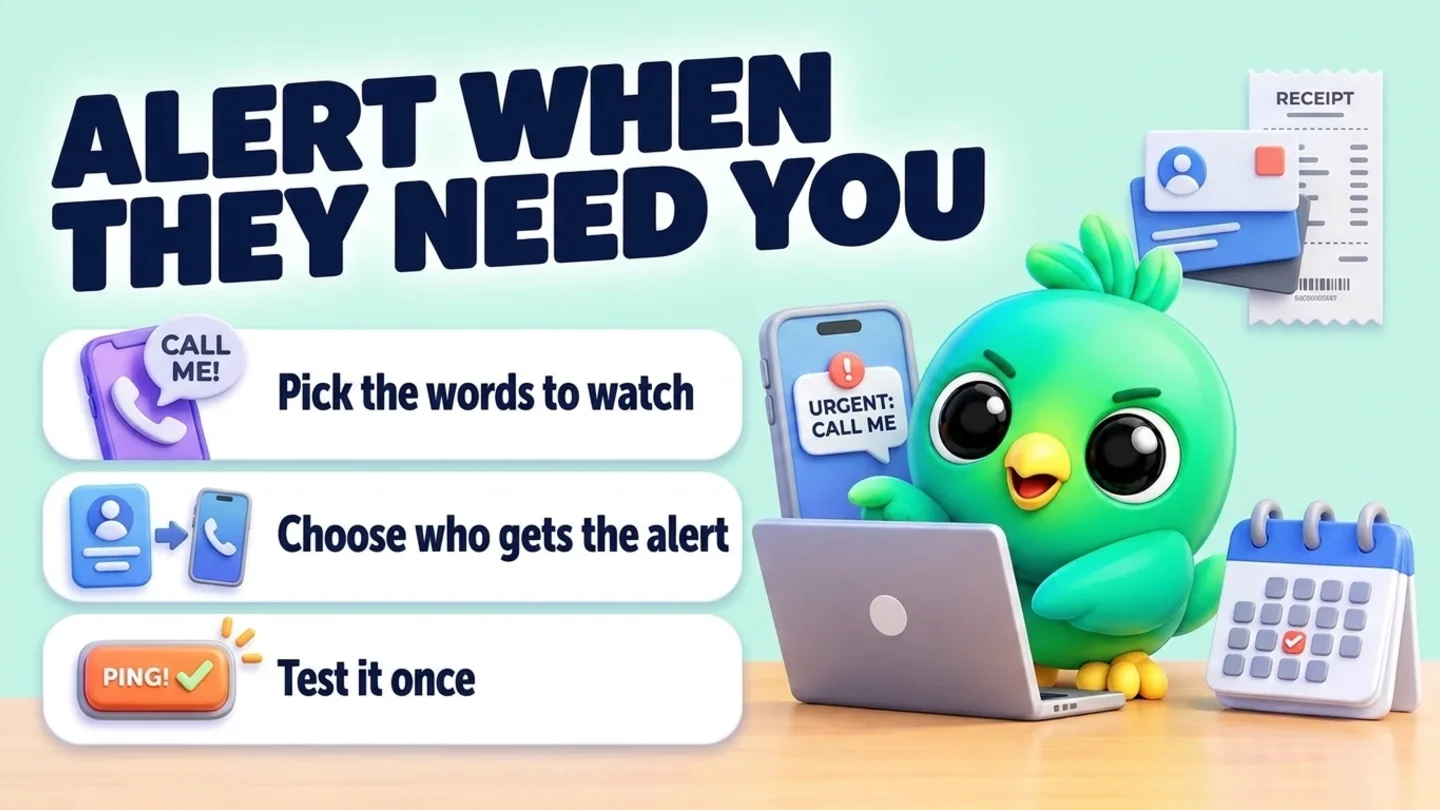
Ask the AI to set up InboxCRM's Call a person alerts, so words like "urgent" or "call me" alert you or a teammate, then send a test.
- Changes on
- Preview first
The prompt
Copy this into Claude, ChatGPT or Gemini
Set up Call a person: when a customer writes "urgent", "call me" or "complaint", alert my number 0771234567. Then send a test alert.
- Changes on: Switch on “Let Claude change my InboxCRM (create, edit, delete)” on the same tab.
- Preview first: the AI shows you what would happen and changes nothing until you say yes.
Step by step
How to do it
What you get: Urgent customers reach a person fast, even when you are away from the desk.
- 1Switch on changes in InboxCRM.
- 2Paste the prompt with your words and number.
- 3Check the preview of the numbers, routes and words, then say yes.
- 4Check that the test alert reached you.
Tips
- Use words customers actually write, in your languages.
- Route complaints to whoever handles them.
Watch out
Changes to numbers, routes or words always show a preview first.
Connector tools used:call_a_person
Not connected yet?
Add one address to your AI app, sign in with your InboxCRM account and choose what it may read and change.
Try these next
Automations
Set an after-hours auto-reply
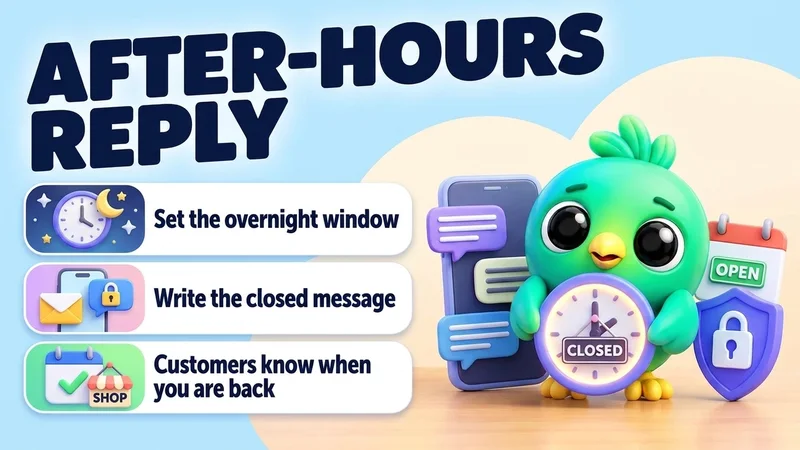
“Make an automation with a time window from 18:00 to 09:00, every day, that answers: "Thanks for your message! We're closed now and will reply first thing in the morning." Answer each chat only once.”
See the steps- Changes on
Replies
Draft a careful reply and review it before it is sent
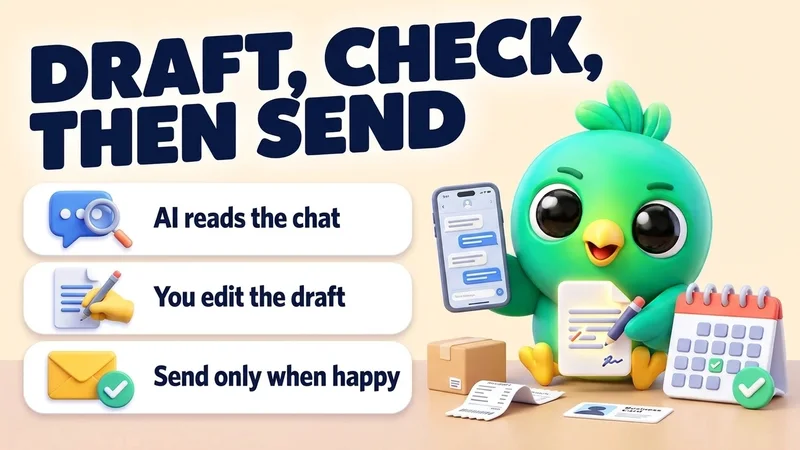
“Read my chat with Sara. She's unhappy about a late delivery. Draft a short, kind reply that apologises and offers a new delivery date of Friday. Show me the draft and wait for my OK before sending.”
See the steps- Reading on
- Sending
Automations
Make an auto-reply for a keyword like price
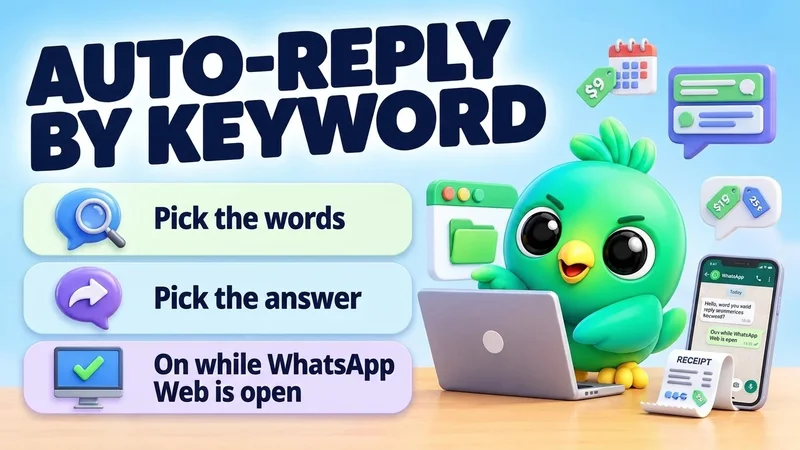
“Make an automation: when a message contains "price" or "price list", reply with my "Price list" quick reply. Don't answer chats that are already in my pipeline.”
See the steps- Changes on

Turn your WhatsApp inbox into an organised sales workspace
Add the extension, open WhatsApp Web and start organising the chats you already have. No separate CRM to keep in sync.
- Works with your existing WhatsApp Web account
- CRM records stay on your device
- AI optional, your own key