AI connector use case · Automations
Organise chats with tabs, labels and pins
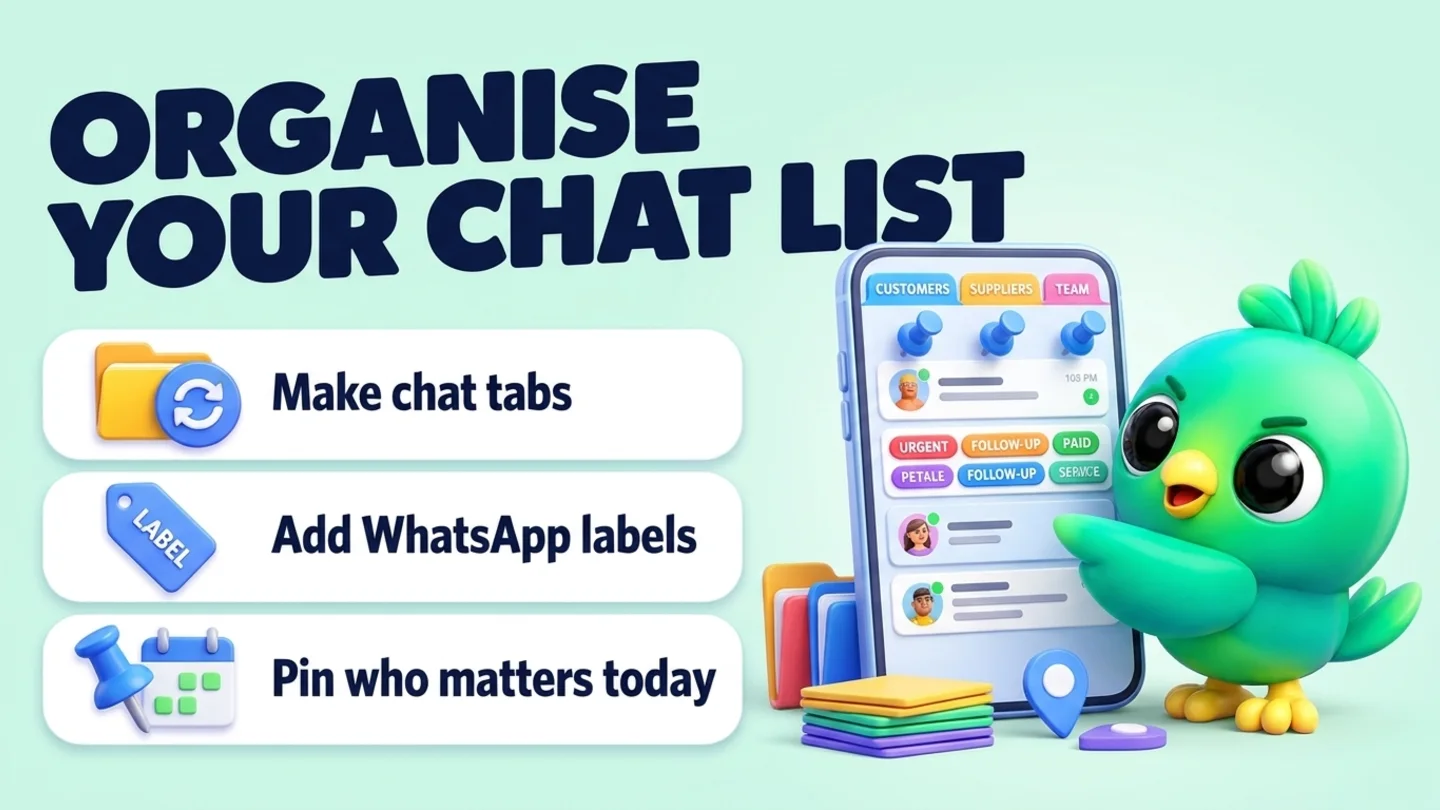
Ask the AI to sort your chat list: make tabs for groups of customers, add WhatsApp labels and pin the chats you need today.
- Reading on
- Changes on
The prompt
Copy this into Claude, ChatGPT or Gemini
Make a chat tab called "Wholesale" with Kamal, Dilan and Sara. Add the label "Paid" to Nimali's chat, and pin my 3 most recent order chats.
- Reading on: Switch on “Let Claude read my chats and orders” on the Claude tab of InboxCRM’s HTTP API window.
- Changes on: Switch on “Let Claude change my InboxCRM (create, edit, delete)” on the same tab.
Step by step
How to do it
What you get: A chat list sorted the way you work, not just by the latest message.
- 1Switch on reading and changes in InboxCRM.
- 2Paste the prompt.
- 3The AI creates the tab, sets the label and pins the chats.
- 4Look above your chat list in WhatsApp Web to see the tab.
Tips
- Unpin everything at the end of the day with one ask.
- Creating labels needs WhatsApp Business.
Watch out
Taking chats out of a tab or deleting it shows a preview first.
Connector tools used:chat_tabslabelspinned_chats
Not connected yet?
Add one address to your AI app, sign in with your InboxCRM account and choose what it may read and change.
Try these next
Campaigns
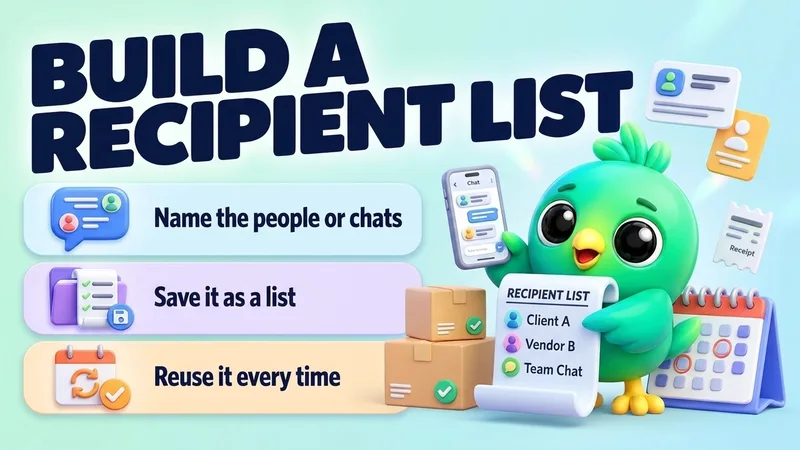
Build a recipient list for your next campaign
“Make a recipient list called "VIP customers" with Kamal Perera, Nimali, Sara and Dilan.”
See the steps- Reading on
- Changes on
Catch up
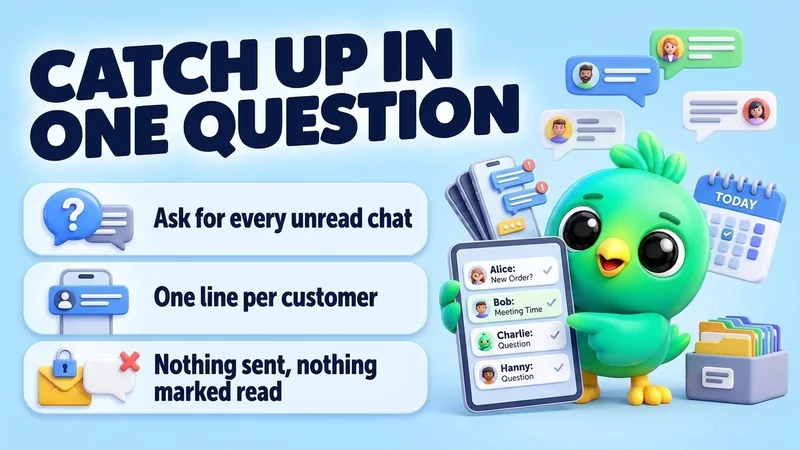
Catch up on unread WhatsApp chats in one question
“Which of my WhatsApp chats have unread messages? For each one, give me one line: the name, what they want, and how urgent it looks. Don't reply to anyone.”
See the steps- Reading on
Pipeline
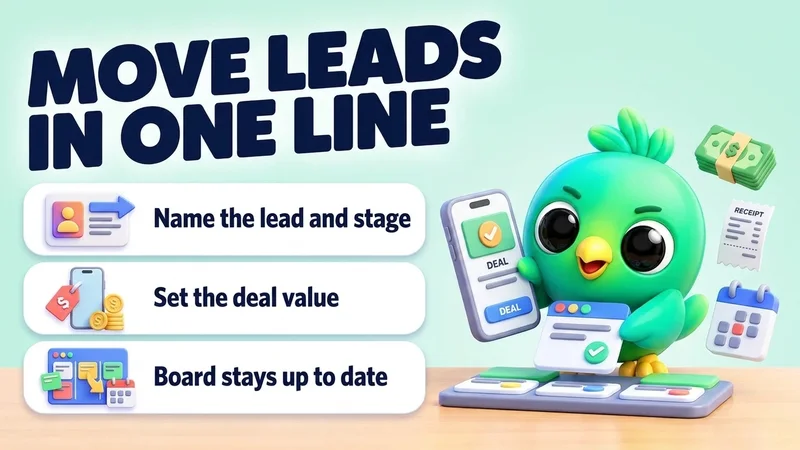
Move leads to the next stage and set deal values
“Move Sara to "Proposal" on my Sales board and set her deal value to 85,000. Move Kamal to "Won".”
See the steps- Changes on
Turn your WhatsApp inbox into an organised sales workspace
Add the extension, open WhatsApp Web and start organising the chats you already have. No separate CRM to keep in sync.
- Works with your existing WhatsApp Web account
- CRM records stay on your device
- AI optional, your own key