AI connector use case · Follow-ups
Schedule a WhatsApp message to send later
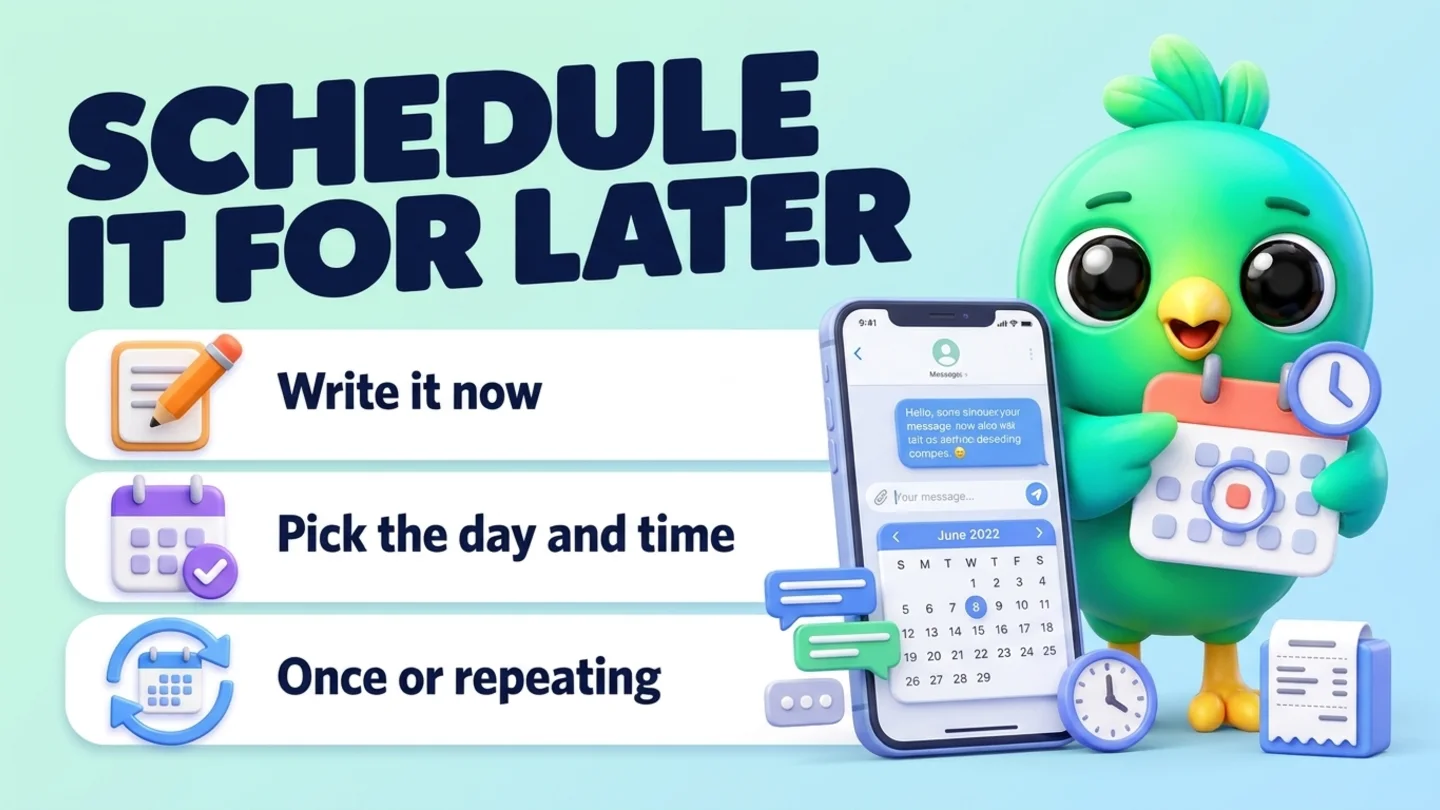
Ask the AI to schedule one message to one customer at a set time, once or repeating, so it goes out at the right moment even if you forget.
- Changes on
The prompt
Copy this into Claude, ChatGPT or Gemini
Schedule a message to Sara for Friday at 9:00: "Hi Sara, just checking if you had a chance to look at the quotation. Happy to answer any questions."
- Changes on: Switch on “Let Claude change my InboxCRM (create, edit, delete)” on the same tab.
Step by step
How to do it
What you get: Follow-ups go out on time without you watching the clock.
- 1Switch on changes in InboxCRM.
- 2Paste the prompt with the customer, the time and the text.
- 3The AI creates the scheduled message and tells you when it will go.
- 4Leave your computer on with WhatsApp Web open at that time.
Tips
- Use repeating messages for monthly payment or renewal reminders.
- Ask "what's scheduled this week?" to check.
Watch out
If sending is not allowed at that time, it waits up to an hour, then it is not sent.
Connector tools used:scheduled_messagesfind_contacts
Not connected yet?
Add one address to your AI app, sign in with your InboxCRM account and choose what it may read and change.
Try these next
Follow-ups
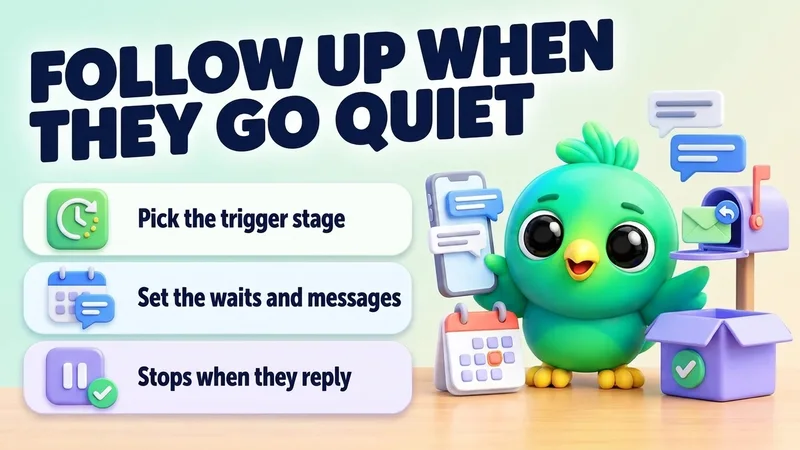
Follow up automatically when a lead goes quiet
“Make a follow-up for my Sales board: if a lead in "Quote sent" doesn't reply for 2 days, send my "Gentle check-in" quick reply. If still nothing after 5 more days, send "Last check-in". Stop if they reply or change stage.”
See the steps- Changes on
Catch up
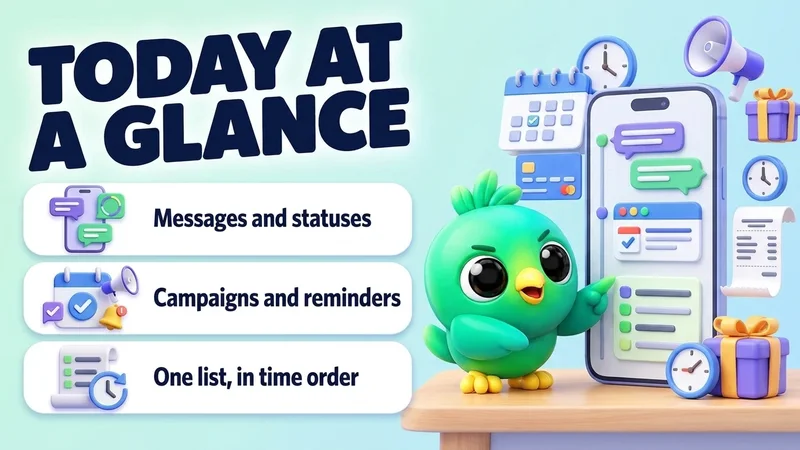
See everything scheduled for today on WhatsApp
“What's scheduled in InboxCRM for today and tomorrow? List messages, statuses, campaigns and reminders in time order.”
See the steps- Reading on
Follow-ups
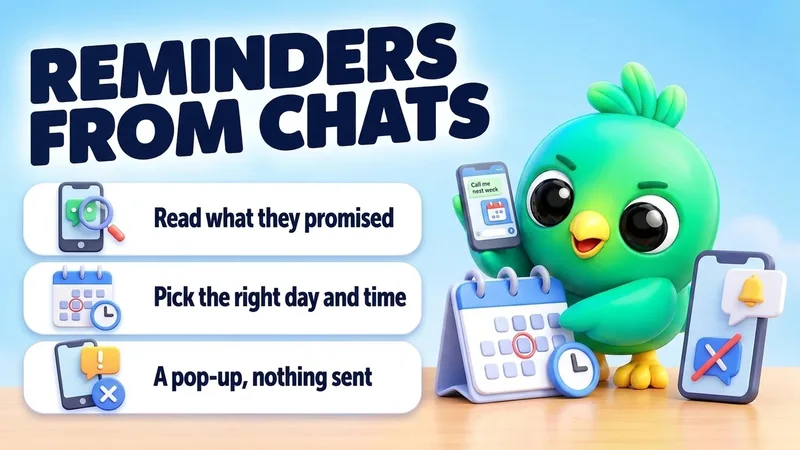
Set reminders from what customers tell you
“Read today's chats. Wherever a customer asked me to get back to them later, set a reminder for that day at 10:00 with their name and what to do.”
See the steps- Reading on
- Changes on
Turn your WhatsApp inbox into an organised sales workspace
Add the extension, open WhatsApp Web and start organising the chats you already have. No separate CRM to keep in sync.
- Works with your existing WhatsApp Web account
- CRM records stay on your device
- AI optional, your own key