AI connector use case · Replies
Send a saved quick reply to a customer by name
Ask the AI to send one of your saved quick replies to a customer. It sends it from your own WhatsApp, exactly as saved.
- Changes on
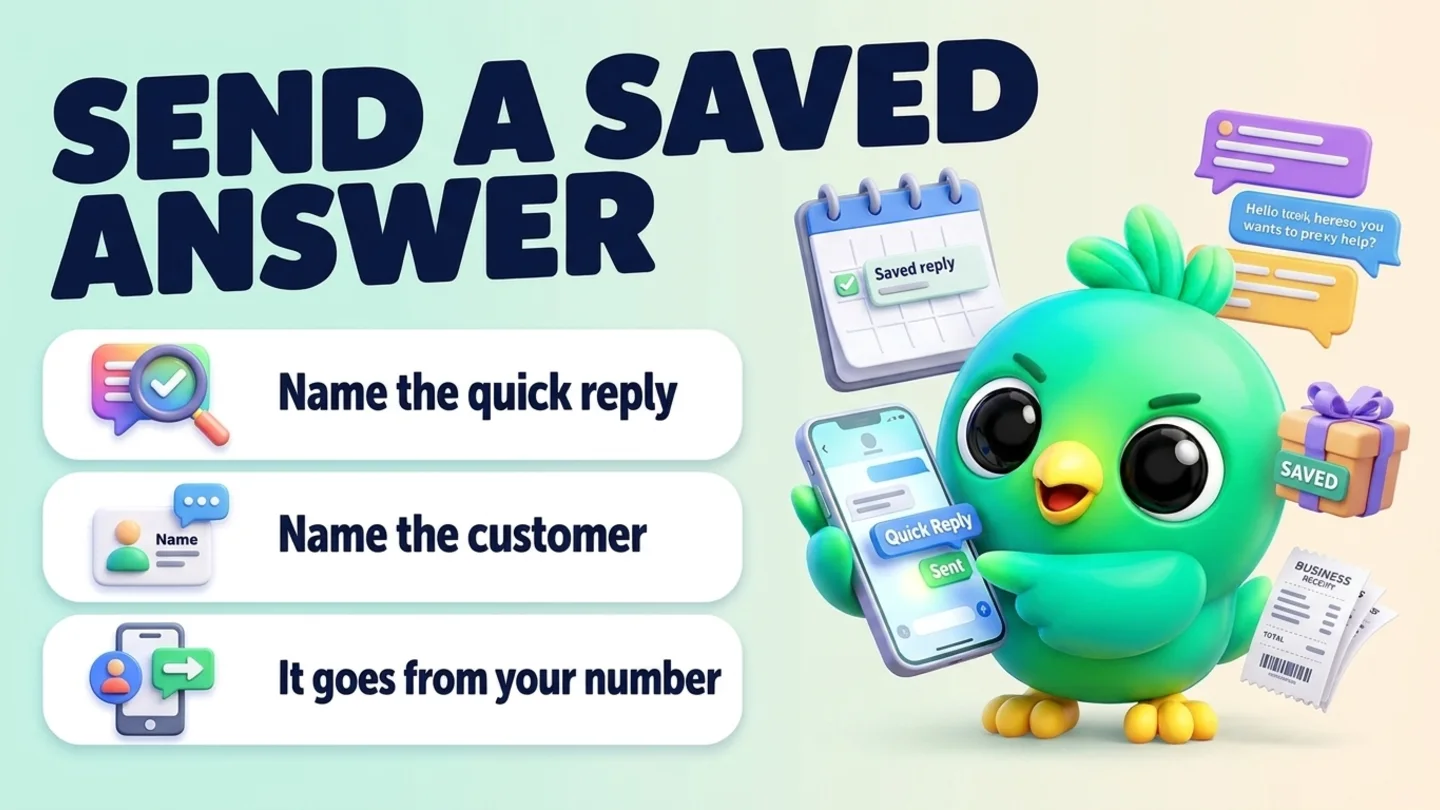
The prompt
Copy this into Claude, ChatGPT or Gemini
Send my "Delivery times" quick reply to Nimali.
- Changes on: Switch on “Let Claude change my InboxCRM (create, edit, delete)” on the same tab.
Step by step
How to do it
What you get: The same tested answer every time, sent in seconds.
- 1Switch on changes in InboxCRM (sending from your records needs it).
- 2Paste the prompt with the quick reply's name and the customer.
- 3If the AI is not sure which contact you mean, it asks.
- 4Check the chat in WhatsApp Web to see it arrived.
Tips
- Ask "list my quick replies" if you forget the names.
- Send to several people one by one, not as a campaign.
Watch out
Messages count against your sending limits and are refused during quiet hours.
Connector tools used:quick_repliesfind_contacts
Not connected yet?
Add one address to your AI app, sign in with your InboxCRM account and choose what it may read and change.
Try these next
Replies
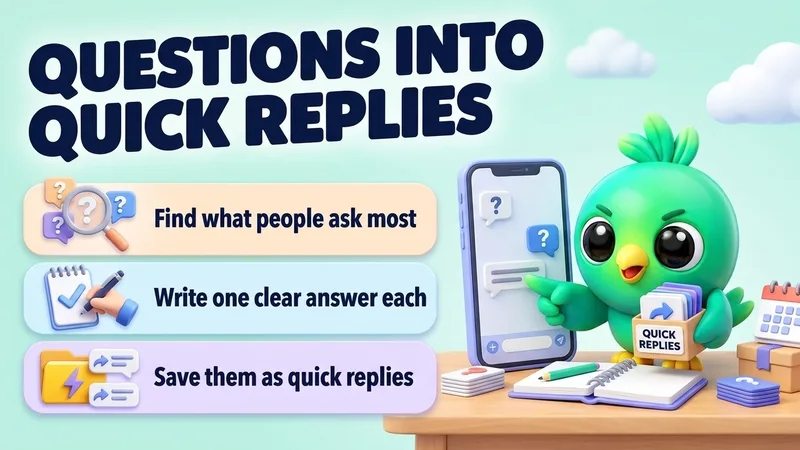
Turn your most common WhatsApp questions into quick replies
“Read my recent WhatsApp chats and find the 5 questions customers ask most. Write a short, friendly answer for each and save them as quick replies. Show me the answers before you save.”
See the steps- Reading on
- Changes on
Replies
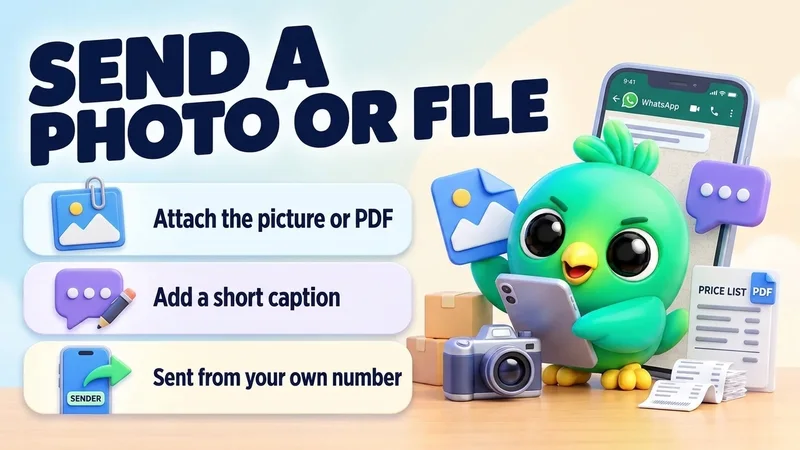
Send a product photo or file with a caption
“Send this photo of the blue dress to Kamal with the caption: "Just arrived in your size. Want me to keep one for you?"”
See the steps- Sending
Replies
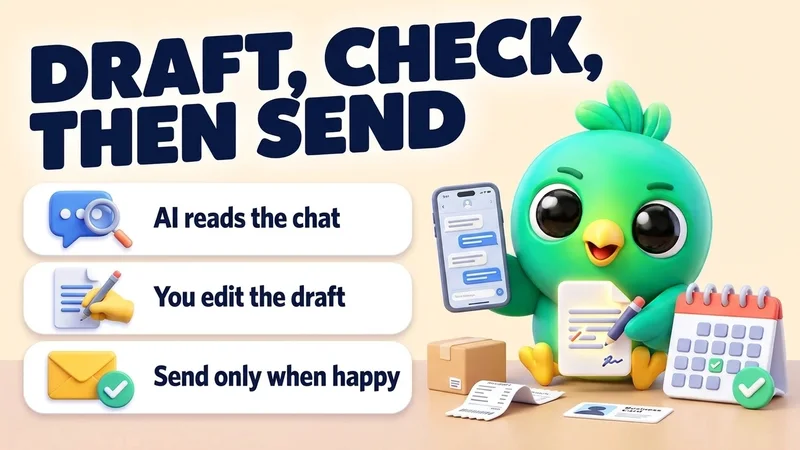
Draft a careful reply and review it before it is sent
“Read my chat with Sara. She's unhappy about a late delivery. Draft a short, kind reply that apologises and offers a new delivery date of Friday. Show me the draft and wait for my OK before sending.”
See the steps- Reading on
- Sending
Turn your WhatsApp inbox into an organised sales workspace
Add the extension, open WhatsApp Web and start organising the chats you already have. No separate CRM to keep in sync.
- Works with your existing WhatsApp Web account
- CRM records stay on your device
- AI optional, your own key