AI connector use case · Automations
Qualify new leads with a chatbot workflow
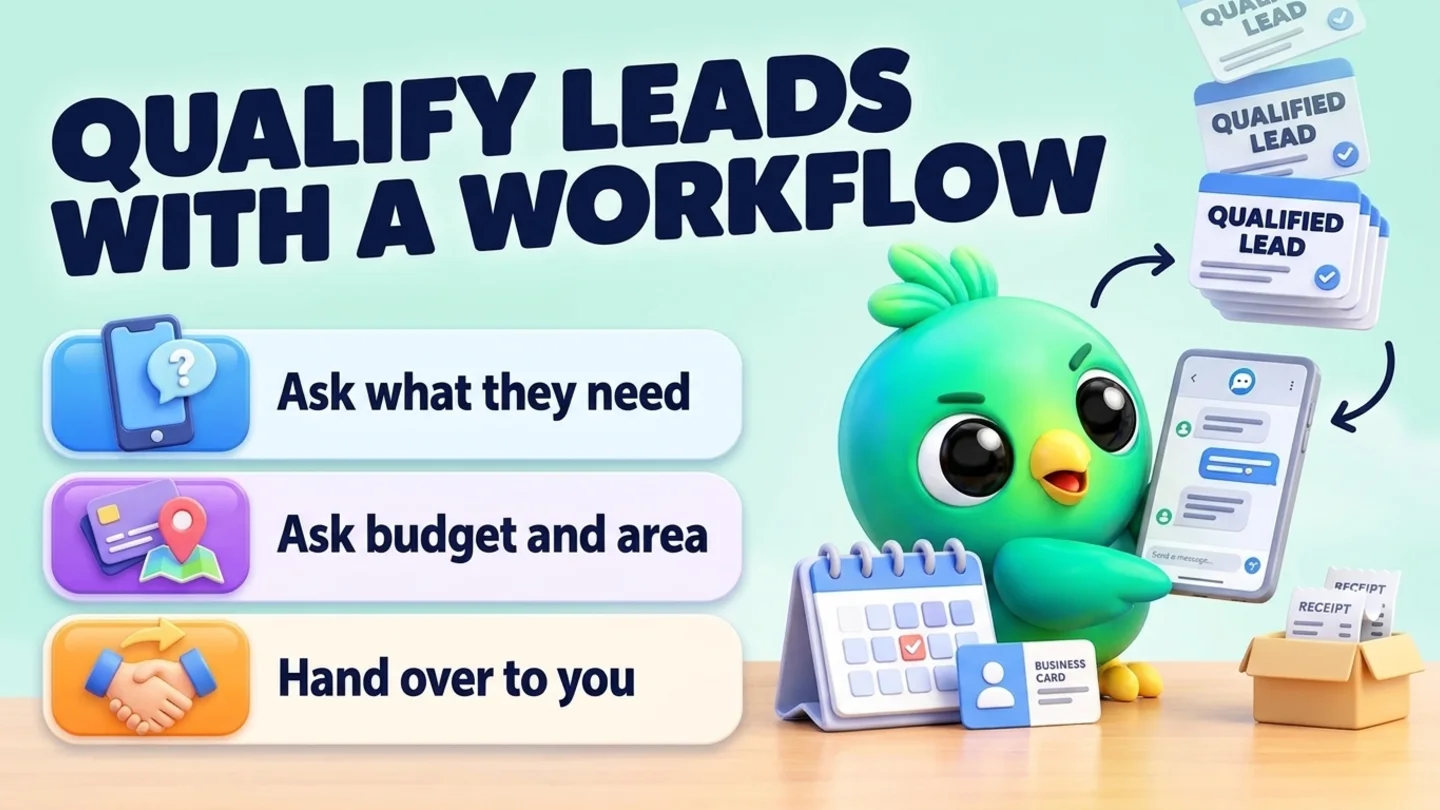
Ask the AI to build an InboxCRM workflow from a template that asks new leads a few questions, so you know who is serious before you reply.
- Changes on
The prompt
Copy this into Claude, ChatGPT or Gemini
Make a workflow from a template that greets new leads, asks what they need, their budget and their area, then tells them I'll reply within an hour.
- Changes on: Switch on “Let Claude change my InboxCRM (create, edit, delete)” on the same tab.
Step by step
How to do it
What you get: Serious buyers rise to the top, and you reply with the facts already in hand.
- 1Switch on changes in InboxCRM.
- 2Paste the prompt and change the questions to fit your business.
- 3Open the workflow in InboxCRM's flow builder and check each step.
- 4Switch it on, or ask the AI to start it for one customer as a test.
Tips
- Keep it to 3 questions.
- Always end with a human handover.
Watch out
Leaving blocks out of an existing workflow shows a preview first.
Connector tools used:workflowsrun_workflow
Not connected yet?
Add one address to your AI app, sign in with your InboxCRM account and choose what it may read and change.
Try these next
Automations
Make an auto-reply for a keyword like price
“Make an automation: when a message contains "price" or "price list", reply with my "Price list" quick reply. Don't answer chats that are already in my pipeline.”
See the steps- Changes on
Pipeline
Move leads to the next stage and set deal values
“Move Sara to "Proposal" on my Sales board and set her deal value to 85,000. Move Kamal to "Won".”
See the steps- Changes on
Automations
Set an after-hours auto-reply
“Make an automation with a time window from 18:00 to 09:00, every day, that answers: "Thanks for your message! We're closed now and will reply first thing in the morning." Answer each chat only once.”
See the steps- Changes on
Turn your WhatsApp inbox into an organised sales workspace
Add the extension, open WhatsApp Web and start organising the chats you already have. No separate CRM to keep in sync.
- Works with your existing WhatsApp Web account
- CRM records stay on your device
- AI optional, your own key