AI connector use case · Campaigns
Post a campaign in your WhatsApp groups
Ask the AI to schedule one post to several of your WhatsApp groups, with the same preview and pacing as any campaign.
- Reading on
- Changes on
- Preview first
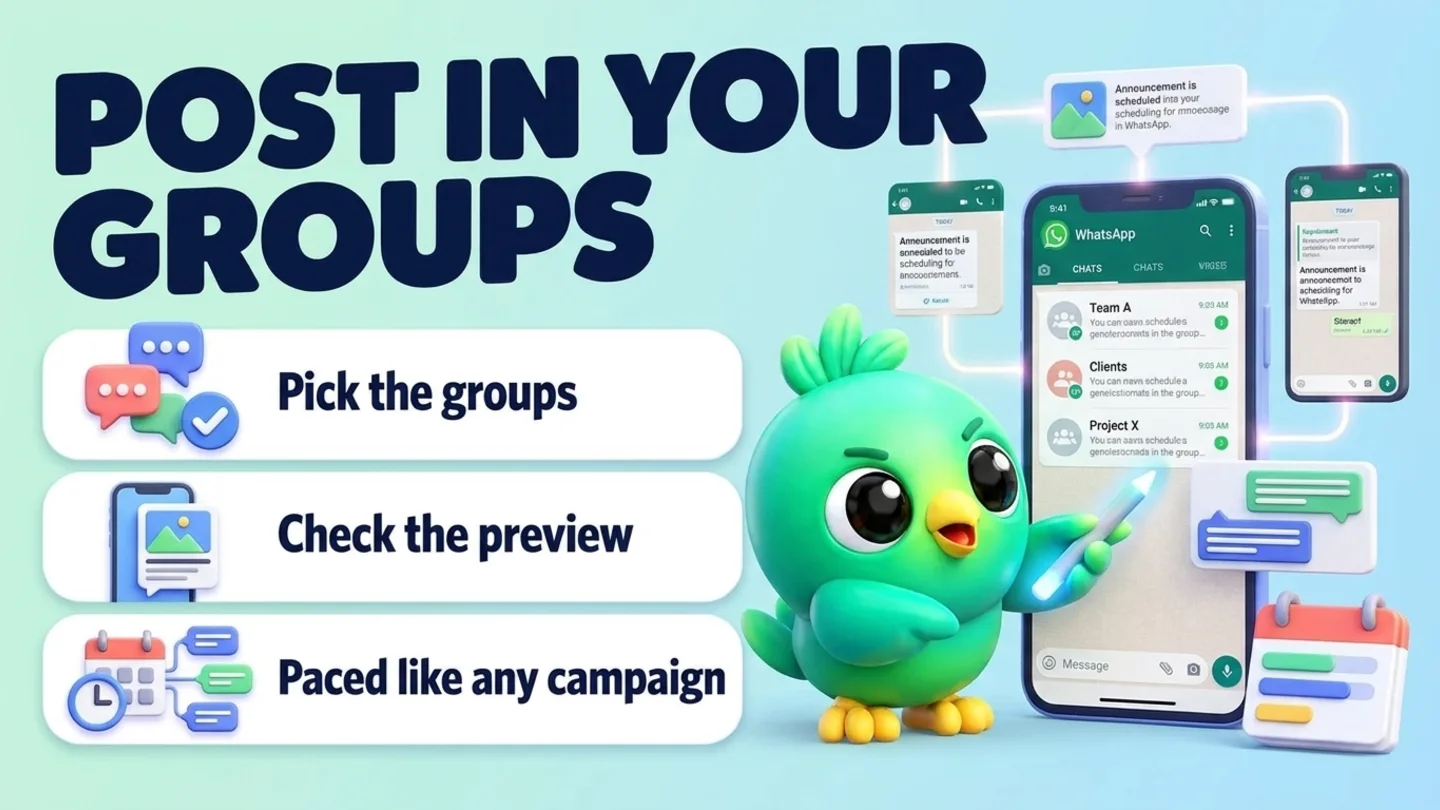
The prompt
Copy this into Claude, ChatGPT or Gemini
Schedule a campaign to my groups "Colombo buyers" and "Wholesale club" for today at 18:00: "New stock list is ready. Message me for prices."
- Reading on: Switch on “Let Claude read my chats and orders” on the Claude tab of InboxCRM’s HTTP API window.
- Changes on: Switch on “Let Claude change my InboxCRM (create, edit, delete)” on the same tab.
- Preview first: the AI shows you what would happen and changes nothing until you say yes.
Step by step
How to do it
What you get: One announcement in all your groups, without copying and pasting.
- 1Switch on reading and changes in InboxCRM.
- 2Paste the prompt with the group names.
- 3Check the preview: which groups and when.
- 4Say yes to schedule it.
Tips
- Only post in groups where you are welcome to post offers.
- Use a picture for new stock.
Watch out
Group admins can remove you for spam. Keep posts useful and not too frequent.
Connector tools used:campaignslist_chats
Not connected yet?
Add one address to your AI app, sign in with your InboxCRM account and choose what it may read and change.
Try these next
Campaigns
Schedule a WhatsApp campaign to a customer list
“Schedule a campaign to my "VIP customers" list for Saturday at 10:00: "The holiday gift boxes are back in stock. Reply YES and I'll keep one for you."”
See the steps- Changes on
- Preview first
Campaigns
Build a recipient list for your next campaign
“Make a recipient list called "VIP customers" with Kamal Perera, Nimali, Sara and Dilan.”
See the steps- Reading on
- Changes on
Campaigns
Schedule a WhatsApp status post
“Post a WhatsApp status tomorrow at 8:00 with this photo and the text: "Weekend sale: 20% off all mugs until Sunday."”
See the steps- Changes on
- Preview first
Turn your WhatsApp inbox into an organised sales workspace
Add the extension, open WhatsApp Web and start organising the chats you already have. No separate CRM to keep in sync.
- Works with your existing WhatsApp Web account
- CRM records stay on your device
- AI optional, your own key