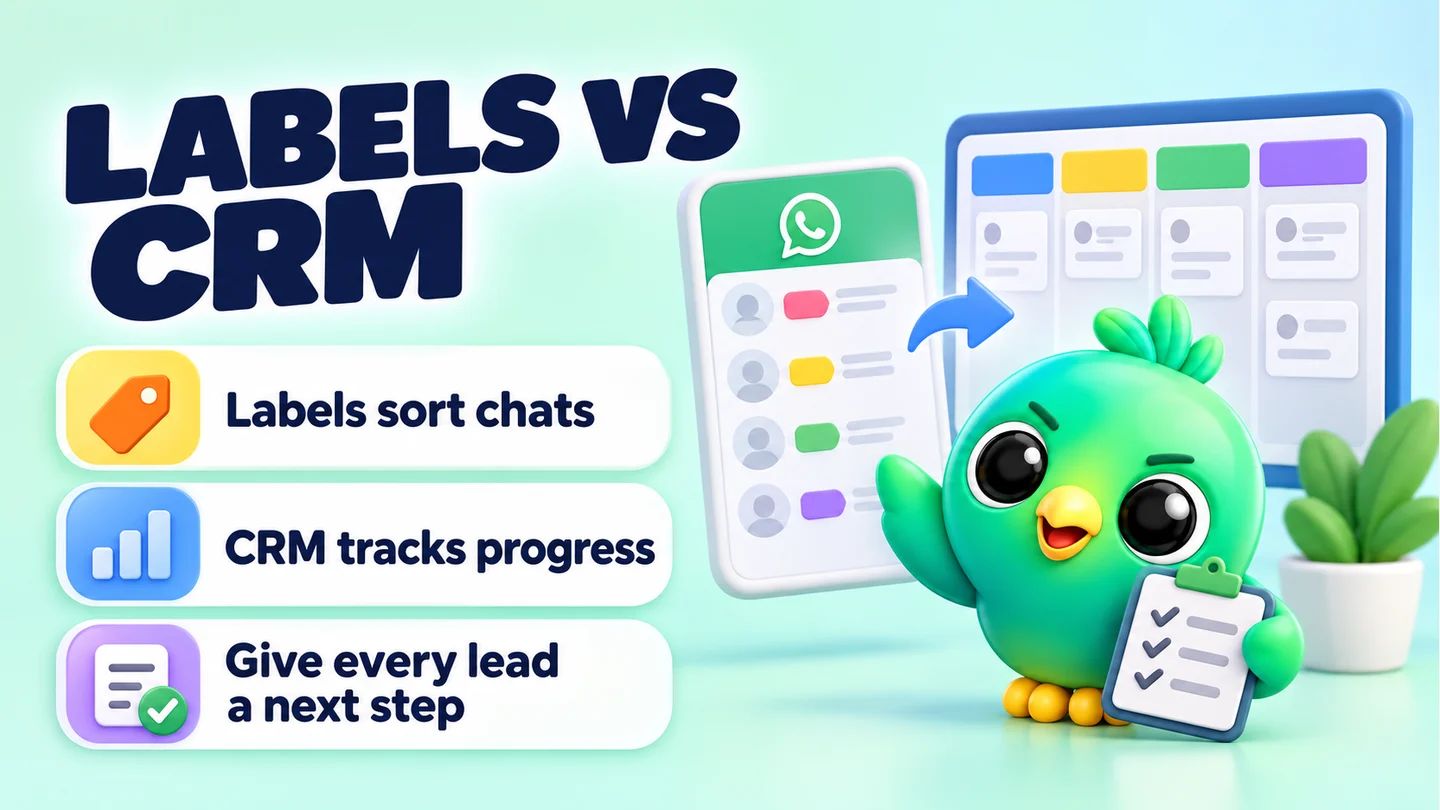
WhatsApp labels tell you what kind of chat something is. A CRM tells you where it stands, since when, and what happens next. Labels are enough while you can remember the details of every open conversation. Once leads start going cold because nobody followed up, you've outgrown them.
This post is part of our guide to WhatsApp CRM for small business, which compares the WhatsApp Business app, a CRM on WhatsApp Web and the WhatsApp Business API. Here we focus on one question: when are labels no longer enough, and what should you do about it?
Last updated 23 September 2026. Label limits were checked against the WhatsApp Help Center on that date.
What WhatsApp Business labels can do
Labels are a built-in feature of the WhatsApp Business app. According to WhatsApp's help page, you can:
- Create up to 20 labels, each with its own name and colour
- Add labels to an entire chat (and add several labels to one chat, which then show side by side)
- Open a label to see every chat that carries it
- Edit, recolour or delete labels at any time
WhatsApp is also gradually replacing labels with lists. Lists work in a similar way, help you group contacts and chats, and are also capped at 20. If your app shows "Lists" under Tools instead of "Labels", that's why. It's a rollout, not a fault.
Used well, labels are a genuinely useful free tool. A phone repair shop might use "Waiting for part", "Ready to collect" and "Paid" and never need anything else.
What labels can't do
The problems start when you try to use labels as a sales pipeline. Labels were built for sorting, not for tracking progress. Here's what's missing.
No order
Labels are a flat list. Nothing says "Quote sent" comes after "Enquiry" and before "Paid". When a customer moves forward, you have to remember to remove the old label and add the new one. Miss that step and a chat ends up labelled "Enquiry" and "Paid" at the same time.
No sense of time
A label doesn't record when it was added. You can see that ten chats are labelled "Quote sent", but not which quote went out this morning and which went out two weeks ago. That's exactly the information you need to decide who to follow up first.
No reminders
Nothing prompts you when a chat has been quiet too long. Follow-ups live in your head, on sticky notes or in your phone's reminders app.
No structured details
A label is a word, not a record. There's nowhere to store a budget, a size, a delivery address or an order value in a way you can sort or add up.
No numbers
You can't ask labels "how many enquiries became sales this month?" or "how much money is sitting in quotes right now?". There's no report and no total.
A hard cap
Twenty labels sounds like plenty until you try to use them for stages and product types and customer types. Once you hit the cap, the workaround is deleting or merging labels, which makes each one less useful.
Labels vs a CRM, side by side
| What you need | WhatsApp Business labels | A CRM (spreadsheet or CRM tool) |
|---|---|---|
| Group chats by type | Yes | Yes, with tags |
| Stages in a fixed order | No | Yes, a pipeline |
| Know how long a chat has sat in a stage | No | Yes, in most CRM tools |
| Reminders to follow up | No | Yes, in most CRM tools |
| Notes and custom fields (budget, size, address) | No structured fields | Yes |
| Deal or order value | No | Yes |
| Reports (conversion, revenue in pipeline) | No | Yes |
| Number of categories | Up to 20 labels | Usually no practical cap |
| Cost | Free with the app | A spreadsheet is free; CRM tools vary |
| Setup effort | None | Low to moderate |
Seven signs you've outgrown labels
You don't need a CRM because a blog says so. You need one when labels are costing you sales. Watch for these signs:
- You've found a paying customer still labelled as a lead. Labels drifted out of date because updating them is manual.
- You've lost a sale because you forgot to follow up. The customer said "let me think about it" and you never checked back.
- You scroll to find people. You know someone asked about the blue sofa last week, but you can't find the chat without scrolling or searching names.
- You keep a spreadsheet next to WhatsApp. And it's always slightly behind the chats.
- You've hit or nearly hit 20 labels. Or you've started merging labels just to stay under the cap.
- You can't say how many enquiries became sales last month. If you had to guess, you'd guess.
- Someone else needs to cover for you. A partner or helper can't tell from labels what's been promised to whom.
One or two of these is normal. Three or more usually means the time you spend managing labels would be better spent on a proper pipeline.
Get more out of labels before you switch
If you're not ready to change tools, a tidier label system buys time. Try these habits:
- Split labels into two kinds. Use a few for stage ("1 New", "2 Quote sent", "3 Awaiting payment", "4 Paid") and a few for type ("Wholesale", "Repeat customer"). Numbering the stage labels keeps them in order when you scan the list.
- Only one stage label per chat. Make it a rule: when you add a new stage label, remove the old one straight away.
- Add a "Follow up" label. Give it a bright colour and check it every morning. It's a crude reminder, but it works.
- Clean up weekly. Once a week, open each stage label and move or remove anything that's finished.
- Save your common answers. WhatsApp Business allows up to 50 stored quick replies. Keep prices, delivery details and payment instructions there so they're consistent. Note that media files aren't supported in quick replies on WhatsApp Web or Desktop, only on the phone. You can draft and polish your wording with our free WhatsApp message templates tool.
The in-between step: a spreadsheet
Many sellers move from labels to a spreadsheet first. It's free, it adds dates, notes and values, and it lets you count things. A simple sheet with columns for name, number, stage, date of last contact, next follow-up date, value and notes covers most needs.
The catch is double entry. Every change happens in WhatsApp first and has to be copied into the sheet by hand, so the sheet drifts. If you want to try this route, our free WhatsApp sales pipeline template gives you a ready-made Google Sheet and explains when it's time to move on.
Moving from labels to a CRM
When you do switch, don't start from scratch. Your labels are a rough draft of your pipeline.
- List your current labels. Write down all of them, even the ones you rarely use.
- Pick out the stage labels. Anything that describes progress ("Enquiry", "Quote sent", "Paid", "Delivered") becomes a pipeline stage. Put them in order.
- Turn the rest into tags. Labels that describe who the customer is ("Wholesale", "VIP", "Colombo") become tags.
- Decide your custom fields. What do you always need to know? Budget, size, area, order value. These become fields on each contact.
- Set a follow-up rule for each waiting stage. For example, "Quote sent" gets a reminder after two days.
- Move only open conversations. You don't need to import every chat you've ever had. Start with deals that are still alive.
For the full process, including how to capture leads and handle the first reply, read how to manage leads on WhatsApp without the Business API. If you're also wondering whether it's time for the API itself, WhatsApp Business app vs API covers that decision.
Where InboxCRM fits
InboxCRM is a WhatsApp CRM that runs as a Chrome extension inside WhatsApp Web. It's designed for exactly this moment: you've outgrown labels, but you want to keep using the WhatsApp account you already have, without moving to the API.
Here's how it covers the gaps listed above:
- Order: drag-and-drop kanban boards with your own stages, such as Lead, Qualified, Proposal, Won and Lost. The CRM pipeline guide shows how to set one up.
- Notes and fields: per-contact notes, tags and custom fields, shown in a panel beside the open chat.
- Reminders: follow-up rules that act when a chat has sat in a stage for the time you set. See the follow-up guide.
- Numbers: deal values on each card, and a funnel dashboard built from your boards automatically.
- Saved replies: quick replies that can include text, images, video, audio and documents.
Your CRM records are stored locally in Chrome on your device rather than on an InboxCRM server. Scheduled messages and follow-ups only send while Chrome is running with WhatsApp Web open, and InboxCRM is a single-user tool, not a shared team inbox. You can see a side-by-side view of plain WhatsApp and WhatsApp with InboxCRM on the compare page.
Frequently asked questions
How many labels can you have on WhatsApp Business?
WhatsApp's help page says you can create up to 20 labels. The newer lists feature, which is gradually replacing labels, is also capped at 20.
Why have my WhatsApp Business labels disappeared?
WhatsApp is rolling out lists in place of labels, gradually and not everywhere at once. If you see Tools > Lists instead of Labels, your labels have moved to the new feature. Check WhatsApp's current help page on lists for the latest details.
Does WhatsApp have a built-in CRM?
Not a full one. The WhatsApp Business app has labels (or lists), quick replies, and greeting and away messages, but no pipeline, reminders or sales reports. For those you need a spreadsheet, a CRM layer on WhatsApp Web or an API platform.
Can I use labels and a CRM together?
Yes. Many people keep a few labels for quick visual sorting in the app and use a CRM for stages, notes and follow-ups. Just avoid tracking the same stage in both places, or they'll drift apart.
Sources
- How to use labels — WhatsApp Help Center, checked 23 September 2026
- How to use lists — WhatsApp Help Center, checked 23 September 2026
- How to use quick replies — WhatsApp Help Center, checked 23 September 2026
- About WhatsApp Business — WhatsApp Help Center, checked 23 September 2026
- How to use greeting messages — WhatsApp Help Center, checked 23 September 2026
- How to use away messages — WhatsApp Help Center, checked 23 September 2026
InboxCRM is a WhatsApp CRM for WhatsApp Web. Pipeline, notes, follow-ups and quick replies beside every chat, with your CRM data kept in your browser.
Add InboxCRM to Chrome