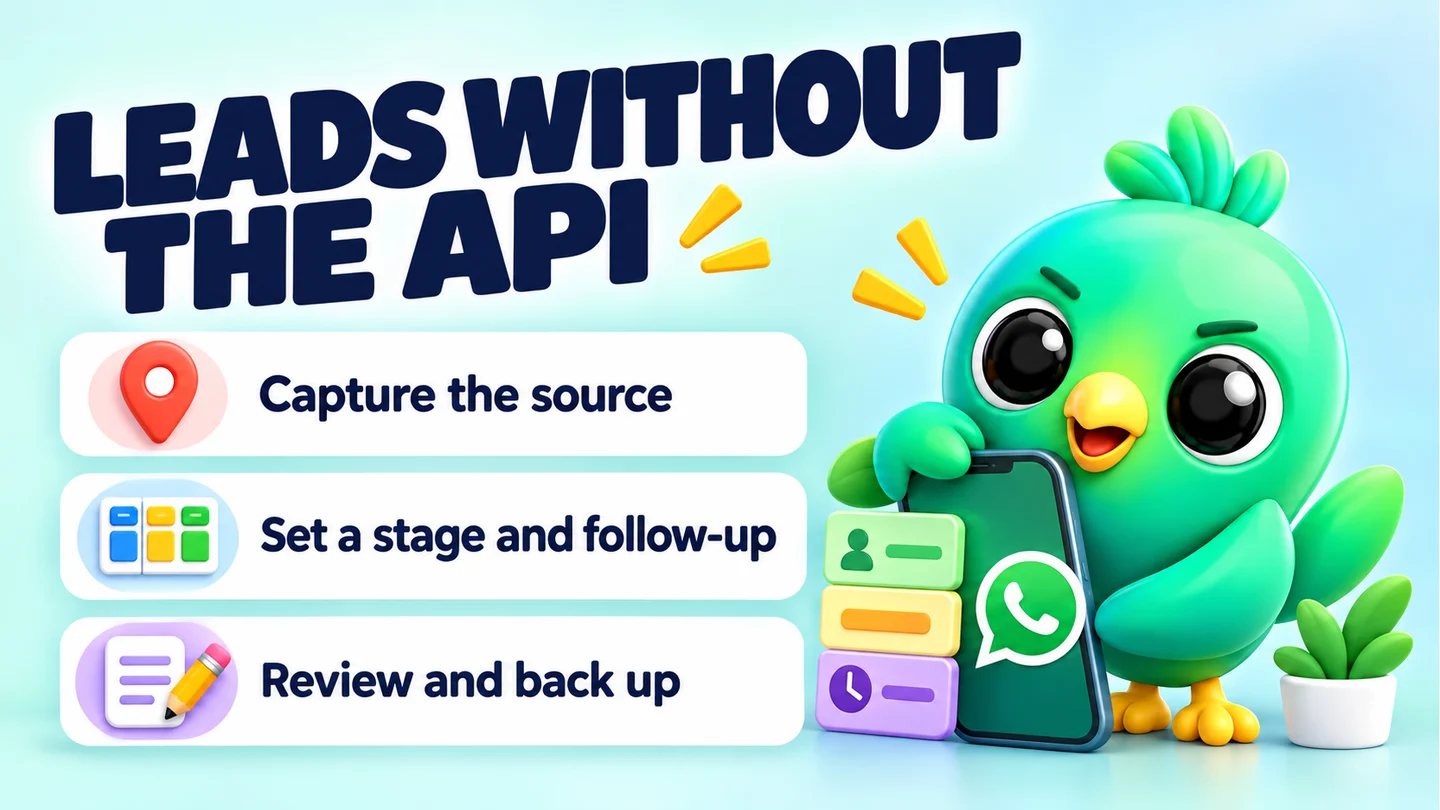
You can manage leads on WhatsApp without the Business API by doing five things well: tag where each lead came from, give every chat a clear stage, write down what they want, reply quickly with saved answers, and set a date for the next follow-up. The WhatsApp Business app, WhatsApp Web and a simple tracker (a spreadsheet, labels or a CRM extension) are enough for most 1–3 person businesses. The API is built for teams with high volume, not for a seller answering their own phone.
This post is one part of our guide to WhatsApp CRM for small businesses. Here we focus on the day-to-day system.
Why skip the API at all?
The WhatsApp Business API (Meta calls it the WhatsApp Business Platform) is a different product from the app on your phone. It usually runs through a provider, and it has its own pricing and rules. According to Meta's developer documentation, businesses are charged per delivered template message, and rates depend on the message category and the recipient's country code. Free-form replies are free, but only inside a 24-hour customer service window that opens when the customer messages you. After that window closes, you can only send approved templates.
That model makes sense for a company sending thousands of order updates. For a cake seller, a letting agent or a phone repair shop answering their own chats, it can add cost and setup without solving the real problem, which is usually "I forgot to reply to that person". If you are still deciding, our comparison of the WhatsApp Business app vs the API for a small business goes through it side by side.
What you need
- The WhatsApp Business app on your phone, with a complete business profile.
- WhatsApp Web or the desktop app on a computer, so you can type fast and keep a tracker open beside your chats. WhatsApp's help page says you can use up to four linked devices and one phone at a time.
- One place to track leads. A spreadsheet, the app's labels or lists, or a CRM that works inside WhatsApp Web. Pick one and use it for everything.
Note: WhatsApp's help page also lists features linked devices don't support, including creating and viewing broadcast lists. Check the current page, as this changes.
Step 1: Capture the source of every lead
Many small sellers don't know which of their channels actually brings in buyers. You can fix that without any software.
Create a different WhatsApp link for each place you promote, with its own pre-filled first message. WhatsApp supports this officially: a link in the form wa.me/number?text=message opens a chat with that text already in the typing box, and it works on phones and WhatsApp Web. For example:
- Instagram bio: "Hi! I saw your cakes on Instagram."
- Website button: "Hi, I'm messaging from your website."
- Shop counter QR code: "Hi, I scanned the QR code in your shop."
When a lead writes in, the first line tells you where they came from. Our free WhatsApp link generator builds these links, and the WhatsApp QR code generator turns them into codes for flyers, packaging and counters.
Step 2: Define five or six stages
A stage is a short answer to "where is this person in buying from me?". Keep the list short and base each stage on what the customer has done.
| Stage | The customer has | Your next move |
|---|---|---|
| New enquiry | Sent a first message | Reply and ask one qualifying question |
| Qualified | Told you what they want, when and roughly for how much | Send a price or options |
| Quote sent | Received your price | Follow up on a set date |
| Awaiting payment | Said yes | Confirm payment details and chase gently |
| Won | Paid or confirmed | Deliver, then ask for a review |
| Lost | Said no or gone silent after your follow-ups | Record why |
WhatsApp's own small-business guide suggests a similar sales cycle for its lists (new lead, needs follow-up, paid, shipped and so on). The names matter less than using them consistently.
Step 3: Choose where the stages live
You have three realistic options without the API. Here's how they compare.
| Labels or lists in the Business app | Spreadsheet | CRM extension for WhatsApp Web | |
|---|---|---|---|
| Setup time | Minutes | About 30 minutes | Minutes to an hour |
| Works on phone | Yes | Yes, but it's clumsy | No, desktop only |
| Stages | Yes, as labels or lists | Yes | Yes |
| Notes, values, dates | No | Yes | Yes |
| Follow-up reminders | No | Only if you check the sheet | Usually built in |
| Stays in sync with chats | Yes | Only if you update it | Mostly, since it sits beside the chat |
| Cost | Included in the app | Free spreadsheet apps exist | Varies by tool |
Labels or lists are the fastest start. WhatsApp's help page says you can create up to 20 labels, and it notes that labels are gradually being replaced by lists, so what you see may differ. They are good for stages but can't hold a quote amount, a follow-up date or a note. Our post on WhatsApp labels vs a real CRM goes deeper.
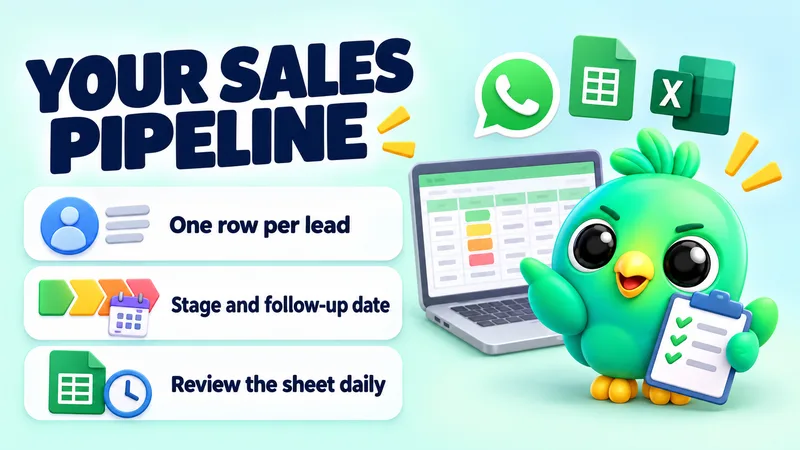
A spreadsheet holds everything, and you control it. Start with our free WhatsApp sales pipeline template, which you can import into Google Sheets or Excel.
A CRM extension puts the pipeline next to your chats in WhatsApp Web, so you don't keep two windows in sync. More on that below.
Step 4: Write down what they want
Plenty of lost leads never said "no". Often it's a customer who told you their size, budget or deadline three days ago, and you have to scroll up to find it, or you ask again and look careless.
For every qualified lead, note:
- What they want, in their words
- Their budget or the price you quoted
- Their deadline or preferred date
- Anything personal that matters (an allergy, a pet, a delivery address problem)
- What you promised them ("I'll check stock and message you tomorrow")
A real estate agent, for example, might note "2-bed, near the station, up to [budget], moving in November, has a dog". That single line lets them send the right three listings rather than twenty.
Step 5: Reply fast with saved answers
Speed matters, because a new enquirer may be messaging other sellers at the same time. The WhatsApp Business app includes quick replies, saved messages you can drop into a chat with a shortcut. WhatsApp's small-business guide suggests building them for the questions you get every day, such as price, availability, opening hours, delivery times and payment methods, and keeping each one to a greeting, one clear answer and one next step.
A good quick reply for a first enquiry looks like this:
Hi [name], thanks for your message! Yes, we can do [product] for [date]. It's [price] including [what's included]. Would you like me to hold a slot for you?
Our free WhatsApp message templates tool has ready-made wording you can adapt, and the WhatsApp text formatter helps with bold prices and lists.
Step 6: Put a date on every follow-up
Many leads that go quiet haven't said no. They got busy. A polite follow-up on a set day is often what turns "Quote sent" into "Won".
Set a simple rule and stick to it. For example:
- Day 2 after the quote: a short, helpful check-in ("Did the quote make sense? Happy to adjust the size.").
- Day 5 or 6: add something useful, such as a photo, a delivery slot or an answer to a likely worry.
- Day 10 to 14: a friendly close ("I'll take this off my list for now, but message me any time").
After the last one, move the lead to Lost and record the reason. The timing above is a starting point, not a rule from WhatsApp. Adjust it to your trade. Our WhatsApp follow-up message templates post has 20 scripts with timing.
Wherever you track leads, the important part is the date. "Follow up soon" is not a plan. "Follow up Thursday" is.
Step 7: Ask before you send offers
Replying to someone who messaged you is one thing. Sending them offers later is another. Ask permission and write down the answer and the date, for example "Can I send you our new designs when they're ready?". It keeps customers happy and gives you a record if you're ever unsure who agreed to what.
We cover this in detail in how to collect WhatsApp opt-in without the API. If you use any automation at all, keep volumes low and read our honest guide to extension ban risk. No tool can guarantee your number won't be restricted.
Step 8: Review the pipeline once a week
Set aside 20 minutes each Friday:
- Move stale leads to Lost with a reason.
- Count how many new enquiries came in, how many got a quote, and how many were won.
- Look at the Lost reasons. If "too expensive" or "too slow" keeps coming up, that's a business decision, not a messaging one.
- Check which source (from Step 1) brought the leads that actually paid.
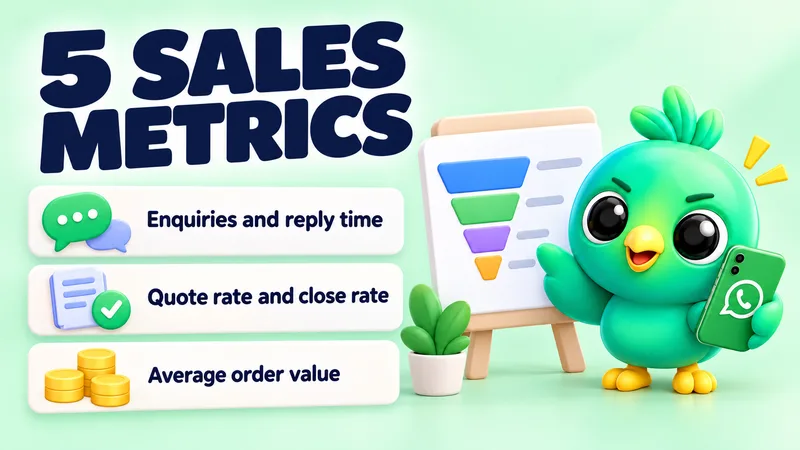
Our post on the five WhatsApp sales funnel numbers to track shows how to work these out yourself.
Step 9: Keep a copy of your records
Your lead records are business data, so back them up. WhatsApp lets you export a single chat from the phone app as a text file (with or without media), but its help page notes that an exported chat can't be imported back, because it isn't a backup file. Treat exports as a record, not a restore point, and keep WhatsApp's own chat backup switched on as well.
If your tracker is a spreadsheet, keep it in a cloud drive or make a regular copy. If it is a CRM extension, check where the data is stored and whether it has a backup option.
When you actually need the API
Not needing the API is the normal case for a small seller, but it isn't the right answer for everyone. Consider an API platform if:
- Several people must answer the same number at once with assigned conversations and a shared inbox.
- You send large volumes of messages people expect, such as order confirmations and delivery updates for hundreds of orders a day, and you need them automated from your shop system.
- You need messages to go out when no computer is on, for example payment reminders triggered by your billing software.
- You want official template approval and reporting because your volume or industry needs it.
If none of these describe you, a well-kept system on the app and WhatsApp Web will usually serve you better and cost less.
Where InboxCRM fits
InboxCRM is a WhatsApp CRM that runs as a Chrome extension inside WhatsApp Web. It works with the account you already use, with no API account, no phone-number migration and no separate inbox. It covers the steps above in one place:
- Stages: a drag-and-drop pipeline board with custom stages and deal values. See the CRM pipeline guide or try the interactive pipeline tutorial.
- Notes and context: per-contact notes, tags and custom fields in a side panel next to the open chat, covered in the chat tools panel guide.
- Saved answers: quick replies with text, images, video, audio and documents. See the quick replies guide.
- Follow-ups: rules that message a chat after it sits in a stage for a set time, with an option to stop if the customer has already replied. The follow-up guide explains them. Chrome must be running with WhatsApp Web open for them to send.
- Local data: CRM records are kept in your browser on your device, with a local backup option.
It is honest to say what it isn't, too. InboxCRM is a single-user browser extension, not a shared team inbox, and it doesn't work in the WhatsApp mobile app. If you need several agents on one number, look at the API route above.
Frequently asked questions
Can I manage WhatsApp leads without the API?
Yes. The WhatsApp Business app, WhatsApp Web and a tracker such as a spreadsheet, labels or a CRM extension are enough for most small businesses. The API mainly helps teams with high volume or several agents on one number.
How do I track where my WhatsApp leads come from?
Use a different wa.me link with its own pre-filled message for each channel, such as Instagram, your website and a shop QR code. The first message tells you the source.
How many labels can I create in WhatsApp Business?
WhatsApp's help page says up to 20. It also says labels are being replaced by lists over time, so check the current help page if your app looks different.
Is WhatsApp Web enough for managing sales?
For one or two people, usually yes. You can type faster, keep a tracker open beside your chats and link up to four devices to one phone, according to WhatsApp's help page.
Sources
- Pricing on the WhatsApp Business Platform — Meta for Developers, checked 23 September 2026
- About linked devices on the WhatsApp Business app — WhatsApp Help Center, checked 23 September 2026
- How to use click to chat — WhatsApp Help Center, checked 23 September 2026
- How to use labels — WhatsApp Help Center, checked 23 September 2026
- How to export your chat history — WhatsApp Help Center, checked 23 September 2026
- Staying organized as a small business using Lists and quick replies on WhatsApp — WhatsApp Business, checked 23 September 2026
InboxCRM is a WhatsApp CRM for WhatsApp Web. Pipeline, notes, follow-ups and quick replies beside every chat, with your CRM data kept in your browser.
Add InboxCRM to Chrome