A good WhatsApp follow-up after a quote is short, personal and easy to answer. Send a quick check-in the same day, a helpful nudge after two or three days, one more message about a week later, and a final friendly note after a month. Then stop. Below are 20 copy-paste scripts grouped by that timing, plus replies for when a customer says "I'll think about it".
These scripts fit into a wider system for managing a WhatsApp CRM as a small business. Examples mention a cake seller, a phone shop and a real estate agent. They're illustrations, so swap in your own product and details.
Last updated: 23 September 2026.
Before you copy a script: four rules
- Only follow up with people who asked. Every script here assumes the customer contacted you or asked for a quote. WhatsApp's own guidance on responsible use says to message people who contacted you first or asked to be contacted, and to stop if someone asks you to.
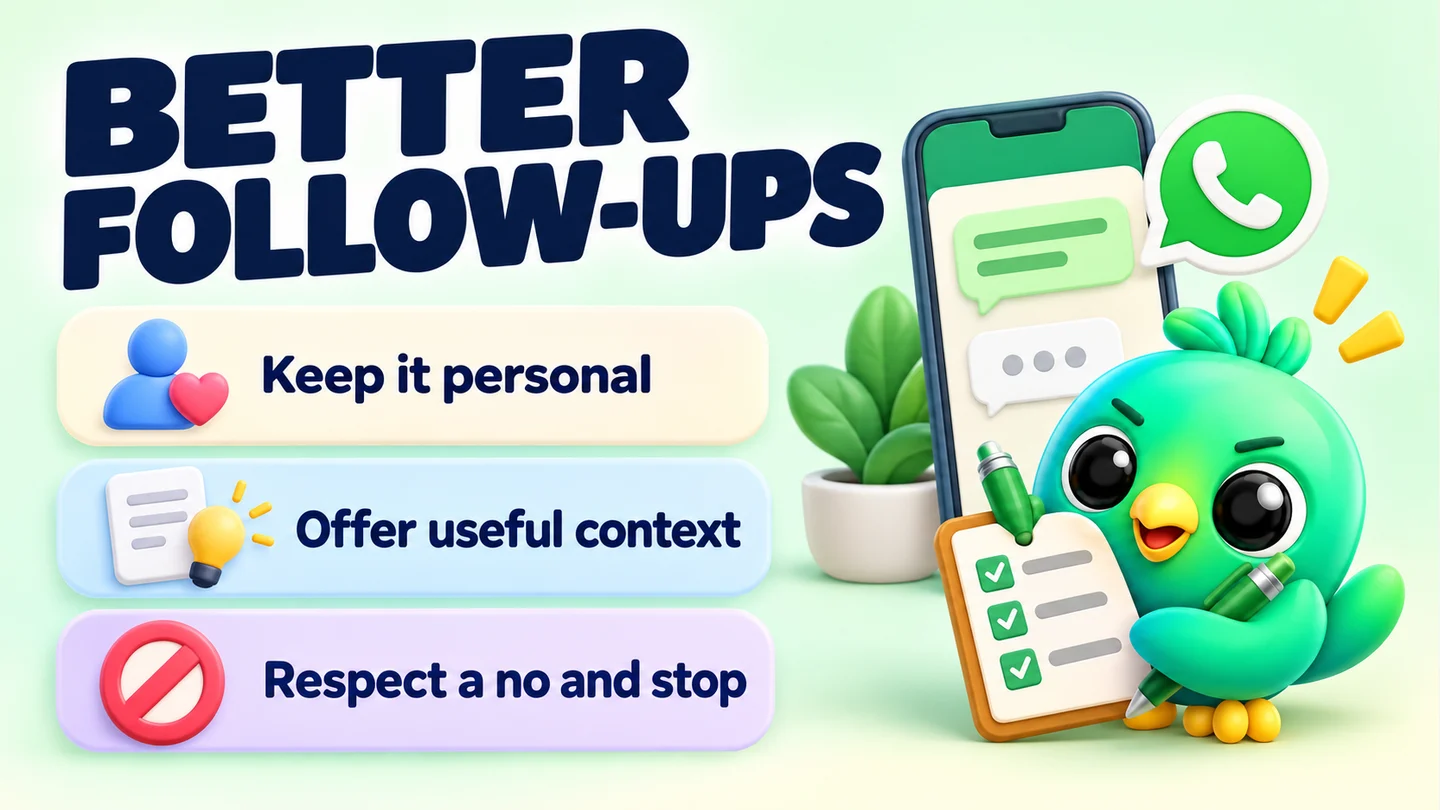
- One question per message. Make it easy to reply with a word or two.
- Fill every [placeholder]. A follow-up that clearly went to everyone reads like spam. Use their name, the product and a detail from the chat.
- Offer a way out on the later messages. People who can say "not now" easily are less likely to ignore you, block you or report you.
To keep track of who needs which message, give each quote a stage and a date. Our guide to managing WhatsApp leads without the API shows a simple way to set that up.
Suggested follow-up timing
| When | Purpose | Tone |
|---|---|---|
| Same day | Confirm they got the quote and answer quick questions | Helpful |
| Day 2–3 | Remove a blocker or add useful information | Friendly nudge |
| About a week | Give a reason to decide, or ask if plans changed | Direct but relaxed |
| About a month | Close the loop and leave the door open | Warm, with an opt-out |
| After "I'll think about it" | Respect the pause and agree a next step | Calm, no pressure |
These gaps are a starting point, not a rule. A cake order for a date next week needs a faster rhythm than a house viewing. Match the timing to how long your customers usually take to decide.
Same day (scripts 1–4)
Send one of these a few hours after the quote, or at the end of the day. The goal is to make sure the quote landed and to catch small questions early.
1. Did it arrive?
Hi [name], just checking the quote for [product/service] came through okay. Happy to explain anything in it.
2. Offer to clarify one thing
Hi [name], I've included [delivery/installation/setup] in the price I sent. Would you like me to break down what's included?
3. Add a useful detail
Hi [name], one thing I forgot to mention: [product] comes with [warranty/free delivery in your area/a sample]. Let me know if you have any questions.
4. Ask the one question that moves it on
Thanks again for asking about [product], [name]. Is [date/size/colour] still what you need, or should I adjust the quote?
Day 2–3 (scripts 5–8)
Most quiet customers aren't saying no. They're busy, comparing, or stuck on one detail. These scripts try to find and remove that detail.
5. Gentle check-in
Hi [name], hope your week's going well. Did you get a chance to look at the quote for [product]?
6. Address a likely worry
Hi [name], a lot of people ask about [payment/delivery time/returns] at this stage, so just to say: [short answer]. Anything else I can clear up?
7. Offer an option
Hi [name], if the full [package/size] is more than you need, I can also do [smaller option] for [price]. Would that suit you better?
8. Share proof, not pressure
Hi [name], here's a photo of a [similar cake/phone/property] from [recent order/this week] so you can see the finish. Happy to answer any questions.
Tip: Only send a real photo or detail. Don't invent reviews or "only 2 left" claims to hurry someone. It damages trust, and customers remember it.
About a week later (scripts 9–12)
By now a clear, relaxed question works better than another soft nudge. Give them an honest reason to decide, or an easy way to tell you plans changed.
9. A genuine deadline
Hi [name], I'm finalising orders for [date] on [day]. Would you like me to keep a spot for your [product]?
10. Ask if plans changed
Hi [name], just following up on [product]. Have your plans changed at all? No problem either way, it just helps me know whether to hold it.
11. Ask what's missing
Hi [name], is there anything I could change in the quote to make it work for you? Price, timing, anything else?
12. Real estate style: offer the next step
Hi [name], the [property] on [street] is still available. Would a viewing on [day] or [day] work, or would you rather I send a few similar options?
About a month later (scripts 13–16)
This is the last follow-up for a quiet quote. Keep it warm, give a clear way out, then move the chat to "Lost" in your pipeline if you don't hear back.
13. Close the loop
Hi [name], I'll close off the quote for [product] for now so I don't keep messaging you. If you'd like to pick it up again, just reply here.
14. Leave the door open
Hi [name], hope all's well. If [product] is still on your list later in the year, I'm happy to send an updated price. Just reply "stop" if you'd rather I didn't follow up again.
15. Something new that's relevant
Hi [name], you asked about [product] last month. We now have [new option/new stock/new date], in case that suits you better. If not, no worries. Just reply "no thanks" and I won't message again.
16. Ask for quick feedback
Hi [name], I won't chase you on the [product] quote, but could I ask one thing: was it the price, the timing or something else? It helps me improve. Totally fine to skip this.
After "I'll think about it" (scripts 17–20)
"I'll think about it" is a pause, not a no. The worst reply is pressure. The best is to agree a next step so you both know when you'll talk again.
17. Agree a time
Of course, [name], take your time. Would it be okay if I checked back on [day]?
18. Offer to answer the hard question
No rush at all. If there's one thing you're unsure about, let me know and I'll answer it straight.
19. Follow up on the agreed day
Hi [name], you mentioned you'd think about [product], so I'm checking back as agreed. Any questions I can help with?
20. The graceful last word
Hi [name], no pressure from me. I'll leave it with you. If you decide to go ahead with [product], just send a message here and I'll pick it up.
How to send these without losing track
Twenty scripts are only useful if you send the right one on the right day. There are three common ways to manage that.
With the WhatsApp Business app. Save your most-used scripts as quick replies and label each quoted chat. Then check your labels at the same time every day. It works, but you have to remember when each quote went out.
With a spreadsheet. Add a "Quote sent" date and a "Next follow-up" date for each lead, and sort by the second column every morning. This is the approach in our daily WhatsApp Web sales workflow, which gives follow-ups a fixed slot each afternoon.
With a CRM in WhatsApp Web. InboxCRM, a WhatsApp CRM Chrome extension, can do the timing for you. You put quoted chats in a stage such as "Quote sent" on a pipeline board. A follow-up rule then sends your chosen message after the chat has sat there for the time you set, for example three days. Tick "Stop if chat replied" so anyone who has already written back is skipped, and "Stop if chat changed stage" so won or lost deals are left alone. Each rule messages a chat only once.
Keep a few points in mind:
- Follow-up rules send through your open WhatsApp Web session, so Chrome must be running with WhatsApp Web open when they're due.
- Follow-ups and scheduled messages send at the time you set. They don't go through the pacing and daily caps that InboxCRM applies to campaigns, so keep the volume low and the messages personal.
- Automating a message doesn't make it welcome. Only use these rules for people who asked for a quote.
You can save these scripts as quick replies and try the flow in the interactive follow-up tutorial before using it on real customers.
Save time on the wording
If you'd rather start from a ready-made set, the free WhatsApp message templates tool includes follow-up, order and payment messages you can edit and copy. The text formatter helps you bold a price or date so it stands out on a phone screen.
Mistakes that make follow-ups backfire
- Sending the same message twice. If they didn't answer "Did you get a chance to look?", asking it again won't help. Change the angle.
- Following up after a clear no. Thank them and stop. Keep the chat so you remember the context if they return.
- Too many messages in a short time. Three or four follow-ups spread over a month is plenty for most quotes.
- Guilt-trip wording. "I've been waiting to hear back..." puts pressure on the customer. Leave it out.
- Messaging people who never asked. That isn't a follow-up. WhatsApp's help pages warn that accounts reported multiple times can be banned.
Frequently asked questions
How long should I wait to follow up after sending a quote on WhatsApp?
A same-day check that the quote arrived is fine. After that, two to three days is a common first nudge, then about a week and about a month. Adjust to how quickly your customers usually decide.
How many times should I follow up on WhatsApp?
For most quotes, three or four follow-ups over roughly a month is enough. Make the last one a clear close with an easy way to opt out, then stop.
How do I follow up without sounding pushy?
Ask one easy question, add something useful such as a detail, option or photo, and give a way out. Avoid fake urgency and guilt-trip lines.
Can I automate WhatsApp follow-up messages?
Yes, with a CRM or extension that sends a message after a lead has been quiet for a set time. Use it only for people who asked for a quote, keep the stop-if-replied option on, and remember that no tool removes the risk of being reported if messages are unwanted.
Sources
- How to use WhatsApp responsibly — WhatsApp Help Center, checked 23 September 2026
- How to use quick replies — WhatsApp Help Center, checked 23 September 2026
- How to use labels — WhatsApp Help Center, checked 23 September 2026
InboxCRM is a WhatsApp CRM for WhatsApp Web. Pipeline, notes, follow-ups and quick replies beside every chat, with your CRM data kept in your browser.
Add InboxCRM to Chrome