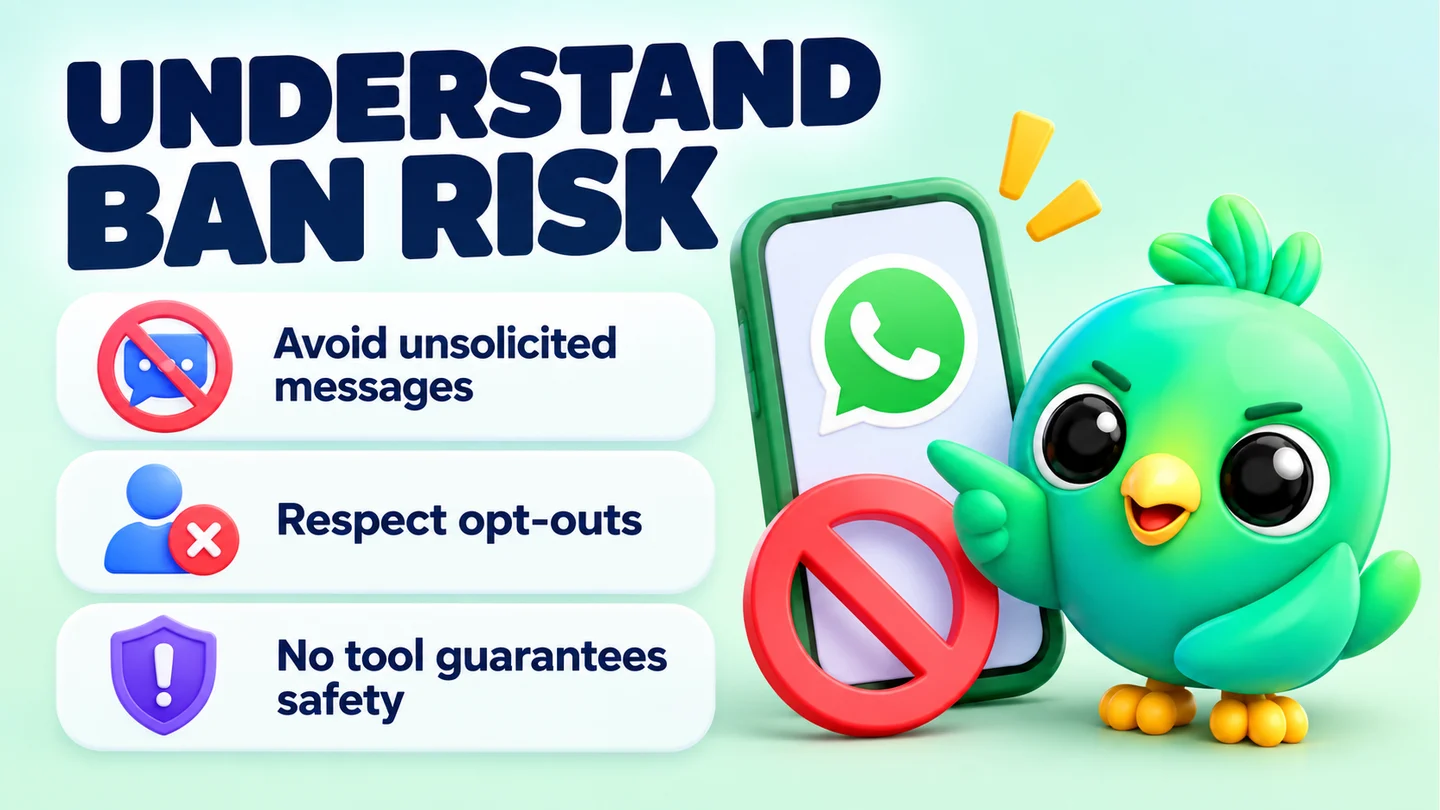
It can. WhatsApp's Terms of Service ban bulk messaging, auto-messaging and automated or unauthorised access, so any extension that sends messages for you carries some risk. In practice, WhatsApp says bans come from account activity: spam, messages people didn't ask for, and reports from the people who receive them. How you use a tool matters far more than the fact that you installed one.
This guide is part of our wider look at whether WhatsApp Web extensions are safe. Here we focus on one question: your number. We'll cover what WhatsApp actually says, what raises the risk and what lowers it. We won't promise that any tool or habit protects you completely, because nothing does.
What WhatsApp's Terms say about automation
WhatsApp's Terms of Service are the starting point. The version for users outside the European Region (effective 4 January 2021 at the time of writing) has two sections that matter here.
Under "Acceptable Use of Our Services", you agree not to use WhatsApp in ways that involve "bulk messaging, auto-messaging, auto-dialing, and the like". The same list also rules out non-personal use unless WhatsApp has authorised it. The WhatsApp Business app and the WhatsApp Business API are how WhatsApp authorises business use.
Under "Harm to WhatsApp or Our Users", you agree not to use automated means to access or use the service in unauthorised ways. That includes collecting information about other users without permission.
WhatsApp's help page on unauthorised automated or bulk messaging goes further. It says its products are not intended for bulk or automated messaging. It also says WhatsApp bans accounts using machine-learning classifiers and has taken legal action against companies that offer this kind of abuse.
Note: WhatsApp has not published a list of approved or banned browser extensions. Its rules are written about behaviour (bulk sending, automation, scraping), not about specific tools. Anyone who tells you their extension is "approved" or "undetectable" is claiming something WhatsApp doesn't say.
How WhatsApp decides to ban or restrict a number
WhatsApp's help pages describe the signals it uses in plain terms.
- Account activity, not your Wi-Fi. The account bans page says bans follow activity that breaks the Terms, "for example if it involves spam, scams" or puts users at risk. It also says accounts aren't banned only because of the network they connect from.
- Machine learning plus reports. The responsible use page says WhatsApp uses machine learning and reports from users to find and ban accounts that send unwanted automated messages.
- What a report sends. When someone reports or blocks a business, WhatsApp receives the last five messages that business sent them, according to its page on detecting violations. So a report puts your own words in front of a reviewer.
- Repeat reports. The same responsible use page says frequent broadcasts can lead people to report you, and that WhatsApp bans accounts reported multiple times.
One useful reassurance: WhatsApp says receiving lots of messages at once, for example after boosting a post, will not by itself get you banned. Inbound volume isn't the problem. Unwanted outbound volume is.
Behaviours that raise the risk
Here are the habits that most often get small-business numbers into trouble, all drawn from WhatsApp's own guidance.
| Behaviour | Why it's risky |
|---|---|
| Messaging people who never contacted you or agreed to hear from you | WhatsApp's guidance is to message only people who contacted you first or asked you to. Strangers are the most likely to report. |
| Sending the same promo to a big list in one go | Bulk and auto-messaging are named in the Terms. Identical messages at volume look automated because they are. |
| Using bought, scraped or shared contact lists | WhatsApp tells users not to message people using contact data from illicit sources or without consent. |
| Messaging many new contacts in a short time | A restricted account can't start chats with new contacts, which suggests new-contact outreach is what WhatsApp limits first. |
| Ignoring "please stop" | WhatsApp says to remove the contact and not message them again. Carrying on invites a report. |
| Scraping numbers from groups | Automated extraction of phone numbers, photos or statuses breaks the Terms and can lead to a temporary ban. |
| Using a modified WhatsApp app | Unofficial apps break the Terms and can get an account banned, per WhatsApp's page on unofficial apps. |
Notice what's missing from that table: organising chats, writing notes, adding tags, saving replies or blurring your screen. These are things you do on your own side of the screen. The risk sits almost entirely in what gets sent, to whom, and how often.
If you want to see what the worst end of the market looks like, our piece on the 131 spam extensions covers the October 2025 report from Socket's researchers, written up by Malwarebytes. Those extensions were built to push bulk promotional messages through WhatsApp Web and get round its anti-spam limits.
What lowers the risk
None of these make you safe. Together, they make you much less likely to be reported, and reports are the signal WhatsApp describes most clearly.
1. Only message people who opted in
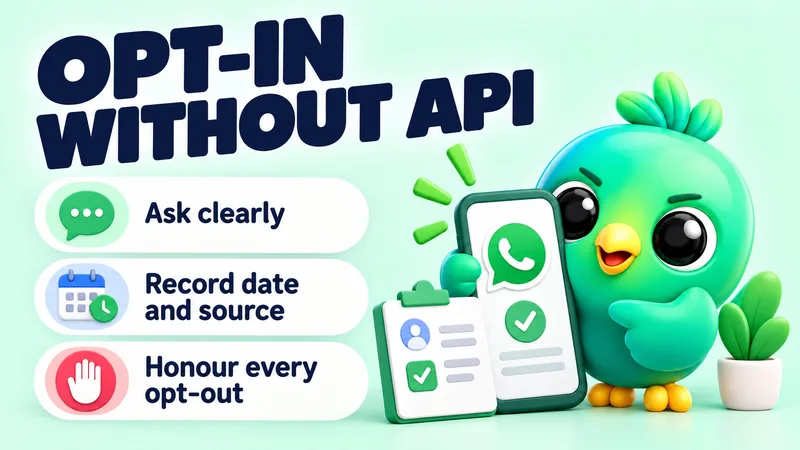
This is the big one. Let customers come to you with a click-to-chat link or a QR code, and ask before you add anyone to a list. WhatsApp's business messaging policy says you may only contact people who gave you their number and agreed to hear from you. Our guide on collecting WhatsApp opt-in without the API shows how to do this and keep a record.
2. Keep volume low and human
Send fewer messages, spread them out, and stop during the night. A cake seller telling 30 regulars that Saturday's slots are open is a very different pattern from a new number sending 500 identical offers before lunch. If you're unsure where WhatsApp draws lines on broadcasts, see WhatsApp broadcast limits explained.
3. Make every message expected and useful
A message someone expected is far less likely to be reported. Use the customer's name, mention what they asked about, and tell them how to stop hearing from you. A phone shop replying to "tell me when the new model lands" is expected. The same shop messaging everyone who once asked about a screen protector is not.
4. Honour opt-outs straight away
When someone says stop, stop. Tag them so they're never added to a list again.
5. Warm up a new number slowly
A brand-new number with no history that suddenly messages lots of strangers is exactly the unsolicited, high-volume pattern WhatsApp's guidance warns against. Start with real conversations and build up.
6. Choose tools that don't scrape or bulk-blast
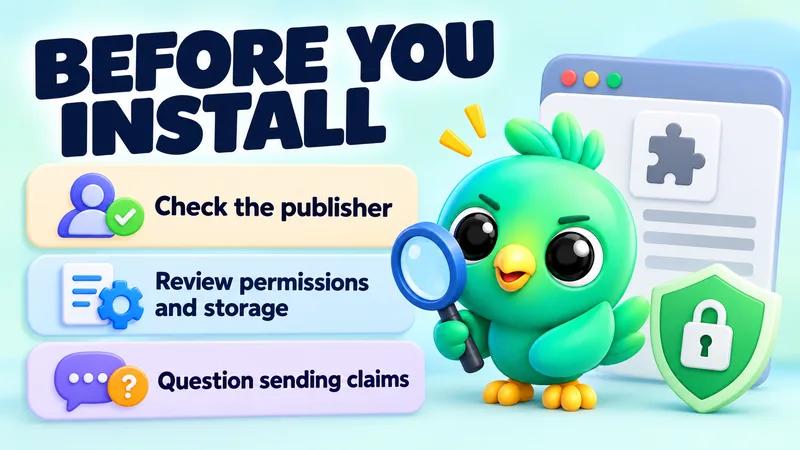
Before you install anything, check what it does. Our 10-point extension checklist covers permissions, data storage and sending behaviour.
A quick check before you send anything
Run through these five questions before any message goes to more than a handful of people:
- Did every person on this list ask to hear from me, and can I say when?
- Would each of them recognise my business name straight away?
- Is this message useful to them today, not just to me?
- Have I removed everyone who asked me to stop?
- Am I sending at a sensible hour, at a pace a person could manage?
If any answer is no, fix that first. It will do more for your number than any setting.
Where InboxCRM fits (and where it doesn't)
InboxCRM is a WhatsApp CRM that runs inside WhatsApp Web as a Chrome extension. Most of what it does never sends a message: pipeline boards, notes, tags, saved replies, order tracking and privacy blur. Those features don't change how your number looks to WhatsApp.
For the parts that do send, we've tried to be clear about what's enforced. Full details are on our responsible automation page.
- Campaigns go through a sending-safety layer that's on by default. It adds randomised delays and batch cooldowns, and caps sending at 40 messages an hour and 250 a day. It also has quiet hours, a per-contact cooldown, warm-up mode for newer numbers and an automatic stop after repeated failures. You can see and lower these limits.
- Auto-reply rules wait a random delay and show typing before they answer. Chatbot flows show typing before each message.
- Follow-up rules and scheduled messages are not paced by that layer. They send at the time you set, so keep their volume low.
- Scheduled items and campaigns only run while Chrome and WhatsApp Web are open.
The campaigns guide walks through the pacing settings step by step. The most important instruction in it isn't a setting, though: only message people who agreed to hear from you.
Warning: These controls reduce risk. They can't remove it. WhatsApp's Terms restrict automated and bulk messaging, and no third-party tool can guarantee your number won't be restricted or banned. If people report your messages, limits won't save you.
If you're already restricted or banned
A restriction and a ban are different. A restricted account can still chat with existing contacts but can't start new chats for a set time, and the restriction ends on its own, according to WhatsApp's page on restricted accounts. A ban shows "This phone number can't use WhatsApp" and may offer a review.
If you're in either situation, stop all automated sending first. Then read our step-by-step guide to what to do when a WhatsApp Business account is banned, which covers WhatsApp's in-app review process.
Frequently asked questions
Is using a WhatsApp Web extension against WhatsApp's rules?
WhatsApp's Terms don't mention browser extensions by name. They prohibit bulk messaging, auto-messaging and unauthorised automated access. An extension that only organises your chats on your screen is a very different thing from one that sends messages or scrapes contacts, but WhatsApp has not published an approved list.
Can WhatsApp detect Chrome extensions?
WhatsApp doesn't say how it detects specific tools. What it does say is that it uses machine learning and user reports to find accounts sending unwanted automated messages. Focus on your sending behaviour rather than on staying hidden.
Will I get banned for using a CRM extension to organise chats?
WhatsApp says bans are based on account activity such as spam and scams. Notes, tags and pipelines don't send anything. The risk comes from what you send and to whom, so keep outbound messages to people who opted in.
Can any extension guarantee my number won't be banned?
No tool can guarantee that. Only WhatsApp decides who gets banned, and its help pages say third-party services can't ban or unban an account.
Sources
- WhatsApp Terms of Service — WhatsApp, checked 23 September 2026
- Unauthorized use of automated or bulk messaging on WhatsApp — WhatsApp Help Center, checked 23 September 2026
- About account bans — WhatsApp Help Center, checked 23 September 2026
- How to use WhatsApp responsibly — WhatsApp Help Center, checked 23 September 2026
- About detecting violations — WhatsApp Help Center, checked 23 September 2026
- About restricted accounts — WhatsApp Help Center, checked 23 September 2026
- About temporarily banned accounts — WhatsApp Help Center, checked 23 September 2026
- About account bans for unofficial apps — WhatsApp Help Center, checked 23 September 2026
- WhatsApp Business Messaging Policy — WhatsApp, checked 23 September 2026
- Over 100 Chrome extensions break WhatsApp's anti-spam rules — Malwarebytes, checked 23 September 2026
InboxCRM is a WhatsApp CRM for WhatsApp Web. Pipeline, notes, follow-ups and quick replies beside every chat, with your CRM data kept in your browser.
Add InboxCRM to Chrome