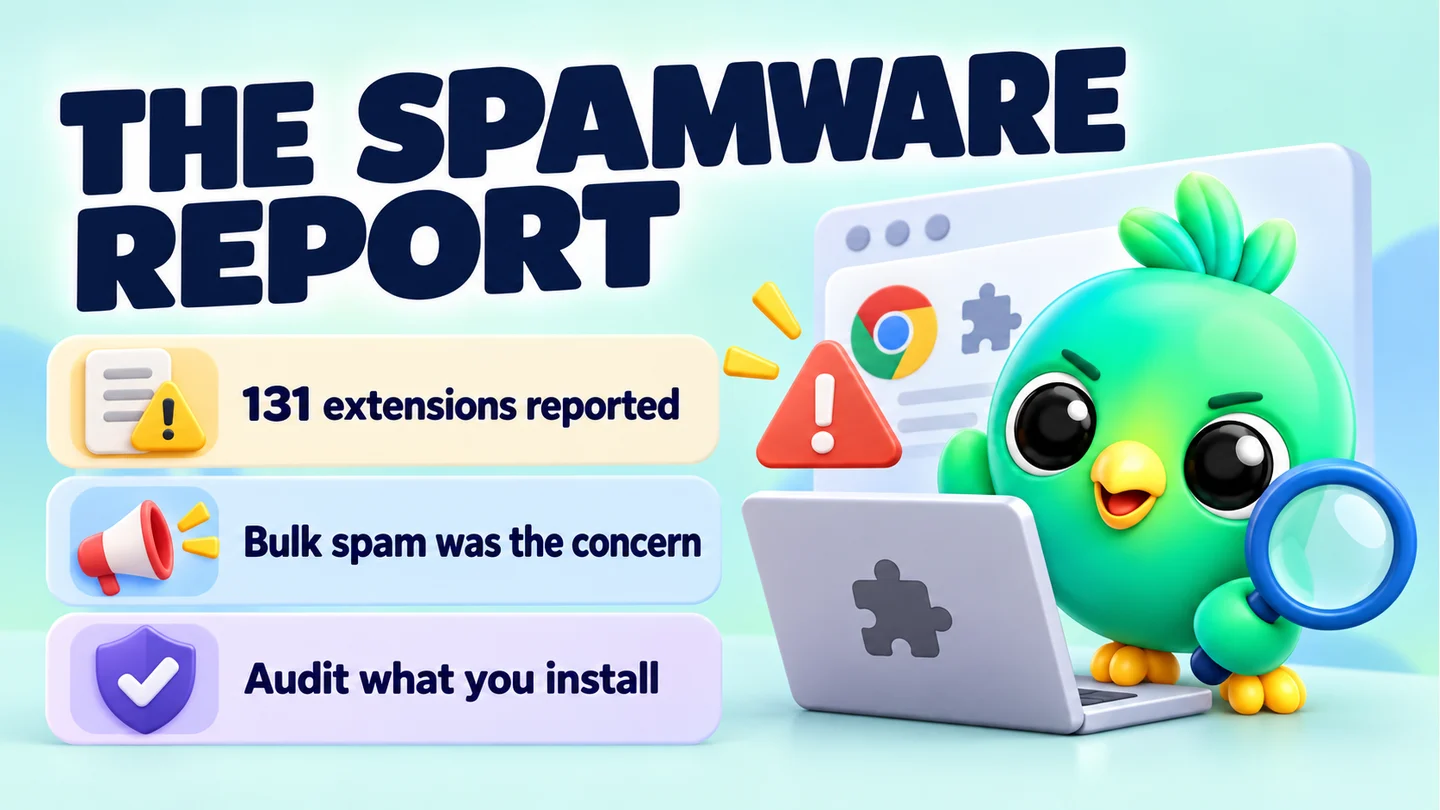
In October 2025, researchers at the security firm Socket reported 131 Chrome extensions that turned WhatsApp Web into a bulk-messaging machine. They were rebrands of one tool, sold through a white-label programme, and aimed mainly at Brazil. Socket called them "spamware" rather than classic malware: the main harm was spam sent to people who never asked for it, plus the risk to the accounts doing the sending.
This analysis is dated 23 September 2026 and is part of our guide to whether WhatsApp Web extensions are safe. We stick to what the researchers published, flag what we couldn't confirm, and explain what it means for a small business on WhatsApp Web.
What Socket found
Socket's Threat Research Team published its report on 18 October 2025, written by researcher Kirill Boychenko. Security outlets picked it up over the following days, including The Hacker News on 20 October and Malwarebytes on 22 October.
The key facts, as reported by Socket:
- 131 extensions, one codebase. Socket describes them as rebrands of a single tool that share the same code, design patterns and infrastructure.
- About 20,905 active users across the listings Socket could see. The largest single listing, YouSeller, had around 10,000 users. Some had only a few dozen.
- Brazil was the main target. The listings and marketing were aimed at Brazilian small businesses and agencies.
- At least nine months live. Based on Chrome Web Store timestamps, Socket says the operation had been running for at least nine months, with new uploads and updates still arriving in October 2025.
- A franchise model. The original extension came from a company called DBX Tecnologia, which advertised a white-label reseller programme. Partners paid about R$12,000 (roughly US$2,180, by Socket's conversion) to sell the extension under their own brand. Most of the listings were published under the name "WL Extensão" or a variant.
Several of the rebrands called themselves a CRM for WhatsApp Web.
What the extensions actually did
According to Socket, the extensions injected code directly into the WhatsApp Web page and ran alongside WhatsApp's own scripts. From there they automated bulk outreach and scheduling from the user's own WhatsApp account.
Socket also found tutorial material showing users how to tune send intervals, pauses and batch sizes so that large campaigns could keep running without tripping WhatsApp's anti-spam systems. In other words, the pacing features existed to hide volume, not to keep it reasonable.
Socket was careful with its label. In its words, the extensions "are not classic malware". It described them as high-risk spam automation that abuses platform rules. The people most directly harmed were the recipients of unwanted messages and the businesses whose numbers were put at risk.
Which rules they broke
Socket pointed to two sets of rules.
Chrome Web Store policy. Google's Spam and Abuse policy doesn't allow developers or their affiliates to publish multiple extensions with duplicate functionality. It also doesn't allow extensions that send spam or unwanted messages, or that send messages on a user's behalf without giving the user a chance to confirm them.
WhatsApp's rules. WhatsApp's Business Messaging Policy says you may only contact people who have given you their number and have opted in to hear from you, and that you must respect requests to stop. WhatsApp's own guide to using WhatsApp responsibly tells users not to bulk message, auto-message or auto-dial, and says it uses machine learning and user reports to find and ban accounts that send unwanted automated messages.
Were the extensions removed?
- Socket says it filed takedown requests with the Chrome security team and asked Google to suspend the related publisher accounts.
- At the time Socket published, it said all 131 extensions were still live in the Chrome Web Store.
- None of the reports we checked (Socket, Malwarebytes, The Hacker News and the Brazilian outlet SempreUpdate) included a statement from Google or Meta confirming removal.
We could not find a primary source confirming what Google did next, so we won't claim a "crackdown".
In fairness to the other side: SempreUpdate published a response from a company linked to the operation. It disputed the framing, said the 131 listings belonged to separate white-label clients, and said its platform prohibits mass unauthorised sending. Socket's findings were based on the listings, code and marketing it examined.
One later change is worth knowing about. In August 2026 Google announced that each Chrome Web Store developer account now has an individual limit on how many extensions it can publish, starting at two slots by default. Google didn't link this to the WhatsApp case, and existing extensions stay live, but it does make flooding the store with clones harder.
What this means for real businesses
Most small sellers who use a WhatsApp Web extension aren't running spam campaigns. They want reminders, saved replies and a way to see which leads went quiet. Here's what to take from this.
1. The label on the listing proves nothing
Some of these tools called themselves CRMs. The name and screenshots told you nothing about who built them or why. Look at the publisher, the other extensions they publish, and how they describe sending. Our 10-point checklist before you install a WhatsApp Web extension walks through this step by step.
2. Being on the Chrome Web Store isn't a safety certificate
These listings sat on the official store for months. Store review judges extensions against Google's policies, not WhatsApp's. An extension can pass store review and still help you break WhatsApp's rules.
3. The risk to your number comes from how you send
WhatsApp's help pages describe bans in terms of behaviour: spam, bulk and automated messages, and reports from recipients. The tools in this story were built for exactly that. For the full picture, read our honest guide to whether a WhatsApp Web extension can get your number banned.
4. Pacing isn't the problem. Sending to strangers is
Randomised delays and batch pauses appear in plenty of tools, including ours. Socket's criticism was that these extensions used them to disguise volume, so that large volumes of unwanted messages looked less like a bot.
Pacing can't make an unwanted message acceptable. Used properly, it keeps a small, opted-in send (a class reminder to your students, a restock note to customers who asked) from going out in a machine-gun burst. The honest rule is simple: only message people who have agreed to hear from you, and keep volume low. Our guide on collecting WhatsApp opt-in without the API shows how to build that list, and WhatsApp broadcast limits explained covers sensible sending habits.
5. Ban recovery is out of everyone's hands but WhatsApp's
WhatsApp is explicit that third-party services can't ban your account or remove a ban. If your number is banned, the only route is the Request review option in the app. Anyone selling a guaranteed unban is selling something WhatsApp says doesn't exist.
A quick self-check for your own setup
- Open
chrome://extensions, click Details on each WhatsApp extension, read its permissions and remove anything you don't recognise or use. - If a tool advertises "blasts" or ban-avoidance, ask whether that's what you want tied to your business number.
- Let customers start the conversation. A WhatsApp QR code on your packaging or a click-to-chat link in your bio brings people to you without cold messaging.
Where InboxCRM stands
InboxCRM is a WhatsApp CRM extension for WhatsApp Web, built around organising chats: pipeline stages, notes, follow-ups and saved replies. Its campaigns send only to lists you supply, through a sending-safety layer that is on by default: 40 messages an hour and 250 a day, quiet hours, warm-up mode and randomised delays. Those controls reduce risk but can't remove it, and no third-party tool can guarantee your number won't be restricted. Follow-up rules and scheduled messages aren't paced by that layer, so keep them low-volume. See the responsible automation page and the campaigns guide.
The takeaway
The 131-extension case wasn't about browser extensions being dangerous in general. It was about a product built to send unwanted messages at scale and hide it. Choose tools by what they're built to do, check who makes them, and keep your own sending honest: opted-in contacts, low volume, and a fast response to anyone who says stop.
Frequently asked questions
Were the 131 WhatsApp extensions malware?
Socket said they were not classic malware. It classed them as high-risk spam automation that abused WhatsApp's and the Chrome Web Store's rules, mainly by sending bulk messages to people who hadn't opted in.
Did Google remove the 131 extensions?
Socket reported them and asked Google to suspend the publisher accounts, and said all 131 were live when it published. We couldn't find a primary source from Google or Meta confirming what happened next.
Sources
- 131 Spamware Extensions Targeting WhatsApp Flood Chrome Web Store — Socket, checked 23 September 2026
- Over 100 Chrome extensions break WhatsApp's anti-spam rules — Malwarebytes, checked 23 September 2026
- 131 Chrome Extensions Caught Hijacking WhatsApp Web for Massive Spam Campaign — The Hacker News, checked 23 September 2026
- 131 extensões abusam do WhatsApp Web e violam políticas, diz Socket — SempreUpdate, checked 23 September 2026
- Chrome Web Store updates: Faster reviews, new publication limits, badge updates, and more — Chrome for Developers, checked 23 September 2026
- WhatsApp Business Messaging Policy — WhatsApp, checked 23 September 2026
- How to use WhatsApp responsibly — WhatsApp Help Center, checked 23 September 2026
- About account bans — WhatsApp Help Center, checked 23 September 2026
InboxCRM is a WhatsApp CRM for WhatsApp Web. Pipeline, notes, follow-ups and quick replies beside every chat, with your CRM data kept in your browser.
Add InboxCRM to Chrome