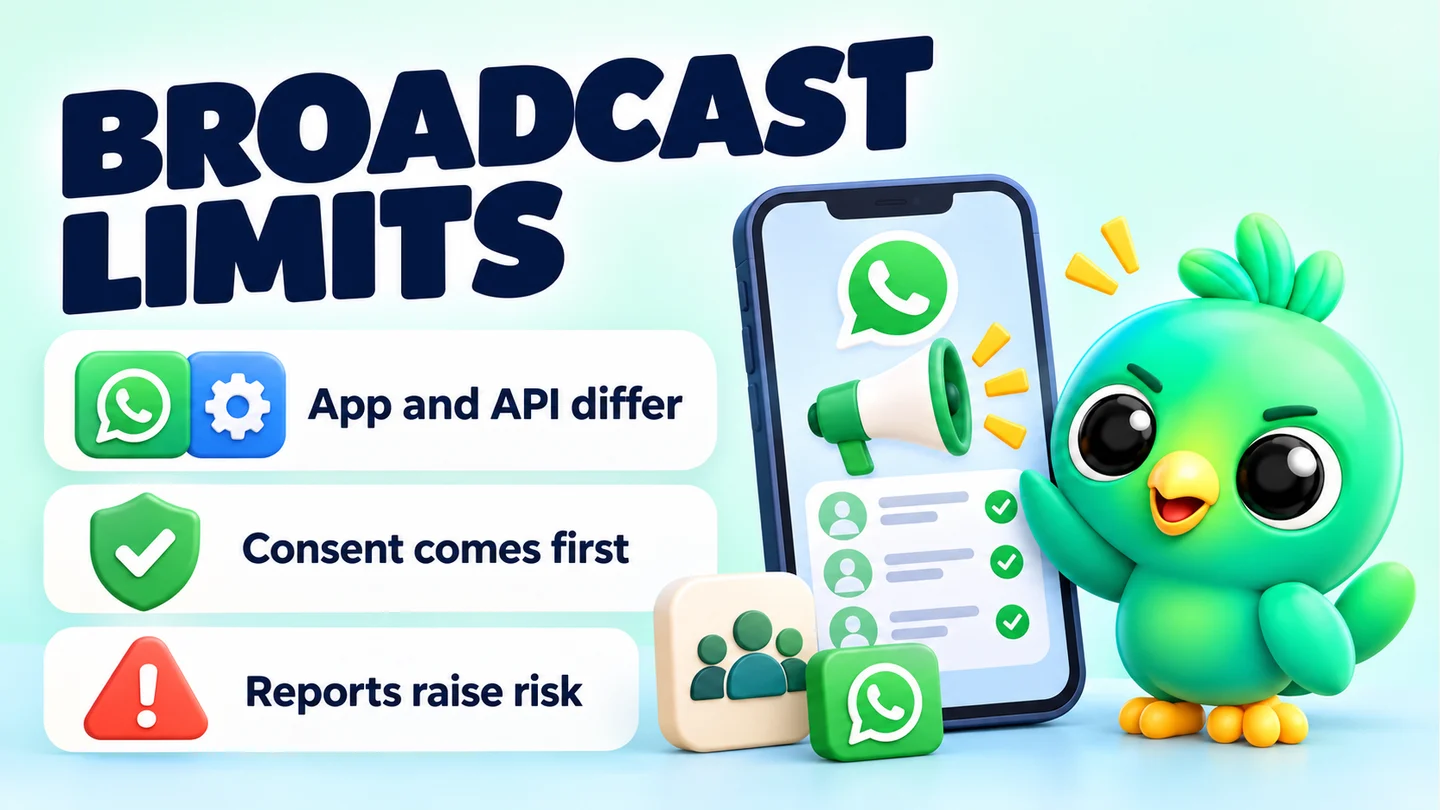
On the WhatsApp Business app, WhatsApp's help pages say a broadcast list can hold up to 256 contacts, and only people who have saved your number receive the message. WhatsApp does not publish a daily broadcast limit for the app, though a monthly limit is rolling out in some countries. On the WhatsApp Business API, the limit is a messaging tier. New business portfolios can message 250 unique people per rolling 24 hours outside a customer service window, rising to 2,000, 10,000, 100,000 or no cap.
This post is part of our guide to whether WhatsApp Web extensions are safe, where we look at ban risk and how to choose tools. Here we stick to the numbers WhatsApp and Meta actually publish, and say plainly where they don't.
Last checked: 23 September 2026, against the WhatsApp Help Center and Meta for Developers pages listed in Sources. These limits change, so check the linked pages before relying on them.
WhatsApp broadcast limits at a glance
| WhatsApp Business app (broadcast lists) | WhatsApp Business API (Cloud API) | |
|---|---|---|
| Recipients per list or send | Up to 256 contacts per broadcast list | Set by your messaging limit, not a list size |
| Who receives it | Only people who saved your number in their contacts | People you message with a template outside the 24-hour customer service window |
| Daily limit | None published | Unique recipients per moving 24 hours: 250 to start, then 2,000, 10,000, 100,000 or no cap |
| Monthly limit | Rolling out in some countries; number not published | None published |
| Where you send from | Phone only (not supported on Windows, Mac or Web) | Your API platform or integration |
| Cost | Broadcast lists: none stated. Paid "business broadcasts" in some countries | Per-message pricing set by Meta |
Broadcast lists on the WhatsApp Business app
How many contacts can a broadcast list have?
WhatsApp's help page on broadcast lists says you can include up to 256 contacts in each list and create as many lists as you like. The WhatsApp Business app's own broadcast page doesn't repeat the number, so check your app if you see a different cap.
Each recipient gets your message as a normal one-to-one chat. If they reply, the reply comes only to you, not to the rest of the list.
Why didn't everyone get my broadcast?
Both the standard and Business app help pages say only people who have added your number to their phone's contacts will receive a broadcast. Someone who messaged you once but never saved your number won't get it, and you won't see an error.
The fix is to ask customers to save your number, which is easier if you give them a simple way to start a chat first. Our free WhatsApp link generator and WhatsApp QR code generator create a click-to-chat link or code for your shop counter, packaging or Instagram bio.
Is there a daily broadcast limit?
WhatsApp does not publish a daily broadcast limit for the WhatsApp Business app. Figures quoted on other websites don't appear on WhatsApp's own help pages, so we don't repeat them here.
What WhatsApp does publish is a monthly broadcast limit that is rolling out gradually. Its help page says people in some countries might see it, and that the aim is to help people manage how many messages they get. It doesn't give a figure. The page is written for the standard WhatsApp app and points businesses to the WhatsApp Business app for more messaging tools, so it's not clear how it applies to Business accounts. If you see the limit, check it under Settings > Broadcasts. WhatsApp says it will notify you when you're close.
Can I send broadcasts from WhatsApp Web?
No. WhatsApp's broadcast list page says broadcast lists aren't supported on Windows, Mac or Web, and the linked devices page lists "creating and viewing broadcast lists" as unsupported on linked devices. You create and send them from your phone.
What are business broadcasts?
In some countries, the WhatsApp Business app now offers business broadcasts (previously called marketing messages). They can reach customers who haven't saved your number, and they come with media and an optional action button. According to WhatsApp's help pages:
- You pay for each delivered message once any free messages are used.
- Messages are reviewed by Meta before sending.
- You're refunded or credited for broadcasts that aren't delivered within five days.
- The feature is available in limited countries.
These pages don't give a fixed recipient cap for business broadcasts.
Messaging limits on the WhatsApp Business API
The API works differently. There are no broadcast lists. Instead, Meta sets a messaging limit: the maximum number of unique WhatsApp users your business can deliver messages to, outside a customer service window, in a moving 24-hour period.
According to Meta's Messaging Limits page (updated 21 May 2026):
- New business portfolios start at 250.
- You can reach 2,000 by completing a scaling path: verifying your business, having a partner verify it, or sending 2,000 delivered messages outside customer service windows to unique users within 30 days using high-quality templates.
- After that, limits rise automatically to 10,000, 100,000 and then no cap. To qualify, your messages must be high quality and you must have used at least half your current limit in the last 7 days. Each increase happens within 6 hours.
- Limits are set per business portfolio and shared by all its phone numbers.
The customer service window is the 24 hours after a customer messages you. Meta's pricing page says it opens and resets with each user message. Replies inside that window don't count towards the messaging limit. Outside it, you can only start a conversation with a template message.
So on the API, "broadcasts per day" really means how many different people you can start conversations with in 24 hours. You can see your limit in WhatsApp Manager.
For a fuller comparison of the two routes, see WhatsApp Business app vs API for a small business.
Limits aren't the real risk. Reports are.
Staying under a number doesn't protect an account; reports do the damage. WhatsApp's responsible-use page warns that frequent broadcasts may lead people to report you, and that accounts reported multiple times are banned. Its guidance is to message only people who contacted you first or asked to be contacted.
For business broadcasts, the help page on marketing messages says that if many people report or block you, you get a warning first. Keep sending spam and marketing messages are suspended for three days, and repeat restrictions can last longer.
Sending habits that lower the risk:
- Only message people who opted in and expect to hear from you. Our guide to collecting WhatsApp opt-in without the API shows how to ask and keep a record.
- Make every message useful: a restock, an order update, a class reminder. Avoid "just checking in" blasts.
- Give an easy way out and honour it straight away. WhatsApp says to stop messaging anyone who asks.
- Space broadcasts out. A few a month to people who want them beats daily sends.
- Remove people who never engage. WhatsApp's own advice after a restriction includes removing contacts who haven't interacted recently.
What about WhatsApp Web extensions?
Extensions that send to lists from WhatsApp Web don't use broadcast lists. They send one-to-one messages through your WhatsApp Web session, so broadcast limits don't apply, but WhatsApp's rules on bulk and automated messaging do. WhatsApp's responsible-use page says not to bulk message or auto-message, and that it uses machine learning and user reports to ban accounts that send unwanted automated messages.
InboxCRM, a WhatsApp CRM Chrome extension, has a Campaigns feature for sending to lists you supply of customers who opted in, with {name} personalisation. Campaigns go through a sending-safety layer that is on by default. With "Protect my number" on, it:
- waits a random 12–40 seconds between messages and pauses for 90–240 seconds after every 20
- caps sending at 40 messages an hour and 250 a day
- doesn't send between 21:00 and 08:00
- skips anyone messaged in the last 24 hours
- offers a warm-up mode that caps new or recently restricted numbers at 40 a day
These are InboxCRM's own defaults, not WhatsApp limits. The 250-a-day cap is unrelated to the API's 250 starting tier. Follow-up rules and scheduled messages aren't paced by this layer, and all sending needs Chrome running with WhatsApp Web open. The controls reduce risk. They don't remove it, and no tool can guarantee an account won't be restricted. The campaigns guide and the responsible automation page explain the settings, and our honest guide to whether an extension can get your number banned covers the wider risk.
Frequently asked questions
How many people can I send a WhatsApp broadcast to?
Up to 256 contacts per broadcast list, according to WhatsApp's help page, and you can create as many lists as you like. Only contacts who have saved your number will receive it.
What is the WhatsApp broadcast limit per day?
WhatsApp doesn't publish a daily broadcast limit for the WhatsApp Business app. A monthly limit is rolling out in some countries, with no published figure. On the API, the limit is 250 unique recipients per 24 hours for new portfolios, rising with scaling.
Why are my broadcast messages not delivered?
Most often, the recipient hasn't saved your number in their contacts. WhatsApp's help pages say only people who have added you receive broadcast messages.
Sources
- How to use broadcast lists — WhatsApp Help Center, checked 23 September 2026
- How to use broadcast lists on the WhatsApp Business app — WhatsApp Help Center, checked 23 September 2026
- About broadcast limits — WhatsApp Help Center, checked 23 September 2026
- About linked devices — WhatsApp Help Center, checked 23 September 2026
- How to create and send a business broadcast — WhatsApp Help Center, checked 23 September 2026
- How to turn broadcast lists into marketing messages — WhatsApp Help Center, checked 23 September 2026
- Can't send marketing messages — WhatsApp Help Center, checked 23 September 2026
- How to use WhatsApp responsibly — WhatsApp Help Center, checked 23 September 2026
- Messaging Limits (updated 21 May 2026) — Meta for Developers, checked 23 September 2026
- Pricing on the WhatsApp Business Platform (updated 10 September 2026) — Meta for Developers, checked 23 September 2026
InboxCRM is a WhatsApp CRM for WhatsApp Web. Pipeline, notes, follow-ups and quick replies beside every chat, with your CRM data kept in your browser.
Add InboxCRM to Chrome