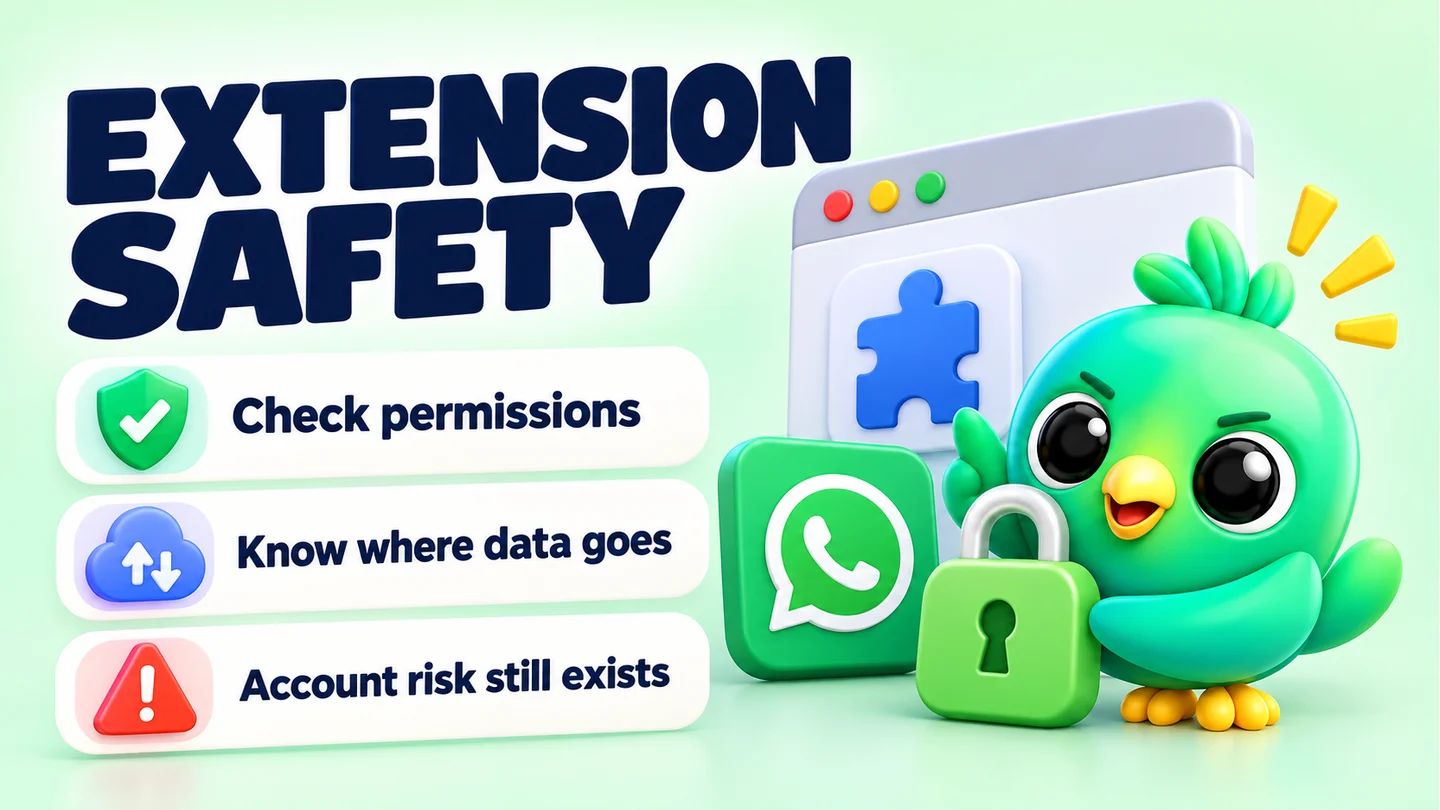
A WhatsApp Web extension can be safe enough to use, but only if you trust the publisher, understand where it stores your data, and use it in a way WhatsApp allows. Any extension that runs on web.whatsapp.com can read what the page shows, including your chats. So "safe" really means two separate things: is your customer data handled responsibly, and does the way you use the tool put your number at risk?
This guide covers both. It explains what an extension can technically access, where data goes, what WhatsApp's own rules say about automation, what the Chrome Web Store's trust signals do and don't tell you, and how to choose. It's written for 1–3 person businesses selling on WhatsApp, whether or not you ever use our product.
Note: Last updated 23 September 2026. Checked against WhatsApp Help Center pages, WhatsApp's Business Messaging Policy and Chrome's developer documentation, all listed under Sources.
Two different questions: privacy and account risk
People often ask "is this extension safe?" as if it were one question. It's really two, and they have different answers.
| Privacy risk | Account risk | |
|---|---|---|
| The question | Where does my customers' data go, and who can see it? | Could using this get my WhatsApp number restricted or banned? |
| What drives it | The publisher's code, storage model and honesty | How you send messages: volume, automation, opt-in |
| Who decides | The extension's publisher (and you, by what you turn on) | WhatsApp, based on its Terms and user reports |
| Worst case | Customer chats or contact lists end up somewhere you didn't intend | Your number is banned and you lose access to chats |
| How to check | Permissions, privacy policy, storage model | Sending features, marketing claims, your own habits |
A privacy blur tool that never sends a message can carry privacy risk but almost no account risk. A mass-sending tool with a spotless privacy policy can still get your number banned. Keep both columns in mind as you read.
What an extension can technically access on WhatsApp Web
You don't need to be technical to understand this, but it helps to know the three moving parts.
Host permissions: which websites it can touch
When an extension is installed, it declares which sites it wants to work on. These are called host permissions. A WhatsApp Web tool normally asks for web.whatsapp.com. Chrome shows this as a warning when you install, along the lines of permission to read and change your data on that site.
Some extensions ask for far more. Chrome's permissions list shows that broad access produces the warning "Read and change all your data on all websites". For a tool that only needs to work on WhatsApp, that's more access than the job requires.
You can also narrow access yourself. In chrome://extensions, under Details, Chrome lets you set an extension's site access to run only when you select it, only on specific sites, or on all sites.
Content scripts: what it can read on the page
The part of an extension that runs inside a web page is called a content script. Chrome's developer documentation explains that content scripts can read the details of the pages you visit, change them, and pass information back to the rest of the extension.
On WhatsApp Web, the page contains your chat list, contact names, phone numbers, message text and media previews. A content script with access to web.whatsapp.com can read what's displayed. That's not a flaw in any particular product; it's how every WhatsApp Web extension adds features, from privacy blur to CRM sidebars.
Why end-to-end encryption doesn't cover this
WhatsApp messages are end-to-end encrypted in transit. WhatsApp's help page explains that no one outside the chat, not even WhatsApp, can read them. But your messages have to be decrypted to appear on your screen, and an extension running in that page sees them after decryption.
WhatsApp makes a related point about businesses: once a customer's message reaches a business, it is subject to that business's own privacy practices. In practice, that means the tools you add to WhatsApp Web become part of your privacy practices too.
Other permissions worth noticing
Beyond site access, extensions can request browser-level abilities. Some that trigger warnings in Chrome include reading your browsing history, reading data you copy and paste, managing your downloads, and managing your other apps and extensions. A WhatsApp CRM rarely needs any of these. If it asks, the publisher should explain why.
Two more technical details work in your favour:
- No remote code under Manifest V3. Chrome's current extension platform requires all of an extension's logic to be inside the package Google reviews. Extensions can't download and run new code from a server. They can still send and receive data, though, so this limits what can change silently, not where your data goes.
- New permissions need your approval. If an update adds a permission that triggers a warning, Chrome disables the extension until you accept. Treat that prompt as a moment to re-check, not a box to click.
Privacy: where your data actually goes
Once you know an extension can read your chats, the real question is what it does with them. There are four common patterns.
Local-first storage
The extension keeps its data (pipeline stages, notes, tags, templates) in your browser's own storage on your computer. The publisher has no copy. The upside is that there's no vendor database to be breached or sold. The trade-off is that the data is tied to that browser profile, so you need your own backups. Our explainer on where WhatsApp CRMs store customer data goes into the pros and cons.
Cloud sync
The extension uploads your CRM data, and sometimes chat content, to the publisher's servers so it can sync across devices or a team. That can be useful, but it means a company now holds data about your customers. Check where the servers are, who can access them, and what happens if you leave.
Third-party services you connect
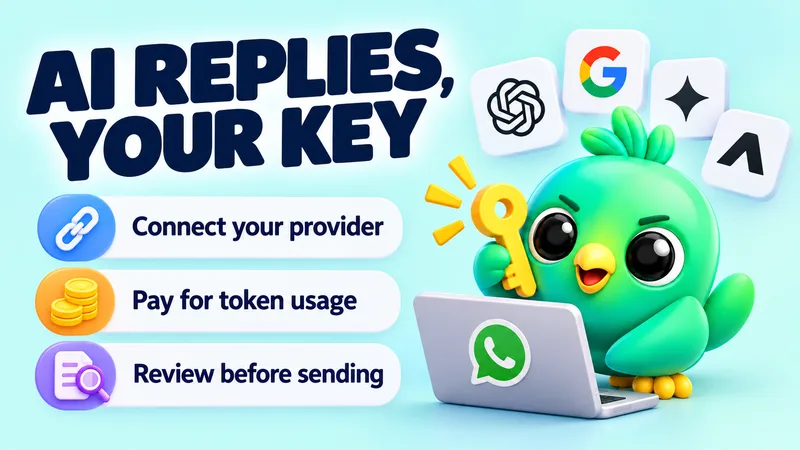
AI reply features send message text to an AI provider. Integrations send events to other apps. These can be fine, as long as you know they happen and control where data goes. If you want AI help without handing chats to an unknown middleman, read our guide to AI replies with your own OpenAI, Gemini or Groq key.
Data you didn't expect to leave
Analytics, error reports and "usage statistics" can carry more than you'd think. A good privacy policy says what these include. Look for a clear statement that chat content and contact details are excluded.
Privacy on your own screen
Privacy isn't only about servers. If you share your screen on a video call, train a new helper or work at a shop counter, customers' names and messages are visible to whoever is nearby. A WhatsApp Web privacy blur hides names, photos and messages until you hover over them.
Account risk: what WhatsApp's rules actually say
The second question is whether using an extension could get your number restricted. WhatsApp hasn't published a list of approved or banned extensions. Its rules are written about behaviour.
The Terms of Service
WhatsApp's Terms of Service rule out "bulk messaging, auto-messaging, auto-dialing" and similar communications. They also rule out creating accounts through unauthorised or automated means, and reverse engineering or modifying the service. WhatsApp says it may disable or suspend accounts that break these terms.
WhatsApp's responsible-use guidance
WhatsApp's help page on using WhatsApp responsibly lists practices that may get an account banned. They include sending unwanted messages, bulk or automated messages, using contact lists that aren't yours, over-using broadcast lists, and harvesting information from WhatsApp. It says WhatsApp uses machine learning and reports from users to find accounts that send unwanted automated messages. It also says it bans accounts that are reported multiple times.
The Business Messaging Policy and opt-in
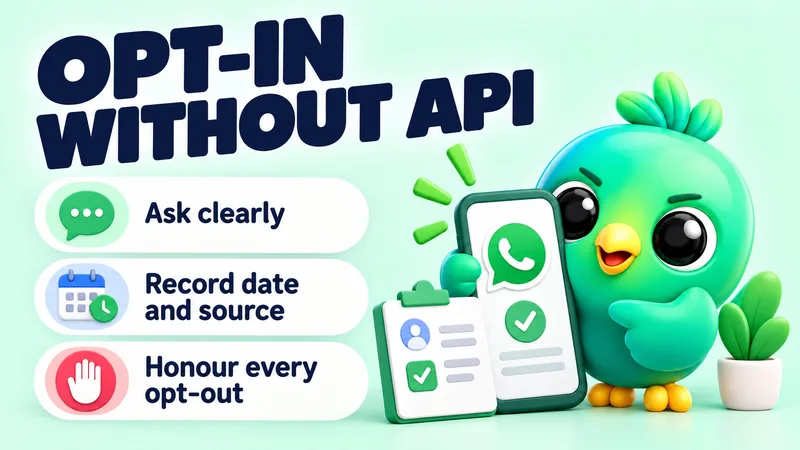
For businesses, the Business Messaging Policy is stricter. You may only contact people who have given you their number and opted in to receive messages from you. You must respect requests to stop, on or off WhatsApp. Our guide to collecting WhatsApp opt-in without the API shows practical ways to do this and keep a record.
Unofficial apps are a separate issue
WhatsApp's help page on unofficial apps is about modified or fake versions of WhatsApp, such as GB WhatsApp. Using them breaks the Terms and can lead to temporary or permanent bans. A Chrome extension that runs on the official WhatsApp Web is a different thing from a modified app, but WhatsApp doesn't endorse or support third-party extensions either. Any tool that automates sending takes you closer to the behaviour the Terms prohibit.
So, will an extension get you banned?
The honest answer: the extension itself is rarely the trigger; what you do with it is. Sending unsolicited messages at volume, especially to people who report you, is the fastest route to a ban. Organising your own chats, taking notes and replying faster to people who messaged you first carries far less risk. We cover this in depth in will a WhatsApp Web extension get my number banned?, and our guide to WhatsApp broadcast limits covers sensible sending habits.
If the worst happens
If your number is banned, WhatsApp shows a message in the app with an option to Request review. WhatsApp's page on account bans on the WhatsApp Business app says most reviews are completed within 24 hours. If there's no review option, the ban is final. It also says third-party services can't ban or unban your account; only WhatsApp can. Be wary of anyone offering paid recovery. Our guide on what to do when a WhatsApp Business account is banned walks through the process.
A case study: the 131 spam extensions
In October 2025, security firm Socket reported 131 Chrome extensions that were rebrands of a single WhatsApp Web tool. They had about 20,905 active users between them, were aimed mainly at Brazil, and had been on the store for at least nine months. Their purpose was bulk outreach, and tutorials showed users how to tune delays and batch sizes to get past WhatsApp's anti-spam systems.
Socket described them as spam automation rather than classic malware. Several called themselves CRMs. When Socket published, all 131 were still live on the Chrome Web Store, and Socket had asked Google to take them down.
The lessons are the ones in this guide: a store listing isn't a guarantee, a "CRM" label proves nothing, and a tool designed to send unwanted messages at scale puts every user's number at risk. Our analysis of the 131 spam extensions covers what was found and what is still unconfirmed.
Chrome Web Store signals and their limits
The Chrome Web Store gives you several trust signals. They're useful, but each has limits.
| Signal | What it tells you | What it doesn't |
|---|---|---|
| Listed on the store | The extension passed Google's review against Chrome Web Store policies | That it follows WhatsApp's rules, or that it can't be misused |
| Established Publisher badge | The publisher verified their identity and has a good policy track record. It can't be bought | Anything about how a specific extension handles data. New publishers won't have it yet |
| Featured badge | Google reviewed it for best practices and user experience | Google announced in August 2026 that it is sunsetting this badge later in 2026, so it will become less common |
| Enhanced protection "trusted" status | Built by a developer who follows store policies; Chrome warns you if not | Google says new developers usually take a few months to become trusted |
| Privacy practices section | What data the developer says it collects, and certifies it uses properly | It's the developer's own declaration, not an audit |
| Ratings and reviews | What recent users think. Google now gives more weight to recent reviews | Whether the reviewers understood the risks. Ratings can't show a ban that hasn't happened yet |
| User count | How many people have it installed | Popularity isn't safety. The largest of the 131 spam extensions had about 10,000 users |
Google also said in August 2026 that each developer account now has a limit on how many extensions it can publish, starting at two. That makes clone floods like the 131-extension case harder. It doesn't replace your own checks.
How to choose a WhatsApp Web extension
Here is a practical way to decide, whether you're a cake seller tracking custom orders or an estate agent following up viewings. These are illustrations, not real customers.
Step 1: Decide what you need, and what you don't
Most small sellers need organisation: see which leads are waiting, remember what each customer wanted, reply faster with saved answers, and follow up before a lead goes cold. Few need mass sending. Start from the smallest tool that does your job. The fewer features that send messages for you, the less account risk you take on.
Step 2: Run the checklist
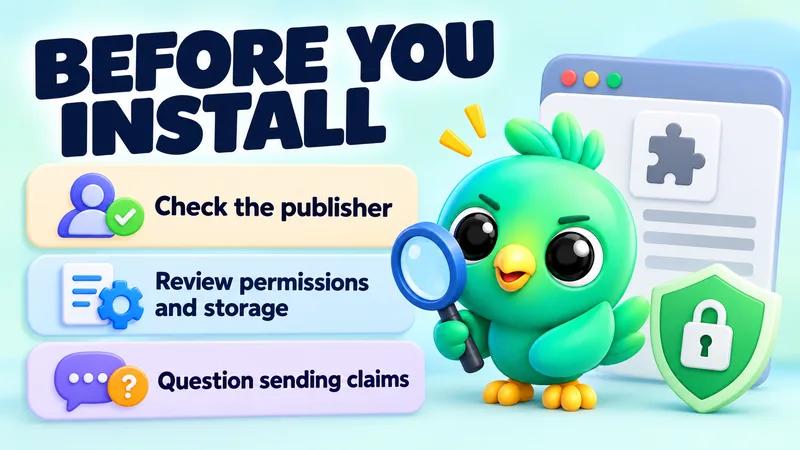
Our 10-point checklist before you install any WhatsApp Web extension walks through the checks in Chrome: publisher, permissions, site access, privacy practices, storage, data flows, sending claims and recent reviews. It takes about 15 minutes.
Step 3: Read the marketing like a policy document
How a tool describes itself tells you who it's built for.
| Green flags | Red flags |
|---|---|
| Clear statement of where data is stored | "We take privacy seriously" with no detail |
| Visible sending caps and quiet hours | Promises of mass blasts to any list |
| Advice to message only people who opted in | Claims that it avoids bans or is undetectable |
| Plain statement that no tool can guarantee against restrictions | "Official", "approved" or "WhatsApp partner" claims for an extension |
| Site access limited to web.whatsapp.com | Access to all websites with no explanation |
| Real publisher name, website and contact details | Anonymous developer, many near-identical listings |
Step 4: Start small and watch
Install one tool at a time. Use it for a week on your normal chats before turning on any automation. If you do use campaigns or auto-replies, keep volume low and send only to people who asked to hear from you.
Step 5: Keep your own safety net
Back up your CRM data somewhere you control. Remove extensions you stop using. Re-check permissions when Chrome asks you to approve new ones. And make it easy for customers to start conversations with you: a WhatsApp click-to-chat link or a WhatsApp QR code brings people to you, which fits WhatsApp's opt-in rules far better than cold messaging.
Where InboxCRM fits
We make InboxCRM, a WhatsApp CRM extension for WhatsApp Web, so here is exactly what it does on both questions. We won't call it safe, because no extension can honestly promise that. Judge it with the same checklist you'd use for anything else.
How it handles data
- Local-first storage. CRM records (pipelines, notes, tags, templates, schedules, orders and settings) are kept in Chrome's local extension storage on your device. InboxCRM doesn't keep a server-side copy.
- Data leaves only for features you turn on. AI requests go to the provider you choose (OpenRouter, OpenAI, Gemini or Groq, with your own key). Webhooks go only to URLs you enter. An optional cloud chat backup is encrypted on your device (AES-256-GCM) before upload, and the key stays in your browser. There's also an optional self-hosted bridge server.
- Account sign-in is separate. The optional InboxCRM account sign-in never receives your WhatsApp messages or CRM records.
- Backups are in your hands. You can export and restore backups, and schedule them. Because data is local, it's worth doing.
- Privacy blur. One click blurs names, photos, previews, messages and media for screen sharing.
The privacy-first page sets this out in full.
How it handles sending
- Campaigns go through a sending-safety layer, on by default: caps of 40 messages an hour and 250 a day, randomised delays, batch cooldowns, quiet hours, per-contact cooldowns, warm-up mode and an automatic stop after repeated failures. You can see and lower the caps.
- Campaigns send only to lists you provide, and InboxCRM's guidance is to message only people who have agreed to hear from you.
- Auto-replies wait a random delay and show typing before answering.
- Follow-up rules and scheduled messages send at the time you set and are not paced by the safety layer, so keep their volume low.
- Scheduling and campaigns need Chrome and WhatsApp Web open on your computer.
These controls reduce the risk of looking like a bot. They can't remove it. WhatsApp's Terms restrict automated and bulk messaging, and no third-party tool can guarantee your number won't be restricted. The responsible automation page explains the limits and why they're set where they are, and the campaigns guide shows where to adjust them.
The short version
- Any WhatsApp Web extension can read what your chats show. Choose publishers you can identify and hold to account.
- Find out where your data lives: local, cloud or third-party services, and what you turn on yourself.
- Account risk comes mainly from behaviour. Unsolicited, high-volume or automated messaging is what WhatsApp says it bans.
- Store badges, ratings and user counts help, but none of them is a safety guarantee.
- Pick the smallest tool that does your job, run the checklist, and keep your sending opted-in and low-volume.
Frequently asked questions
Can WhatsApp detect Chrome extensions?
WhatsApp doesn't publish how it detects automation. Its help pages say it uses machine learning and user reports to find accounts sending unwanted automated messages, so focus on your sending behaviour rather than on hiding a tool.
Can a WhatsApp Web extension read my messages?
Yes, if it has access to web.whatsapp.com. Content scripts can read what the page displays, including decrypted chats. That's why the publisher and its data handling matter.
Is a WhatsApp privacy extension safe to use?
A blur or privacy extension that doesn't send messages carries little account risk. It still reads your chats to blur them, so check the publisher, permissions and privacy policy like any other extension.
Can a Chrome extension get my WhatsApp Business account banned?
It can contribute. WhatsApp bans accounts for spam, bulk or automated messages and repeated reports. Using an extension to send unwanted messages raises that risk; using one to organise your own chats raises it far less.
Does the Chrome Web Store check extensions for safety?
Google reviews extensions against its own policies, and listings can be removed. Review isn't a guarantee: in 2025, 131 spam-focused WhatsApp extensions were listed for months before researchers reported them.
Sources
- About end-to-end encryption — WhatsApp Help Center, checked 23 September 2026
- How to use WhatsApp responsibly — WhatsApp Help Center, checked 23 September 2026
- About unofficial apps — WhatsApp Help Center, checked 23 September 2026
- About account bans — WhatsApp Help Center, checked 23 September 2026
- About account bans on the WhatsApp Business app — WhatsApp Help Center, checked 23 September 2026
- WhatsApp Terms of Service — WhatsApp, checked 23 September 2026
- WhatsApp Business Messaging Policy — WhatsApp, checked 23 September 2026
- Content scripts — Chrome for Developers, checked 23 September 2026
- Permissions list — Chrome for Developers, checked 23 September 2026
- Permission warning guidelines — Chrome for Developers, checked 23 September 2026
- Improve extension security (remotely hosted code) — Chrome for Developers, checked 23 September 2026
- Install and manage extensions — Chrome Web Store Help, checked 23 September 2026
- Tips for using the Chrome Web Store — Chrome Web Store Help, checked 23 September 2026
- Discovery on the Chrome Web Store — Chrome for Developers, checked 23 September 2026
- Fill out the privacy fields — Chrome for Developers, checked 23 September 2026
- Chrome Web Store updates: Faster reviews, new publication limits, badge updates, and more — Chrome for Developers, checked 23 September 2026
- 131 Spamware Extensions Targeting WhatsApp Flood Chrome Web Store — Socket, checked 23 September 2026
InboxCRM is a WhatsApp CRM for WhatsApp Web. Pipeline, notes, follow-ups and quick replies beside every chat, with your CRM data kept in your browser.
Add InboxCRM to Chrome