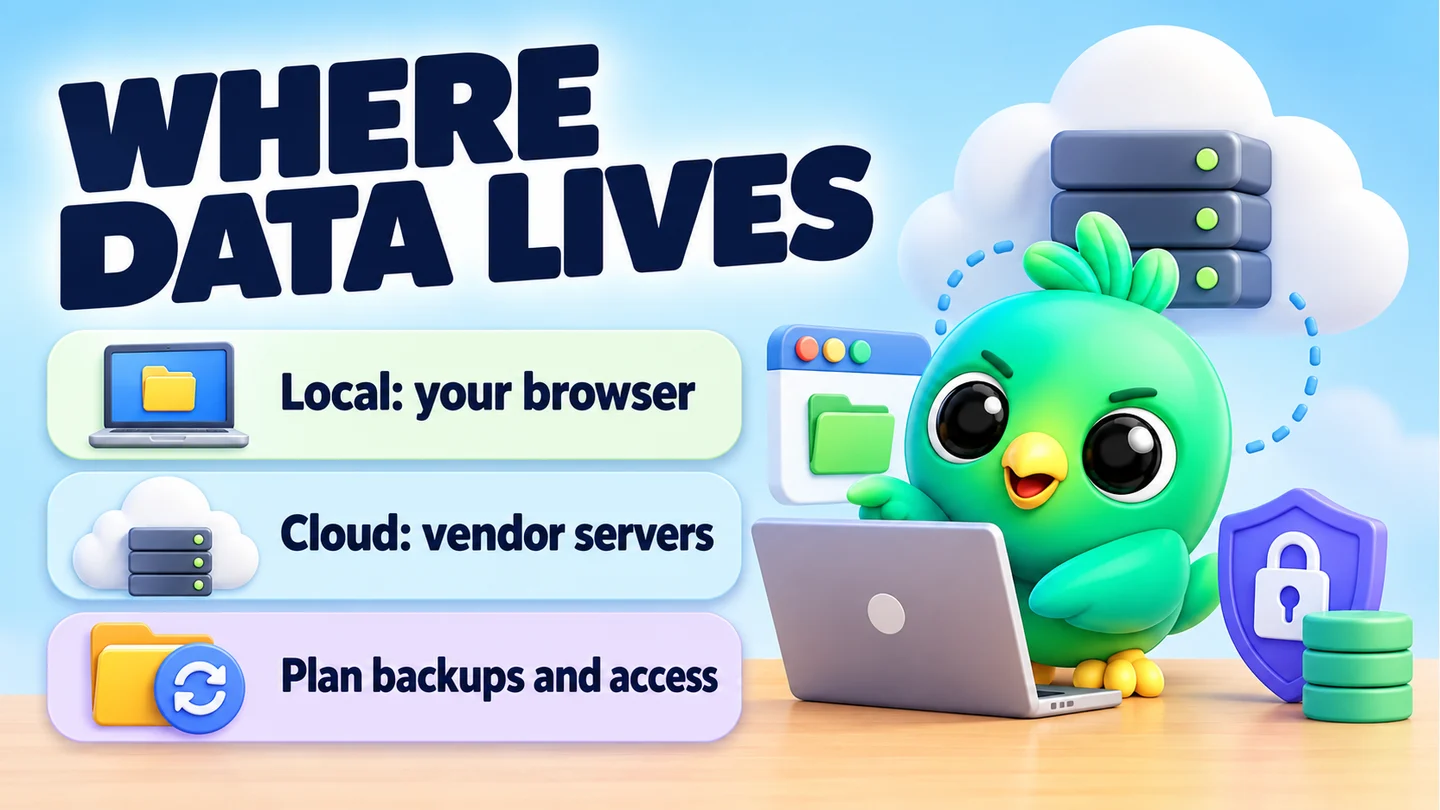
A WhatsApp CRM stores your customer records in one of two places: on a company's servers (a cloud CRM) or inside your own browser on your own computer (a local-first CRM). Cloud storage is easier for teams and multiple devices. Local-first storage means no vendor holds a copy of your records, but backups become your job.
Neither is automatically "safe". Both can be done well or badly. This post explains the trade-offs so you can pick with your eyes open, and it fits into our wider guide on whether WhatsApp Web extensions are safe to use.
What counts as "customer data" in a WhatsApp CRM?
WhatsApp itself protects your messages in transit. Its Help Center says personal messages are end-to-end encrypted, so nobody outside the chat, not even WhatsApp, can read them. That protection covers the message on its way between phones and linked devices. It says nothing about what a CRM does with the text once it appears on your screen.
A CRM adds a second layer of data on top of your chats. For a small seller, that usually means:
- Contact names and phone numbers
- Notes such as "prefers delivery after 6pm" or "asked about the blue dress in size 12"
- Tags, pipeline stages and deal values
- Order and delivery records
- Saved reply templates and media
- Campaign lists and send logs
Some tools also keep a copy of the chats themselves. That is the most sensitive part, because it contains what your customers actually said.
How a cloud WhatsApp CRM stores data
A cloud CRM sends your records to servers the vendor runs or rents. You log in from any device and see the same data.
What cloud storage does well
Be fair to the cloud. It solves real problems:
- Multiple devices. Start on the shop computer, check a lead on your laptop at home.
- Team sharing. Two or three people can see the same pipeline and notes without passing files around.
- Backups handled for you. A good provider runs its own backups. If your laptop is stolen, your records are still there.
- Recovery. Forgot your password? There is usually an account recovery route.
What you give up
- A third party holds your customer list. You are trusting the vendor's security, staff access rules and data policies.
- Your data may be used in ways you didn't expect. Read the privacy policy for analytics, AI training or sharing with partners.
- Leaving can be hard. Check that you can export everything in a usable format.
- Breaches affect everyone at once. A single server holds many businesses' records.
How a local-first WhatsApp CRM stores data
A local-first CRM keeps records on your own device. For a Chrome extension, that usually means Chrome's extension storage. Google's developer documentation describes storage.local as data stored locally that persists even if you clear your cache and browsing history, and that is cleared when the extension is removed.
What local-first does well
- No vendor copy. There is no central database of your customers for anyone to leak, sell or be forced to hand over.
- Works where you work. Records sit next to your chats in WhatsApp Web.
- Fewer moving parts. No account needed just to read your own notes.
What you give up
Local-first has real trade-offs, and any vendor that hides them is not being straight with you:
- Backups are your responsibility. If the computer dies and you have no export, the records are gone.
- It is tied to one browser profile. Chrome profiles keep their data separate, according to Chrome's own help page. Your CRM in the "Work" profile won't appear in "Personal", or on another computer, unless you move a backup across.
- Uninstalling deletes it. Removing the extension clears its local storage. Export first.
- Team sharing is limited. A local-first tool is usually single-user. If three people need the same live pipeline, that is a genuine point for the cloud.
- Device security matters more. Anyone who can use your unlocked computer can open your CRM.
Local-first vs cloud at a glance
| Question | Cloud CRM | Local-first CRM |
|---|---|---|
| Where do records live? | Vendor servers | Your browser, on your device |
| Does the vendor hold a copy? | Yes | No |
| Works on several devices? | Yes, automatically | Only by moving a backup |
| Team sharing | Usually built in | Usually single-user |
| Who runs backups? | The provider (check the details) | You |
| Lost laptop | Records safe, account at risk if logged in | Records gone unless backed up |
| Main trust question | Can I trust this vendor? | Can I trust my own device and backup habits? |
How InboxCRM stores data (and when it leaves your device)
InboxCRM is a WhatsApp CRM that runs as a Chrome extension inside WhatsApp Web. It is local-first. Its CRM records live in chrome.storage.local on your computer, and there is no server-side copy of them. The privacy-first page lists what stays local: pipelines and deal values, notes, tags and custom fields, quick replies and media, schedules, follow-ups, flows, orders, campaign lists, reports, settings and sending-limit counters.
Data leaves your device only when you switch on a feature that needs it:
- AI assistant. When you ask for a draft or a rewrite, recent message text from the open chat and your draft go to the provider you chose (OpenRouter, OpenAI, Gemini or Groq), under that provider's terms. InboxCRM doesn't receive a copy. We cover the cost and privacy side in AI replies with your own API key.
- Webhooks. If you set one up, event data can go to the URL you entered. Depending on the fields you enable, that can include a phone number, name and message text.
- Cloud chat backup (optional). Chats, contacts, messages and media are encrypted on your device with AES-256-GCM before upload. The key stays in your browser, so keep your recovery key safe.
- Self-hosted bridge server (optional). If you run one, the extension talks to the address you enter, on infrastructure you control.
- Account sign-in (optional). This handles signing in to your InboxCRM account. It never receives your WhatsApp messages or CRM records.
- Crash reporting (optional, opt-in). Error diagnostics to help fix bugs. They never include chat content, contact data or other personal data.
If you use InboxCRM without AI, webhooks or cloud backup, your CRM records stay in your browser. The trade-offs above still apply, which is why the extension includes backup and restore. The chat backup guide and the backup and restore tutorial show how to export a file and schedule automatic backups.
Note: InboxCRM is single-user. If your team needs a shared live inbox, a cloud tool may suit you better, and that is a fair choice.
Questions to ask any WhatsApp CRM vendor
Whatever you choose, get clear answers to these. Our 10-point checklist before installing a WhatsApp Web extension covers permissions too.
- Where exactly are my CRM records stored: your servers, a third-party cloud, or my device?
- Do you keep a copy of my chats, or only the CRM fields?
- Which features send data off my device, and to whom?
- Is anything used for analytics, advertising or AI training?
- How do I export everything, and in what format?
- What happens to my data if I cancel or uninstall?
- If you back up to the cloud, who holds the encryption key?
If a vendor can't answer question 3 in plain words, treat that as a warning.
Practical habits for either model
A few habits protect your customers whichever way you go.
For local-first tools:
- Schedule automatic backups and keep one copy off the computer, such as on an external drive.
- Store backup files somewhere private. They contain your whole customer list.
- Lock your computer when you step away, especially in a shop.
- Blur the screen before sharing it in a meeting. See privacy blur for WhatsApp Web.
For cloud tools:
- Turn on two-factor sign-in.
- Give each person their own login rather than sharing one.
- Export a copy every month so you are never locked in.
For both:
- Collect only what you need. A cake seller needs the delivery address and the order; she doesn't need a customer's birthday unless she sends birthday offers.
- Record how customers opted in to messages. A printed WhatsApp QR code at the counter lets people start the chat themselves, and our opt-in guide covers keeping proof.
- Delete records you no longer need.
Which model should a small business choose?
A rough rule for a 1–3 person business:
- Choose cloud if several people must work the same pipeline at the same time, you move between many devices, or you never want to think about backups.
- Choose local-first if you work mostly from one computer, you would rather no vendor held your customer list, and you are willing to schedule backups.
A phone shop owner working alone from the counter PC is a good fit for local-first. A real estate team of three sharing leads all day may be better served by a cloud CRM. Both are reasonable. What matters is knowing where the data is and who else can see it.
Frequently asked questions
Is WhatsApp CRM data end-to-end encrypted?
WhatsApp encrypts your messages between devices. CRM data such as notes, tags and order records is a separate layer, and how it is protected depends on the CRM. Ask the vendor where it is stored and who can read it.
What happens to my CRM data if I uninstall a Chrome extension?
For data in Chrome's storage.local, Google's documentation says it is cleared when the extension is removed. Export a backup before you uninstall.
Can I use a local-first WhatsApp CRM on two computers?
Not as a live shared copy. You can export a backup on one computer and import it on the other, but changes won't sync by themselves.
Does clearing my browsing history delete extension data?
According to Google's documentation, data in storage.local persists even when you clear the cache and browsing history. Removing the extension is what clears it.
Sources
- chrome.storage API reference — Chrome for Developers, checked 23 September 2026
- Manage Chrome with multiple profiles — Google Chrome Help, checked 23 September 2026
- About end-to-end encryption — WhatsApp Help Center, checked 23 September 2026
InboxCRM is a WhatsApp CRM for WhatsApp Web. Pipeline, notes, follow-ups and quick replies beside every chat, with your CRM data kept in your browser.
Add InboxCRM to Chrome