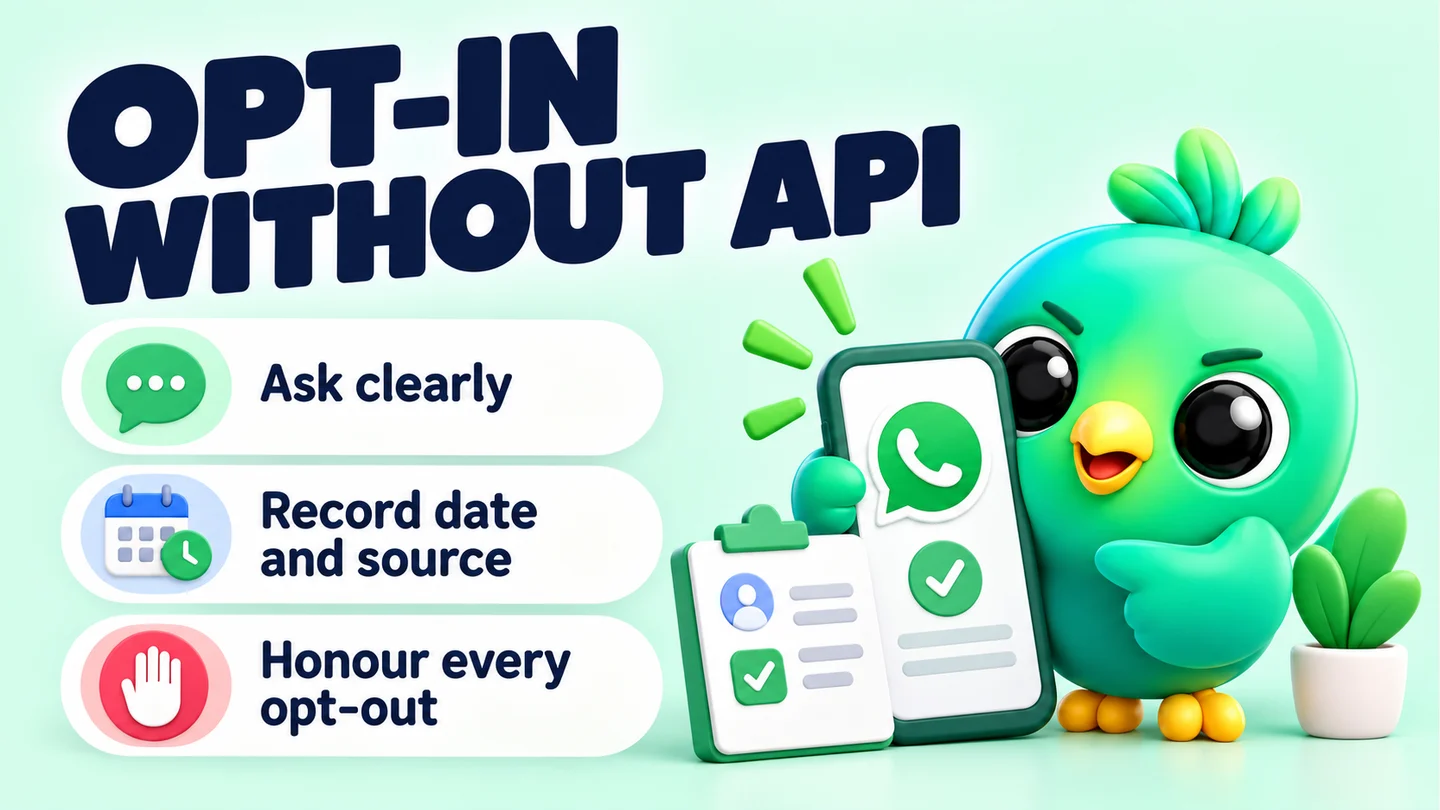
WhatsApp opt-in means a customer has given you their number and agreed to receive messages from your business on WhatsApp. WhatsApp's Business Messaging Policy requires both, and it applies to the WhatsApp Business app as well as the API. Without the API, you collect opt-in yourself: ask clearly, write down when and where the person agreed, and stop the moment they ask you to.
This guide is part of our series on WhatsApp safety and responsible automation. It's written for 1–3 person businesses using the WhatsApp Business app and WhatsApp Web, not API platforms.
What WhatsApp actually requires
The WhatsApp Business Messaging Policy covers the WhatsApp Business app and the WhatsApp Business Platform (API). On opt-in, it says three things that matter for a small business.
- Two conditions before you message anyone. The person must have given you their mobile number, and you must have received opt-in permission confirming they want further messages or calls from you.
- You choose the method and you're responsible for it. WhatsApp doesn't prescribe a form or a checkbox. You're responsible for how you collect opt-in, and for making sure it meets the laws that apply to you.
- Opt-outs are binding everywhere. You must respect requests to stop, block or opt out, whether they come on WhatsApp or off it. That includes removing the person from your contacts list.
WhatsApp's policy compliance article adds a point many sellers miss. A customer messaging you doesn't count as opt-in to future proactive messages. Someone asking the price of a cake has agreed to hear back about that cake. They haven't agreed to your monthly offers.
Note: This guide explains WhatsApp's rules, not privacy law. Depending on where you and your customers are, local data protection or marketing laws may ask for more. Check the rules for your country.
What good opt-in looks like
The policy's best-practice section recommends opt-in that covers the kinds of messages you'll send, separate opt-in for different categories, clear opt-out instructions, and telling people what they'll get. In practice:
| Weak opt-in | Stronger opt-in |
|---|---|
| "They bought from me once" | "They replied YES to restock alerts on 14 September" |
| A number copied from a group | A customer who scanned your counter QR and asked to join |
| "By ordering you agree to marketing" hidden in small print | An unticked checkbox: "Send me offers on WhatsApp" |
| One vague "updates" permission | Separate yes for order updates and for offers |
| No way to stop | "Reply STOP any time" in every promotional message |
WhatsApp's responsible use guidance points the same way: message people who contacted you first or asked you to, and don't use contact lists that aren't yours.
Four practical ways to collect opt-in without the API
Each method below works with the free WhatsApp Business app. The pattern is the same every time: the customer starts the chat, then you ask for permission in plain words.
1. A click-to-chat link with a pre-filled message
Put a link in your Instagram bio, Facebook page, email signature or ads. When someone taps it, WhatsApp opens with a message already typed, so the customer contacts you first. Create one with the free WhatsApp link generator.
Make the pre-filled text do the opt-in work:
Hi [Business name]! Please add me to your WhatsApp list for [new arrivals / restock alerts / weekly menu].
When the message arrives, it's a clear, dated request in the customer's own words.
2. A QR code at the counter, on packaging or on flyers
For a shop, stall or salon, a printed QR code is the easiest route. A customer scans it at the till and a chat opens with you. Make one with the WhatsApp QR code generator and put a clear line of text next to it, for example:
Scan to get restock alerts on WhatsApp. [About two messages a month.] Reply STOP any time.
A phone shop could use one code for "tell me when the new model arrives" and another for repair updates. That gives you separate opt-in by category, which the policy recommends.
3. A chat widget on your website
A WhatsApp website widget adds a floating button that opens a chat with you. Set the greeting to explain what people will receive, and pre-fill a message that states the request. The same approach works for "Book a viewing" on an estate agent's site or "Order a custom cake" on a bakery's.
4. A checkbox on your order or booking form
If you take orders through a website, Google Form or booking page, add a separate, unticked checkbox:
[ ] Send me offers and new arrivals on WhatsApp at the number above. I can reply STOP at any time.
Keep it separate from order updates. Someone who wants delivery updates for today's order hasn't necessarily agreed to promotions. Keep the form responses: they're your record.
A script for customers who are already chatting
For existing customers, ask once at the end of a helpful conversation:
Thanks, [Name]! Would you like me to message you on WhatsApp when [new stock / next month's slots / price drops] come up? Just reply YES. You can say STOP whenever you like.
If they don't reply, treat that as a no.
How to keep proof of opt-in
WhatsApp's policy makes you responsible for your opt-in method, so keep a record you can find later. The chat itself is a weak record on its own. WhatsApp's account bans page says you can't access chat history or backups while a number is banned, which is exactly when you'd want to show your records.
For each customer, record four things:
- Date they agreed
- Source (link, counter QR, website widget, order form, or in-chat YES)
- What they agreed to (order updates, offers, restock alerts, reminders)
- Their words, copied from the message or form, if you have them
A simple format for a note:
Opt-in: offers + restock alerts. 14 Sep 2026. Source: counter QR. Their message: "Please add me to your list for restock alerts."
Then add a tag for each category, such as opt-in: offers or opt-in: order updates. When you build a list, pull only the people with the right tag.
You can keep this in a spreadsheet with columns for name, number, date, source, categories and opt-out date. If you use InboxCRM, the WhatsApp CRM extension for WhatsApp Web, you can store the same details as notes, tags and custom fields on each contact. They're saved locally in your browser on your computer, not inside WhatsApp. The contacts and notes tutorial shows how on a practice copy of WhatsApp Web.
How to honour opt-outs
This part is not optional under the policy, and it also makes you far less likely to be reported.
- Tell people how to stop. End every promotional message with a short line such as "Reply STOP to stop these messages."
- Act on any wording. "Stop", "no more please", "unsubscribe" or an annoyed reply all count. So does a request made in person or by email, since the policy covers requests made off WhatsApp too.
- Record it. Add an opted out tag and the date. Remove the opt-in tags and take the person off every saved list.
- Confirm once, then go quiet. For example: "Done, [Name]. You won't get offers from us again. You can still message us any time." Then send nothing further unless they contact you.
- Remove them from your contacts if needed. The policy mentions removing the person from your contacts list as part of respecting an opt-out.
Tip: Check the opted out tag before every campaign, not after. It takes one mistake to turn a loyal customer into a report.
Sending to your opted-in list
Once you have a tagged, opted-in list, keep sending modest: messages people expect, at sensible hours, not too often. In InboxCRM, Campaigns send only to lists you provide, with {name} personalisation. A sending-safety layer is on by default, with randomised delays, caps of 40 messages an hour and 250 a day, quiet hours and a per-contact cooldown. Chrome and WhatsApp Web need to be open while it sends.
Those limits reduce the risk of restrictions. They don't remove it, and no tool can guarantee WhatsApp won't restrict a number. Opt-in is what makes the difference, because people are far less likely to report messages they asked for. For more on what raises and lowers risk, read whether a WhatsApp Web extension can get your number banned. If the worst happens, our guide to what to do when a WhatsApp Business account is banned walks through WhatsApp's review process.
Frequently asked questions
Does a customer messaging me count as WhatsApp opt-in?
Not for proactive messages. WhatsApp's policy compliance article says a user reaching out to a business doesn't count as opt-in to future proactive messages. Reply to what they asked, then ask separately if they'd like updates.
Do I need the WhatsApp Business API to collect opt-in?
No. WhatsApp's Business Messaging Policy applies to the WhatsApp Business app too, and it lets you choose the opt-in method. Links, QR codes, a website widget and form checkboxes all work without the API.
How should I store WhatsApp opt-in proof?
Record the date, the source, what the person agreed to and their own words, in a spreadsheet or CRM notes. Don't rely on the chat alone, because a banned number loses access to its chat history.
Can I add customers to a WhatsApp group without asking?
WhatsApp's responsible use guidance says to get permission before adding someone to a group, and to respect it if they leave.
Sources
- WhatsApp Business Messaging Policy — WhatsApp, checked 23 September 2026
- How to comply with the WhatsApp Business Messaging and Commerce policies — WhatsApp Help Center, checked 23 September 2026
- How to use WhatsApp responsibly — WhatsApp Help Center, checked 23 September 2026
- About account bans — WhatsApp Help Center, checked 23 September 2026
InboxCRM is a WhatsApp CRM for WhatsApp Web. Pipeline, notes, follow-ups and quick replies beside every chat, with your CRM data kept in your browser.
Add InboxCRM to Chrome