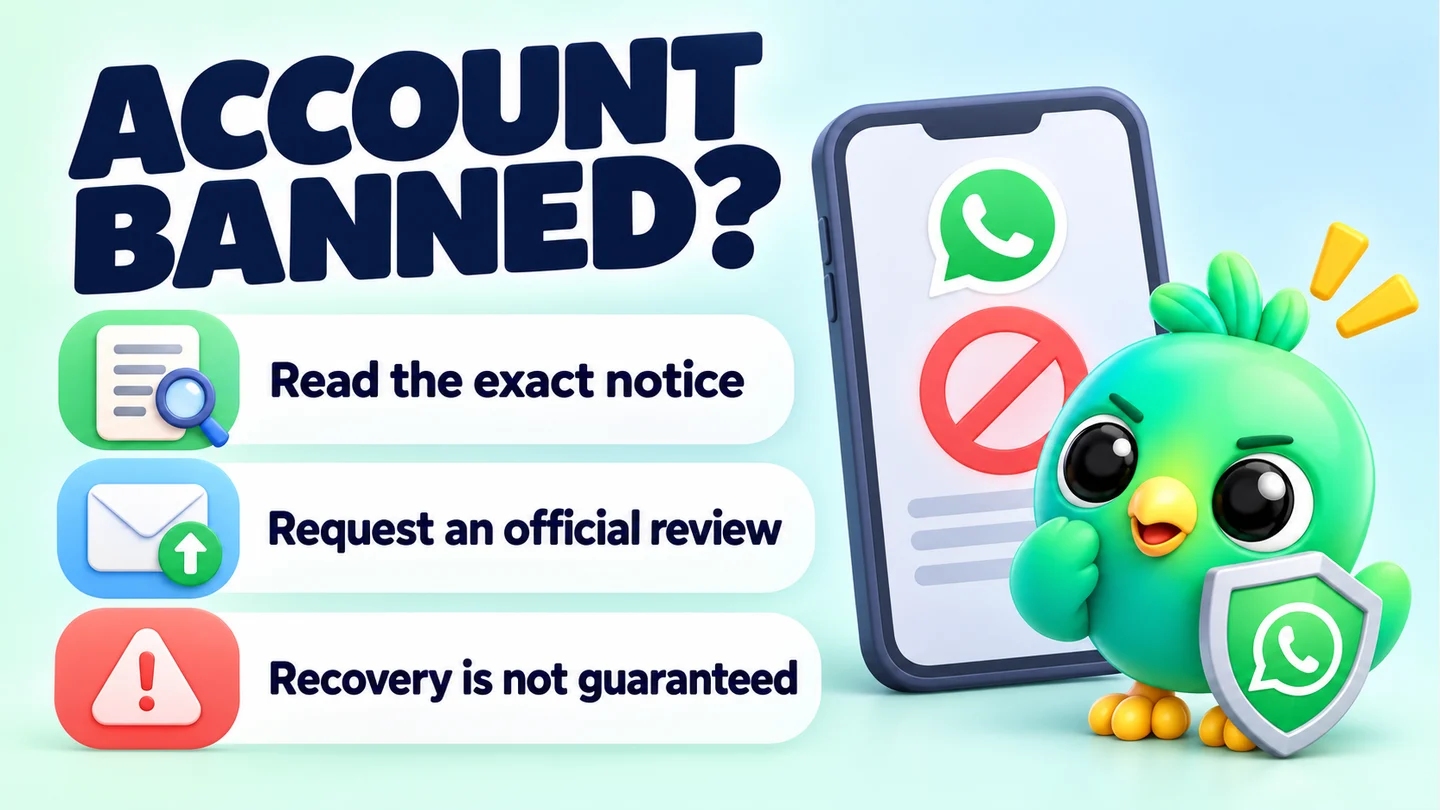
If your WhatsApp Business app number is banned, the only official route back is the Request review button inside the app. If that button isn't there, WhatsApp says the ban is final and can't be appealed. Before you do anything, check whether you're actually banned or only restricted: a restriction ends on its own, while a ban needs a review.
This guide covers the WhatsApp Business app, the free app most small businesses use, not the WhatsApp Business API. It's part of our series on WhatsApp Web extension safety and ban risk. Everything below is drawn from WhatsApp's Help Center and policies as checked on 23 September 2026. Nobody, including us, can promise you'll get a number back.
Banned, temporarily banned or restricted: which one is it?
WhatsApp uses three different states, and each has a different fix. Read the exact message on your screen before you act.
| What you see | What it means | What to do |
|---|---|---|
| "This phone number can't use WhatsApp" with an option to request a review | Banned. WhatsApp believes the account broke its Terms. | Stop the activity, then tap Request review in the app. |
| "This phone number can't use WhatsApp" with no review option | Permanently banned. WhatsApp says the ban is final. | There is no appeal route. |
| "Temporarily banned" | Often linked to an unofficial WhatsApp app or scraping other users' information. | Switch to the official app and stop scraping, or the ban may become permanent. |
| "Your account is restricted right now" or "may be restricted soon" | Restricted. Recent activity looked like spam, automated or bulk messaging. | Wait. The restriction ends by itself after a set time. |
Sources for each row are WhatsApp's pages on account bans on the WhatsApp Business app, temporarily banned accounts and restricted accounts.
What a restriction limits
According to WhatsApp, a restricted account can keep chatting with contacts and groups it has already talked to. It can't start chats or calls with new contacts, create groups, add members to groups or use linked devices, and some companion devices may be logged out. That last point matters if you run your business from WhatsApp Web on a computer.
To see how long is left, tap New chat and pick someone you've never chatted with. A pop-up shows the time remaining. You'll get a notification when it ends.
Tip: A restriction is a warning shot. WhatsApp's restricted accounts page says anyone doing spam, automated or bulk messaging could have their account banned. Treat the waiting time as a chance to change what caused it.
Why WhatsApp bans business accounts
WhatsApp doesn't give a detailed reason for each ban, but its help pages and policies set out the general causes.
Breaking the Terms of Service
WhatsApp's account bans page says it bans accounts when it believes activity breaks its Terms, "for example if it involves spam, scams" or puts users' safety at risk. The Terms of Service specifically rule out bulk messaging, auto-messaging and auto-dialling, and using automated means to access the service without authorisation.
Breaking the Business Messaging or Commerce Policy
Business accounts also have to follow the WhatsApp Business Messaging Policy and the Meta Commerce Policy. The key rule for small businesses is about permission: you may only contact people who have given you their number and opted in to hear from you. The policy also says you must respect requests to stop, whether they're made on WhatsApp or anywhere else.
The Commerce Policy restricts what you can sell. WhatsApp's policy compliance article lists examples such as pharmaceuticals, real or virtual currency, and businesses whose main trade is alcohol or weapons. Some restricted categories can still message customers but can't use features like the catalogue. If you sell anything near those lines, read that article carefully.
Being reported or blocked
This is the reason most small businesses underestimate. When someone reports or blocks a business, WhatsApp receives the last five messages that business sent them, according to its page on detecting violations. WhatsApp's responsible use guidance warns that frequent broadcasts can lead people to report you, and says it bans accounts that are reported multiple times.
Unofficial apps and scraping
Using a modified or fake WhatsApp app breaks the Terms and can lead to a ban, according to WhatsApp's page on unofficial apps. Automatically collecting phone numbers, profile photos or statuses from WhatsApp (scraping) is also against the Terms and is one of the stated causes of temporary bans.
What doesn't cause a ban on its own
Two reassurances straight from WhatsApp:
- Bans are based on account activity. WhatsApp says accounts aren't banned only because of the Wi-Fi network they're connected to.
- Receiving a lot of messages at once, for example after boosting a post, won't by itself get you banned, according to its page on unauthorised automated or bulk messaging.
What to do if your WhatsApp Business account is banned
Work through these steps in order.
- Read the exact message. Match it against the table above. If it says restricted, you don't need to appeal. Just wait.
- Stop whatever might have caused it. Pause any campaigns, auto-senders or scheduled messages. Uninstall modified WhatsApp apps. If you use browser extensions that send messages or pull contact data, switch them off. Carrying on with the same activity can lead to more enforcement, and WhatsApp says it can reinstate a ban if violations continue.
- Tap Request review in the WhatsApp Business app. WhatsApp's business ban page says to use this if you think your account was banned by mistake. If you're given a space to explain, be short and factual: what your business does, how customers reach you and how you get their permission.
- Wait for the in-app notification. The ban message itself says most reviews are completed within 24 hours. You can check the status by opening the app, and you'll be notified when a decision is made.
- Don't try to go around the process. WhatsApp says contacting support by email or chat can't reverse a ban or change the outcome. Contacting it through another person's account won't speed things up either. WhatsApp reviews one phone number per appeal.
- If there's no review option, accept that the ban is final. WhatsApp is clear that bans without a review option can't be appealed.
Warning: Be wary of anyone who offers to "unban" your number for a fee. WhatsApp's help pages state that third-party services can't ban or remove a ban on a WhatsApp Business account. Only WhatsApp can.
What happens after an unban
If the review goes your way, WhatsApp says you'll see a message saying the account can now use WhatsApp. You'll then need to verify your phone number again, as explained on its after your account is unbanned page. The same page points you to WhatsApp's responsible use guidance so it doesn't happen again.
If you had Meta Verified
WhatsApp's business ban page says a banned account automatically loses its Meta Verified subscription. If the ban was for breaking the Meta Verified terms, the Business Messaging Policy or the Commerce Policy, the subscription is cancelled and a refund is unavailable.
If you use the WhatsApp Business API instead
API accounts follow a different process. WhatsApp's page on ban appeals on the WhatsApp Business Platform says WhatsApp Support doesn't handle API bans, and points businesses to the Meta Business Help Center and Meta's policy enforcement documentation.
What you lose while you're banned
The hardest part of a ban is often the data. WhatsApp's account bans page says you can't access your chat history or backups while an account is banned. You can only get to a backup after the number tied to it is unbanned.
For a small business, that can mean losing sight of open orders, quotes and customer details at the worst moment. A clothing seller, for example, might have 40 half-finished orders that exist only in chat threads. That's a reason to keep key customer details somewhere other than the chat itself: a spreadsheet, a notebook or a CRM.
If you use InboxCRM, the WhatsApp CRM extension for WhatsApp Web, your pipeline stages, notes, tags and order records are stored in your own browser on your computer, not inside your WhatsApp account. Its chat backup guide explains how to keep a local copy of chats and media on your computer. Neither of these gets a banned number back. They just mean you still know who you owe a delivery to.
Don't start again on a new number straight away
It's tempting to buy a new SIM and carry on. Think carefully first. WhatsApp's Terms say that if your account is disabled or suspended, you agree not to create another account without its permission. The Business Messaging Policy also says that if WhatsApp terminates an account for policy violations, it may prohibit you and your organisation from all future use of its products.
If you do return with a legitimate new number, the only sensible plan is to change the behaviour that caused the problem. Doing the same thing on a fresh number gets the same result.
How to lower the risk of another ban
Prevention comes down to one idea from WhatsApp's own guidance: only message people who expect to hear from you. Here's what that looks like day to day.
- Let customers message first. WhatsApp suggests giving people your number so they can contact you. A WhatsApp QR code at your counter or a click-to-chat link in your bio does this well.
- Get and record opt-in before any promotional message. Ask clearly, note when and where the customer agreed, and ask again for different kinds of messages. Our guide to collecting WhatsApp opt-in without the API has wording you can copy.
- Honour "stop" immediately. WhatsApp's guidance is to remove the contact and not message them again.
- Keep broadcasts rare and relevant. Broadcast lists only reach people who've saved your number, and frequent broadcasts invite reports. See WhatsApp broadcast limits explained.
- Never buy, scrape or borrow contact lists. WhatsApp warns against messaging people using contact data from illicit sources.
- Only use the official apps. Use the official WhatsApp Business app on your phone and WhatsApp Web in your browser. Don't use modified versions.
- Be careful with automation. Anything that sends messages for you carries risk under the Terms. Our honest guide to whether a WhatsApp Web extension can get your number banned goes through which features matter and which don't.
- Keep your business profile accurate. The Business Messaging Policy asks for up-to-date contact details and bans impersonating other businesses.
How InboxCRM handles sending
InboxCRM is built for organising WhatsApp sales: pipelines, notes, tags, saved replies and follow-up reminders. Most of that never sends a message. Where it does send, the responsible automation page explains the limits. Campaigns are paced by a safety layer that's on by default, with randomised delays, caps of 40 messages an hour and 250 a day, quiet hours, a per-contact cooldown, warm-up mode and an automatic stop after repeated failures. Auto-replies wait a random delay and show typing first.
Follow-up rules and scheduled messages aren't paced by that layer and send at the time you set, so keep their volume low. Campaigns and scheduled messages only send while Chrome and WhatsApp Web are open. The campaigns guide says it plainly: only message people who agreed to hear from you.
These controls reduce risk. They don't remove it, and no tool can guarantee WhatsApp won't restrict or ban a number.
Frequently asked questions
How long does a WhatsApp Business ban review take?
WhatsApp's ban message says most reviews are completed within 24 hours. You'll receive an in-app notification when a decision is made, and you can check the status by opening the app.
Can I recover my chats if my WhatsApp Business account is banned?
Not while the ban is in place. WhatsApp says you can't access chat history or backups for a banned number, and a backup only becomes available again if the number is unbanned.
Why was my WhatsApp Business account banned without warning?
WhatsApp's Terms allow it to suspend or end access at any time if it believes the Terms were broken. It doesn't always explain individual decisions, but its stated reasons include spam, scams, user reports, unofficial apps and scraping.
Can I email WhatsApp support to unban my account?
WhatsApp says contacting support by email or chat can't reverse a ban or change the review outcome. The only route is the Request review option in the app.
Is a temporary ban the same as a restriction?
No. WhatsApp links temporary bans to unofficial apps and scraping, and warns they can become permanent if you continue. A restriction follows signs of spam, automated or bulk messaging. It limits new chats for a set time and then ends on its own.
Sources
- About account bans on the WhatsApp Business app — WhatsApp Help Center, checked 23 September 2026
- About account bans — WhatsApp Help Center, checked 23 September 2026
- About temporarily banned accounts — WhatsApp Help Center, checked 23 September 2026
- About restricted accounts — WhatsApp Help Center, checked 23 September 2026
- After your account is unbanned — WhatsApp Help Center, checked 23 September 2026
- About account bans for unofficial apps — WhatsApp Help Center, checked 23 September 2026
- About ban appeals on the WhatsApp Business Platform — WhatsApp Help Center, checked 23 September 2026
- About detecting violations — WhatsApp Help Center, checked 23 September 2026
- How to use WhatsApp responsibly — WhatsApp Help Center, checked 23 September 2026
- Unauthorized use of automated or bulk messaging on WhatsApp — WhatsApp Help Center, checked 23 September 2026
- How to comply with the WhatsApp Business Messaging and Commerce policies — WhatsApp Help Center, checked 23 September 2026
- WhatsApp Business Messaging Policy — WhatsApp, checked 23 September 2026
- WhatsApp Terms of Service — WhatsApp, checked 23 September 2026
- Commerce Policy — Meta, checked 23 September 2026
- WhatsApp Business Platform policy and spam enforcement — Meta for Developers, checked 23 September 2026
InboxCRM is a WhatsApp CRM for WhatsApp Web. Pipeline, notes, follow-ups and quick replies beside every chat, with your CRM data kept in your browser.
Add InboxCRM to Chrome