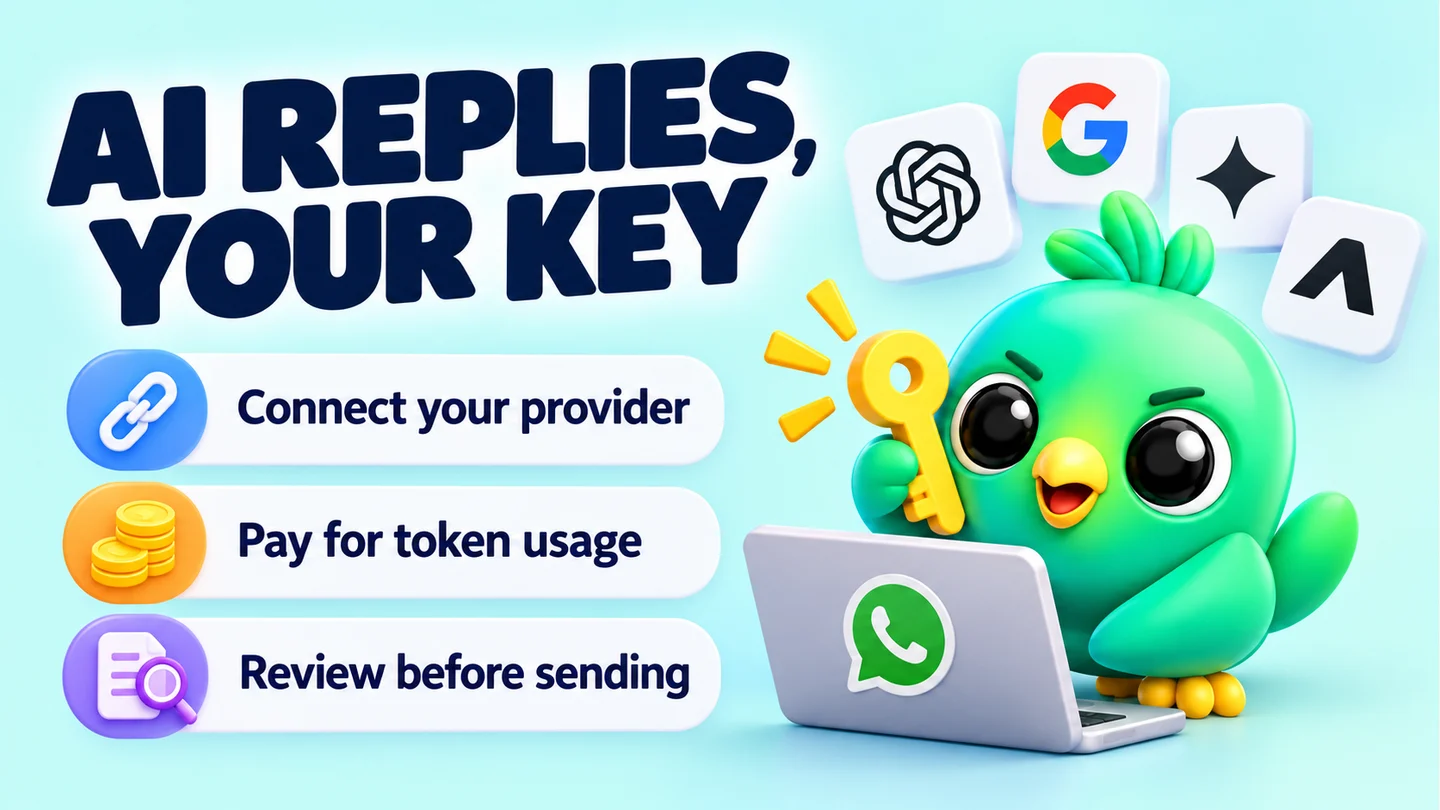
You can get AI-drafted replies on WhatsApp Web by connecting a tool to your own API key from a provider such as OpenAI, Google Gemini, Groq or OpenRouter. You pay the provider directly per token, which for short replies on a small, cheap model often works out at a fraction of a cent each. The trade-off is privacy: every message you send for a draft goes to that provider under its own terms, so choose the provider and tier with care.
This guide covers both sides, cost and privacy. It is part of our wider look at whether WhatsApp Web extensions are safe.
What "bring your own key" means
An API key is a password-like code that lets software use an AI provider's models on your account. With a bring-your-own-key setup:
- You create an account with the AI provider and generate a key.
- You paste the key into the tool on WhatsApp Web.
- When you ask for a reply, the tool sends a prompt straight to the provider using your key.
- The provider bills you for what you use.
The alternative is a tool with AI built in, where the vendor pays the provider. That is simpler, but you often can't see which model is used, what it costs or where your messages go.
Why a small business might prefer its own key
- You see the real cost. The provider's dashboard shows every request.
- You choose the model. A tiny, cheap model for "thanks, your order is on the way", a stronger one for a tricky complaint.
- You choose the privacy terms. Paid tiers and free tiers can treat your data very differently, as you'll see below.
The downside: you manage another account, a key to keep secret and a bill to watch.
How token pricing works
AI providers charge per token, a chunk of text. OpenAI's help page gives a rough rule for English: one token is about four characters, and 100 tokens is about 75 words. Other languages, and text with lots of emoji or numbers, can use more tokens per word.
You pay for two things:
- Input tokens: everything you send. That includes the instructions, the recent chat messages used as context, and your own draft.
- Output tokens: everything the model writes back.
Output usually costs several times more than input. Prices are quoted per million tokens.
Note: Some models "think" before they answer, and those hidden thinking tokens are billed too. Google's Gemini pricing page says its output price includes thinking tokens. A thinking model can cost several times more per reply than its headline price suggests.
Current prices for small, cheap models
These are list prices for standard, paid use of some of the cheaper text models each provider offers. Prices change often, so treat them as a snapshot and check the linked pages before you rely on them.
| Provider | Model | Input per 1M tokens | Output per 1M tokens | Checked |
|---|---|---|---|---|
| OpenAI | gpt-5-nano | $0.05 | $0.40 | 23 September 2026 |
| OpenAI | gpt-4o-mini | $0.15 | $0.60 | 23 September 2026 |
| Google Gemini | gemini-3.1-flash-lite | $0.25 (text) | $1.50 | 23 September 2026 |
| Groq | openai/gpt-oss-20b | $0.075 | $0.30 | 23 September 2026 |
Sources: OpenAI API pricing, Gemini API pricing, GroqCloud models.
OpenRouter works differently. It is a single key that reaches models from many providers. Its FAQ says it passes through the underlying providers' prices without a markup on inference, but it charges a fee when you buy credits: 5.5% with a $0.80 minimum by card, or 5% in crypto (checked 23 September 2026, OpenRouter FAQ).
Worked example: what does one AI reply cost?
Let's estimate the cost for a clothing seller who asks for an AI draft about 1,000 times a month. This is an illustration with made-up but realistic sizes, not a measurement of any particular tool.
Step 1: estimate the input. Suppose each request sends about 500 words: some instructions, the last dozen or so messages in the chat, and the seller's rough draft. Using 100 tokens ≈ 75 words, that's about 670 tokens. Round up to 700 input tokens.
Step 2: estimate the output. A WhatsApp reply of about 60 words is roughly 80 tokens. Round up to 100 output tokens.
Step 3: multiply by the price per token. Divide the per-million price by 1,000,000, then multiply by your tokens.
For gpt-5-nano (prices checked 23 September 2026):
- Input: 700 × $0.05 ÷ 1,000,000 = $0.000035
- Output: 100 × $0.40 ÷ 1,000,000 = $0.00004
- Per reply: about $0.000075
- 1,000 replies: about $0.08
Running the same sizes through the other models in the table:
| Model | Per reply | 1,000 replies a month |
|---|---|---|
| gpt-5-nano | about $0.000075 | about $0.08 |
| openai/gpt-oss-20b on Groq | about $0.00008 | about $0.08 |
| gemini-3.1-flash-lite | about $0.00033 | about $0.33 |
Step 4: allow for surprises. Real bills are higher than a neat estimate when:
- The model uses hidden thinking tokens. If a model wrote 500 thinking tokens per reply on gemini-3.1-flash-lite, that adds 500 × $1.50 ÷ 1,000,000 = $0.00075, roughly tripling the cost.
- Long chats send more context.
- You ask for several drafts before you're happy.
- You use AI to vary campaign messages. Each recipient's message is a separate request, so 200 recipients means 200 requests.
- You pick a larger model. Top models can cost many times more per token than the ones above.
For your own estimate, use this formula with your provider's current prices:
Monthly cost ≈ replies per month × ((input tokens × input price) + (output tokens × output price)) ÷ 1,000,000
Then double it as a safety margin until you've seen a real bill.
Tip: If your provider offers spending limits or budget alerts, set one before you connect the key to anything.
Where your messages go: privacy by provider
When you ask for a draft, the text you send (often your customer's recent messages, their name and your draft) goes to the AI provider. WhatsApp's end-to-end encryption protects messages between phones. It doesn't cover text you copy out and send to someone else, and an AI request is exactly that.
Here is what each provider says about API data, checked 23 September 2026.
OpenAI
OpenAI's data controls page says data sent to its API is not used to train its models unless you opt in. It also says abuse-monitoring logs are kept for up to 30 days by default. See Data controls in the OpenAI platform.
Google Gemini: watch the free tier
Google's Gemini API has a free tier, and its terms treat free and paid use very differently.
- On the free (unpaid) tier, Google says it uses your content to improve its products, and human reviewers may read your inputs and outputs. The terms tell you not to submit "sensitive, confidential, or personal information" to unpaid services.
- On the paid tier, Google says it does not use your prompts or responses to improve its products.
Customer WhatsApp messages usually contain personal information such as names, addresses and order details. Don't use a free-tier Gemini key for customer chats. Use a paid-tier key, or another provider. See the Gemini API Additional Terms and the "Used to improve our products" row on the pricing page.
Groq
Groq's "Your Data" page says it does not retain customer data for inference requests by default. It may keep data for up to 30 days to troubleshoot problems or investigate abuse, and you can turn on zero data retention in its data controls. Groq also has a free plan. Its documentation doesn't describe different data terms for free use, so check the current page before you rely on it. See Your Data in GroqCloud.
OpenRouter
OpenRouter says it does not store your prompts or responses unless you opt in to logging. The models behind it are run by other providers, each with its own data policy, and some may train on prompts. OpenRouter lets you choose, with separate settings for paid and free models, whether requests can go to providers that may train on your data. Turn that off for customer chats. See OpenRouter data collection and provider logging.
Its free models are also limited. The FAQ lists 50 free-model requests a day without purchased credits, which a busy seller could hit before lunch.
Privacy checklist for AI replies
- Use a paid tier, or a provider whose API terms say it doesn't train on your data.
- Turn off any "allow training" or logging options in your provider settings.
- Don't send card numbers, ID numbers or health details for an AI draft.
- Keep the key private. Anyone with it can run up your bill.
- Mention in your privacy notice that you may use an AI service to help write replies.
How InboxCRM's AI assistant works
InboxCRM is a WhatsApp CRM that runs as a Chrome extension inside WhatsApp Web. Its AI assistant is optional and uses your own key from OpenRouter, OpenAI, Gemini or Groq. See the AI assistant page for an overview.
What it does:
- Draft a reply using the open conversation as context.
- Improve your reply in a tone you pick: friendly, professional, short, apologetic or persuasive.
- Vary campaign messages, if you turn that on, so each one reads a little differently.
You review and edit every draft before you send it. Nothing goes out on its own.
To set it up, open the gear icon ("Settings") in the InboxCRM sidebar, go to "AI Assistant" and click "Configure AI Assistant". Pick the "Active model" (OpenRouter, Gemini, ChatGPT (OpenAI) or Groq), paste the matching key, click "Test", then "Save changes". The settings guide walks through every step, and the AI assistant tutorial lets you practise on a demo screen without a key.
On privacy, InboxCRM's documentation says:
- When you use an AI feature, recent message text from the open chat, the contact or group name and your draft go to the provider you chose, under that provider's terms. InboxCRM doesn't receive a copy.
- If you never use AI, no message content is sent to an AI provider.
- If you turn on AI variation for campaigns, each recipient's message text goes to your provider.
- Your API key is stored locally in your browser and sent only to the provider it belongs to.
For the full picture of what stays on your computer, read where WhatsApp CRMs store customer data.
Good habits for AI replies on WhatsApp
- Read every draft. Models can invent prices, dates or stock that don't exist.
- Keep facts in saved replies. Prices, delivery times and bank details belong in templates you control. Our free WhatsApp message templates are a starting point.
- Use AI for tone, not promises. "Rewrite this apology so it sounds warmer" is a good use. "Tell the customer when their parcel arrives" is not.
- Pair AI with follow-ups. A good draft only helps if you send it on time. See our follow-up message templates.
Frequently asked questions
Is there a free AI reply generator for WhatsApp?
Some providers offer free API tiers, such as Gemini's free tier, Groq's free plan and OpenRouter's free models. Check the data terms first: Google says free-tier Gemini content may be used to improve its products and read by human reviewers, which is a poor fit for customer messages.
How much does it cost to use ChatGPT for WhatsApp replies?
Through the OpenAI API, you pay per token. With gpt-5-nano at $0.05 per million input tokens and $0.40 per million output tokens (checked 23 September 2026), a short reply with some chat context works out at well under a cent. Larger models and thinking tokens cost more.
Does the AI provider see my customers' messages?
Yes, for the messages you send it. Whatever the tool includes in the prompt, often recent chat text and the contact's name, reaches the provider and is handled under its terms.
Which provider should I use for WhatsApp AI replies?
Pick on privacy terms first, then price. A paid tier with no training on your data and a cheap, small model is enough for most customer replies.
Sources
- What are tokens and how to count them? — OpenAI Help Center, checked 23 September 2026
- API pricing — OpenAI, checked 23 September 2026
- Data controls in the OpenAI platform — OpenAI, checked 23 September 2026
- Gemini Developer API pricing — Google AI for Developers, checked 23 September 2026
- Gemini API Additional Terms of Service — Google AI for Developers, checked 23 September 2026
- Supported models — GroqCloud, checked 23 September 2026
- Your Data in GroqCloud — Groq, checked 23 September 2026
- Rate limits — GroqCloud, checked 23 September 2026
- FAQ — OpenRouter, checked 23 September 2026
- Data collection — OpenRouter, checked 23 September 2026
- Provider logging — OpenRouter, checked 23 September 2026
- About end-to-end encryption — WhatsApp Help Center, checked 23 September 2026
InboxCRM is a WhatsApp CRM for WhatsApp Web. Pipeline, notes, follow-ups and quick replies beside every chat, with your CRM data kept in your browser.
Add InboxCRM to Chrome