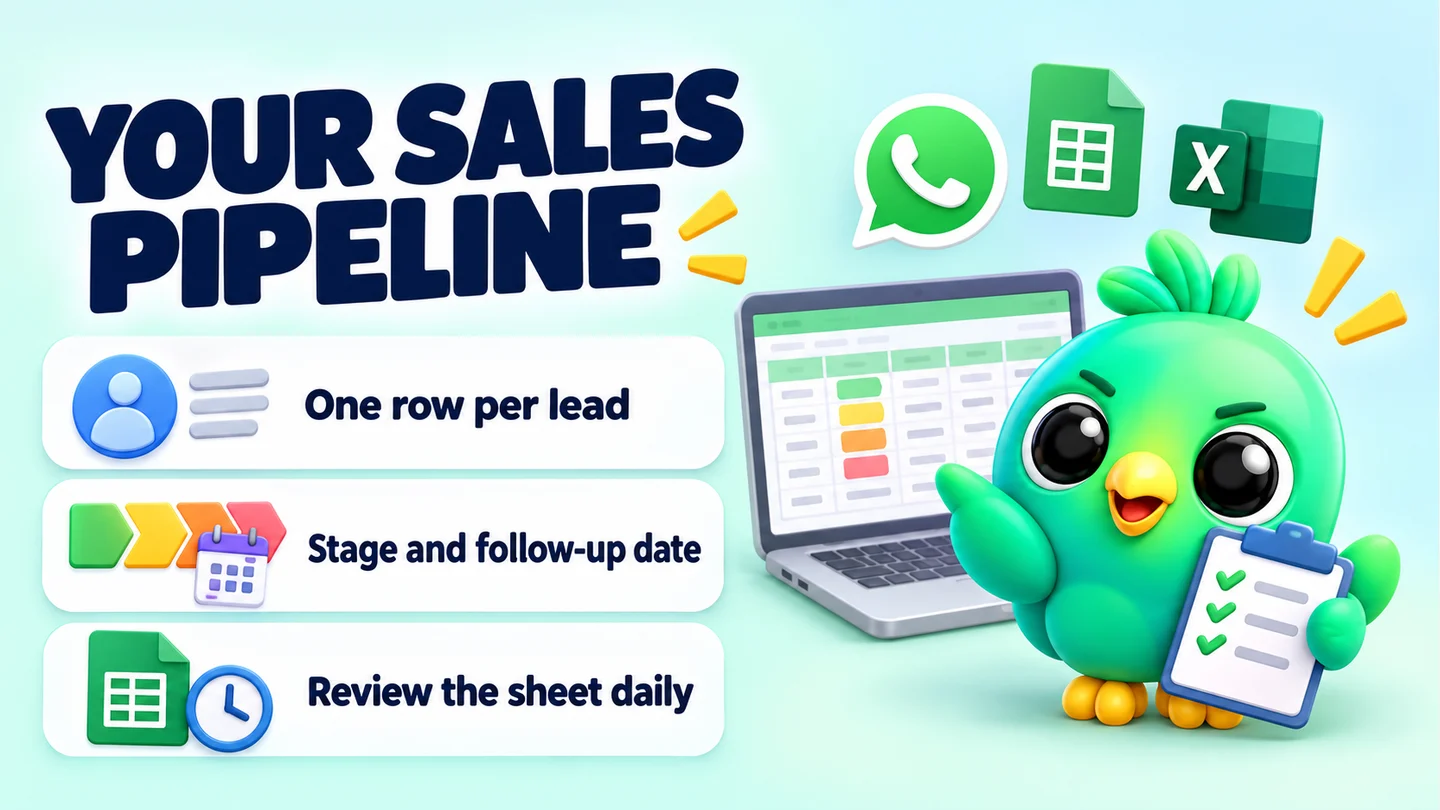
A WhatsApp sales pipeline template is a simple sheet with one row per lead and a column for the stage that lead is at, from first enquiry to won or lost. You can download our free template as a CSV file, open it in Google Sheets or Excel, and start tracking your WhatsApp leads today. This post shows you how to set it up, how to use it every day, and when a spreadsheet stops being enough.
It is part of our guide to running a WhatsApp CRM for a small business without the API, which covers the bigger picture.
Note: The download is a plain CSV file, not a shared Google Sheet. That means it works in Google Sheets, Excel, LibreOffice or Numbers, and nobody else can see your copy.
What's in the template
The file has 16 columns and three example rows. The examples are made up and start with "Example:" so you can delete them once you have seen how they work.
| Column | What to type | Example |
|---|---|---|
| Lead | The customer's name and what they want, in a few words | Nimal (cake order) |
| WhatsApp number | The number in international format | +00 0000 0001 |
| Source | Where the lead found you | Instagram link |
| Interested in | The product or service, with any key detail | 2 kg chocolate cake, 12 Oct |
| Stage | One stage from your list (see below) | Quote sent |
| Deal value | What the sale is worth, as a number only | 8500 |
| Currency | Your currency code | LKR |
| First contact | The date of the first message | 2026-09-15 |
| Last message | The date of the latest message from either side | 2026-09-16 |
| Next action | One clear thing you will do next | Ask about a name on the cake |
| Next follow-up | The date you will do it | 2026-09-18 |
| Owner | Who is handling it (useful if two people share the phone) | Me |
| Notes | Anything you would otherwise forget | Nut allergy in the family |
| Opt-in for updates | Whether they agreed to get offers or updates, and when | Yes (asked on 2026-09-12) |
| Lost reason | If lost, why, in their words where possible | Needed it faster |
| Closed date | The date it became Won or Lost | 2026-09-11 |
Two columns do most of the work: Stage and Next follow-up. If you only ever fill in those two, the sheet will still stop leads going quiet without anyone noticing.
The stages we suggest
Keep stages few and clear. Each one should describe something the customer has done, not how you feel about the lead.
| Stage | Means | Move on when |
|---|---|---|
| New enquiry | They messaged you and you haven't qualified them yet | You know what they want and roughly when |
| Qualified | Real need, rough budget and timing confirmed | You have sent a price or quote |
| Quote sent | Price, quote or options are with the customer | They say yes, haggle or go silent |
| Awaiting payment | They agreed, but you haven't been paid yet | Payment or deposit arrives |
| Won | Paid or confirmed | Nothing, this is the end |
| Lost | They said no, bought elsewhere or went silent after your follow-ups | Nothing, but record the reason |
WhatsApp's own small-business resource suggests a similar sales-cycle set of lists, such as new lead, needs follow-up, paid and shipped. Change the names to fit your trade. A salon might use Enquiry, Booked, Attended. A phone shop might use Enquiry, Diagnosed, Repair approved, Collected.
How to import the template into Google Sheets
- Download the CSV file to your computer.
- Open Google Sheets and create a blank spreadsheet.
- Click File → Import, then upload the file from your computer.
- For the import location, pick Replace spreadsheet (or Create new spreadsheet).
- Set the separator to Comma.
- Click Import. Rename the sheet to something like "WhatsApp pipeline".
How to open it in Excel
- Download the CSV file.
- In Excel, click File → Open and choose the file. You may need to change the file-type filter to show text or CSV files.
- If all the data lands in one column, use Data → From Text/CSV instead and set the delimiter to comma.
- Save a copy as an Excel workbook (.xlsx) so your formatting and dropdowns are kept. A CSV file can't store them.
Set it up in ten minutes
A raw CSV is just text. These four small changes turn it into a working pipeline.
Make Stage a dropdown
Typing stages by hand leads to "Quote Sent", "quote sent" and "Qoute sent" all meaning the same thing, which breaks your counts. In Google Sheets, select the Stage column, click Insert → Dropdown (or Data → Data validation) and add your six stages. In Excel, use Data → Data Validation → List.
Freeze the header row
Freeze row 1 so the column names stay visible as the list grows (View → Freeze in Google Sheets, View → Freeze Panes in Excel).
Highlight overdue follow-ups
Add a conditional formatting rule to the whole table that colours a row when its follow-up date has passed and the lead is still open. In Google Sheets, use Format → Conditional formatting, choose "Custom formula is" and enter:
- Custom formula: =AND($K2<>"", $K2<TODAY(), $E2<>"Won", $E2<>"Lost")
Column K is Next follow-up and column E is Stage in this template. Pick a strong fill colour. Every coloured row is a promise you haven't kept yet.
Sort by next follow-up
Each morning, sort the sheet by the Next follow-up column, oldest first. The top of the list is your to-do list for the day.
A daily routine that keeps the sheet honest
The template only works if it matches your chats. A pipeline sheet that is three days out of date is worse than none, because you trust it.
- After every sales chat: update Stage, Last message, Next action and Next follow-up. It takes under a minute if you do it straight away.
- Every morning: sort by Next follow-up, work through the coloured rows, and message each customer. Our WhatsApp follow-up message templates give you wording for quotes that went quiet.
- Every Friday: move anything that has had no reply after two or three follow-ups to Lost, and write the reason. Clearing dead leads keeps your numbers real.
If you sell from WhatsApp Web on a computer, keep the sheet in a second browser tab next to your chats. Our post on a daily WhatsApp Web sales workflow walks through a full day of that routine.
Three example rows, explained
The three rows in the template are illustrations, not real customers. They show how different businesses might fill in the same columns.
- The cake seller. Nimal asked for a birthday cake through an Instagram link. The quote is out, and the next action is a small, useful question rather than "any update?". The allergy note is the kind of detail that gets lost in a long chat.
- The real estate agent. Priya is qualified: budget, area and move-in month are known. The agent asked whether she wanted listing updates and recorded the date, which matters if you later send her new listings. See our guide to collecting WhatsApp opt-in without the API for why that proof helps.
- The phone repair shop. Kasun is Lost, with a clear reason: he needed a same-day repair and the part was days away. One lost row tells you little. Ten rows with the same reason tell you to stock that part.
Simple formulas for your weekly numbers
Add a small summary area to the right of your table, or on a second tab. These work in Google Sheets and Excel.
| What you want | Formula |
|---|---|
| Leads that are Won | =COUNTIF(E:E,"Won") |
| Leads that are Lost | =COUNTIF(E:E,"Lost") |
| Open leads with a quote out | =COUNTIF(E:E,"Quote sent") |
| Value of won deals | =SUMIF(E:E,"Won",F:F) |
| Value waiting for payment | =SUMIF(E:E,"Awaiting payment",F:F) |
| Close rate | Won ÷ (Won + Lost) |
Only count Won against closed leads (Won plus Lost). If you count against all leads, open ones drag the rate down and it looks like you are getting worse when you are just busy. Our post on the five WhatsApp sales funnel numbers to track explains which numbers matter and how to read them. There is no universal "good" close rate, so compare yourself with your own last month, not with someone else's.
Mistakes that break a pipeline sheet
- Too many stages. If you can't decide between two stages, merge them.
- No next follow-up date. A lead without a date is a lead you will forget.
- Leaving dead leads open. They inflate your pipeline value and hide the leads that still matter.
- Typing values with currency symbols. Write 8500, not "Rs. 8,500", or the SUMIF formulas return zero.
- Updating it "later". Later usually means never. Update it while the chat is still open.
When a spreadsheet stops being enough
A sheet is a good first system, and some sellers never need more. These are signs you have outgrown it:
- You have more open leads than you can scan in one screen, and follow-ups slip anyway.
- The sheet regularly disagrees with the chat ("Quote sent" in the sheet, but they paid yesterday).
- You spend more time copying numbers and names between WhatsApp and the sheet than talking to customers.
- You want reminders that fire on their own, not a list you have to remember to sort.
At that point you have three broad options. You can stay inside the WhatsApp Business app and use labels (or lists, which WhatsApp is rolling out in their place), which are quick but limited: WhatsApp's help page says you can create up to 20 labels, and there are no dates, values or reminders. Our comparison of WhatsApp labels and a real CRM covers where labels run out. You can move to a WhatsApp Business API platform, which suits teams with high volume and a budget. Or you can add a CRM that works on top of WhatsApp Web.
Where InboxCRM fits
InboxCRM is a WhatsApp CRM that runs as a Chrome extension inside WhatsApp Web. It takes the same idea as this template (stages, values, notes and follow-up dates) and puts it next to the chat, so you don't keep a second tab in sync.
- Pipeline board: drag chats between stages on a kanban board and add deal values. The CRM pipeline guide shows the setup, or try the interactive pipeline tutorial in your browser first.
- Funnel view: the sales funnel dashboard is built from your board automatically, with a conversion rate and revenue total, and it can export a CSV that opens in Excel or Google Sheets.
- Follow-up rules: send a message when a chat has sat in a stage, such as Quote sent, for a set time. Chrome must be running with WhatsApp Web open for these to send.
- Local data: boards, notes and stages are stored in your browser on your device, not on an InboxCRM server.
If the spreadsheet is working for you, keep using it. The point is a system you actually update, whichever tool that is.
While you set up your sheet, the free WhatsApp link generator can give each source its own pre-filled message, so the Source column fills itself in from the first message.
Frequently asked questions
Is there a WhatsApp sales pipeline template for Google Sheets?
Yes. Download the free CSV template on this page, then open Google Sheets and use File → Import to load it. It becomes a normal Google Sheet you can edit and share.
Can I use this template in Excel?
Yes. Open the CSV with File → Open, or use Data → From Text/CSV if the columns don't split. Save it as an .xlsx workbook to keep dropdowns and colours.
What stages should a WhatsApp sales pipeline have?
Most small sellers need five or six: New enquiry, Qualified, Quote sent, Awaiting payment, Won and Lost. Rename them to match what your customers actually do.
How do I track follow-ups in a spreadsheet?
Give every open lead a Next follow-up date, highlight dates in the past with conditional formatting, and sort by that column each morning. Anything coloured is overdue.
Sources
- How to use labels — WhatsApp Help Center, checked 23 September 2026
- How to use lists — WhatsApp Help Center, checked 23 September 2026
- Staying organized as a small business using Lists and quick replies on WhatsApp — WhatsApp Business, checked 23 September 2026
- Import data sets & spreadsheets — Google Docs Editors Help, checked 23 September 2026
- Create an in-cell dropdown list — Google Docs Editors Help, checked 23 September 2026
- COUNTIF — Google Docs Editors Help, checked 23 September 2026
- SUMIF — Google Docs Editors Help, checked 23 September 2026
- Import or export text (.txt or .csv) files — Microsoft Support, checked 23 September 2026
- Import data from a CSV, HTML, or text file — Microsoft Support, checked 23 September 2026
InboxCRM is a WhatsApp CRM for WhatsApp Web. Pipeline, notes, follow-ups and quick replies beside every chat, with your CRM data kept in your browser.
Add InboxCRM to Chrome