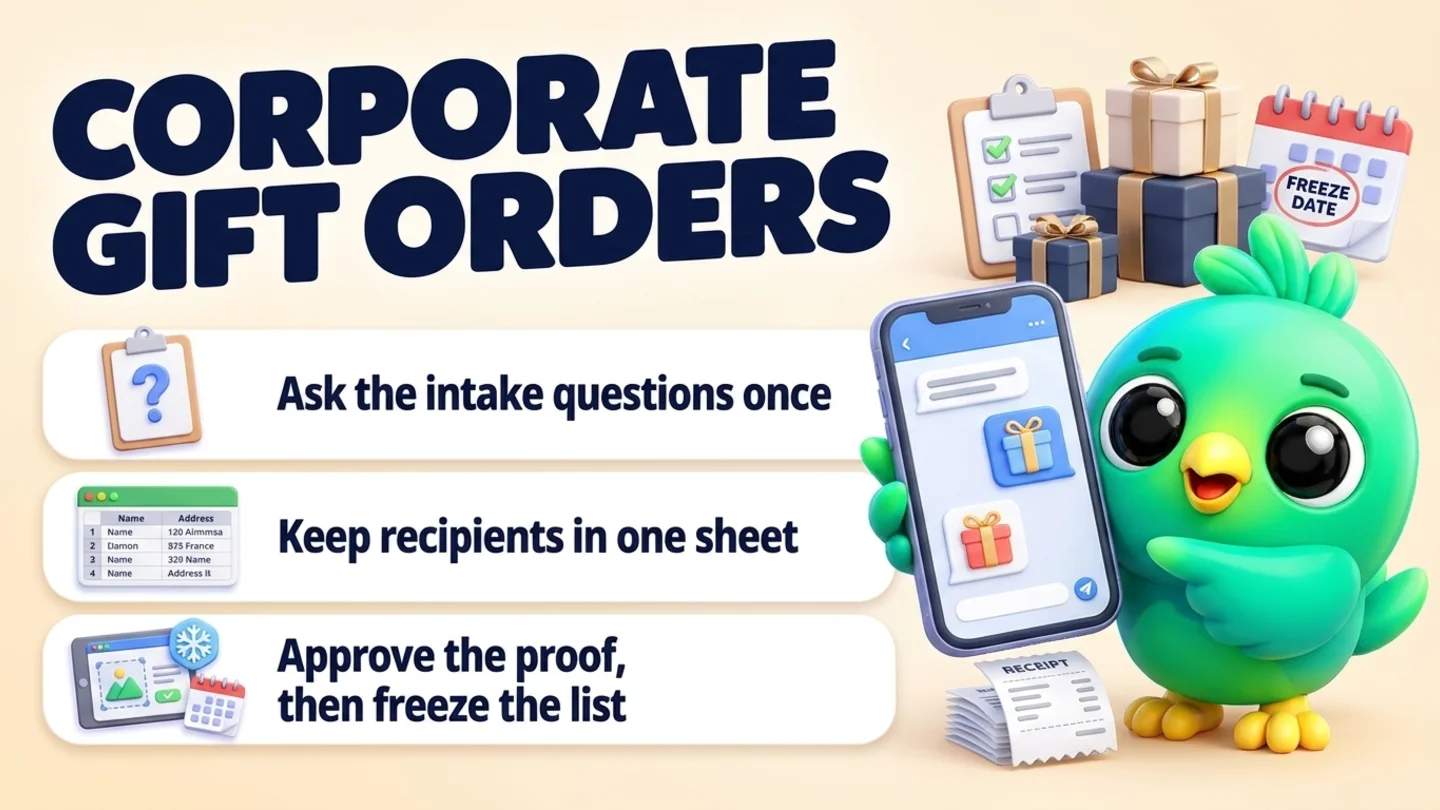
To take a corporate gift order on WhatsApp, treat it as a small project with one buyer, not as a big version of a normal order. Ask a fixed set of intake questions, send a written quote, move the recipient names and addresses out of the chat into one spreadsheet, get the design proof and deposit approved in writing, and agree a date after which the list cannot change. Then send the buyer short updates until every gift is delivered. You can do all of this from WhatsApp itself, without the WhatsApp Business API or a chatbot.
This post is part of our guide to WhatsApp CRM for small business. Quotes in general are covered in how to send a quote on WhatsApp and follow up, and holiday batches for individual customers in how to take pre-orders on WhatsApp. This post is about the order where one office manager, HR lead or founder buys gifts for a whole team or client list. If someone just needs help choosing one gift, see personal shopping on WhatsApp.
Last updated 23 October 2026. WhatsApp Help Center pages on sending documents and sharing products, the WhatsApp Business Messaging Policy, the FTC business guide to the Mail, Internet, or Telephone Order Merchandise Rule, IRS Publication 463 and the IRS Form W-9 page were checked on their own pages on that date. Nothing here is tax or legal advice.
Why corporate gift orders go wrong in chat
A normal order is one person, one address and one payment. A corporate order is one buyer speaking for many people, and the details arrive in pieces. The headcount changes twice. Three names come in a voice note. Someone forwards a logo as a blurry screenshot. The address list is half in the chat and half in an email to a colleague. By the time you are packing, nobody is sure which version is final.
| Normal gift order | Corporate gift order |
|---|---|
| One customer, one recipient | One buyer, many recipients |
| Price per item | Price per gift plus branding, packing and shipping per address |
| Decided in one chat | Often needs approval from a manager or finance team |
| Ships when ready | Has a hard date, such as a party or the last workday of the year |
| Changes are small | Names, sizes and addresses change until you say stop |
The fix is not a bigger chat. It is moving each kind of detail to the right place: decisions in writing in the chat, recipients in a spreadsheet, and dates where you will see them.
The corporate gift order routine in seven steps
- Ask the intake questions in one message.
- Send a written quote with a per-gift price and an order total.
- Collect recipients in one spreadsheet, not in chat messages.
- Send a proof and get a written approval.
- Take the deposit and confirm the order in one summary.
- Freeze the list on a set date and handle late changes as extras.
- Update the buyer through production and delivery, then close out.
Step 1: Ask the intake questions in one message
Corporate buyers are often busy and are not the person who will receive the gift. One clear list of questions saves a week of back and forth. Send it as one message, or save it as a document you can attach.
Intake questions (copy and edit)
Thanks for thinking of us for your team gifts. So I can send an accurate quote, could you tell me:
- What is the occasion, and who are the gifts for (team, clients, both)?
- Roughly how many gifts?
- Your budget per gift, before shipping?
- Any branding, such as a logo on the box, a card or a ribbon?
- One address (your office) or each person at home?
- The date the gifts must arrive by?
- Any dietary needs or allergies we should plan for?
- Who approves the order and pays the invoice, if that is not you?
The last question matters more than it looks. If finance pays, you may need a purchase order number on your invoice, or the buyer's accounts team may ask you for a Form W-9. The IRS describes Form W-9 as the form you use to give your taxpayer identification number to someone who has to file an information return. Asking early avoids a payment stuck in someone's inbox in mid December.
If the buyer is still browsing, the qualifying questions for WhatsApp leads help you find out whether this is a real order before you spend an evening on pricing.
Step 2: Send a written quote with a per-gift price and a total
Buyers compare per-gift prices, but they approve totals. Show both, and list the things that change with the address list.
| Quote line | What to include |
|---|---|
| Gift option | Name, what is in it, and a photo or menu document |
| Price per gift | Before branding and shipping |
| Branding | Logo sticker, printed card, engraved tag, and any one-time setup |
| Packing and shipping | Per address for home delivery, or one delivery to the office |
| Quantity and total | Today's count, with a note that the final total follows the final list |
| Dates | Proof date, list freeze date, ship or delivery window |
| Payment terms | Deposit to start, balance due date, how you accept payment |
| Valid until | The date the price and dates expire |
Send the gift menu or quote as a PDF. WhatsApp's Help Center says that on WhatsApp Web you can attach documents, including PDFs, from the attachment menu or by dragging the file into the chat, up to 2 GB per document. If you use the WhatsApp Business catalog, you can also share chosen products in the chat from the catalog menu. A PDF is easier for the buyer to forward to the person who approves.
Two notes many buyers appreciate:
- The gift limit for their taxes. IRS Publication 463 says a business can deduct no more than 25 US dollars for business gifts to each person in a tax year, and that costs such as packaging and mailing are generally not counted toward that limit. You do not need to give tax advice. A line such as "your accountant can tell you how gifts are treated for your business" is enough, and it shows you understand corporate buyers.
- Food gifts. Publication 463 also says packaged food or drink given for the recipient to use later is generally treated as a gift. Ask about allergies anyway, because a team list often includes someone who cannot eat nuts.
For how to ask for a clear yes after the quote and how often to follow up, see how to send a quote on WhatsApp and follow up.
Step 3: Collect recipients in one spreadsheet, not in chat messages
This is the step that saves the most time. Do not accept names and addresses as chat messages, voice notes or photos of a list. Send the buyer a spreadsheet template once and ask for it back filled in.
| Column | Notes |
|---|---|
| Recipient name | As it should appear on the card |
| Gift option | If there is more than one option |
| Card message | Leave blank for the default message |
| Street address, city, state | One column each, so you can sort |
| ZIP code | Format the column as text so leading zeros are kept |
| Phone for the courier | Only if the courier needs it, and only with the buyer's agreement |
| Dietary note or size | Only what you need to make the gift |
| Status | Your column: packed, shipped, delivered, problem |
Keep the spreadsheet as the only version. When the buyer sends changes, update the sheet, then reply in the chat with what you changed, so the chat holds the record of the change and the sheet holds the current list.
Tip: Ask the buyer to tell recipients a gift is coming, and do not message recipients yourself unless the buyer asks you to. They gave their details to their employer or supplier, not to you. WhatsApp's Business Messaging Policy says a business may only contact people who have given it their number and opted in to hear from it.
Step 4: Send a proof and get a written approval
Anything printed or branded needs a proof: the logo on the box, the card wording, the ribbon colour. Send a mock-up image or PDF and ask for one clear reply.
Here is the proof for your gift boxes: logo on the lid, card text as below, gold ribbon. Please check the spelling of every name on the card list too. Reply APPROVED and we start production, or send changes and we will send a new proof.
A typed APPROVED in the chat is a better record than a thumbs-up reaction. Keep every proof version in the same chat, numbered, so you can show which one was approved if a box comes out wrong. Our WhatsApp CRM for printing businesses page covers proof rounds in more detail.
Step 5: Take the deposit and confirm the order in one summary
Start production only when the proof is approved and the deposit has arrived. Then send one confirmation that repeats everything that matters.
Your order is confirmed. Gift: [option], quantity [number] from the list dated [date]. Branding: proof version [number], approved [date]. Delivery: [office / home addresses] by [date]. Deposit received [amount]; balance of [amount] due [date]. List changes close on [freeze date]. We will send updates here at each stage.
Ask for payment by a link or an invoice, never by card number in the chat. WhatsApp's guidance on its business policies says businesses cannot share or ask people to share full payment card numbers, financial account numbers or other sensitive identifiers. For the confirmation habit in general, see how to confirm orders on WhatsApp, and for collecting the balance politely, payment reminder messages on WhatsApp.
If you ship in the US, check the FTC shipping rule. The FTC's business guide to the Mail, Internet, or Telephone Order Merchandise Rule says the rule covers most goods people order by mail, phone or internet, and that once a customer has paid in full or in part you need a reasonable basis for the shipping time you state, or 30 days if you state none. If you cannot ship on time, you must tell the buyer and give them the choice to agree to the delay or cancel for a prompt refund. The guide also says merchandise shipped with an invoice payable on receipt is not a prepaid sale under the rule, though late shipping can still be a problem under the FTC Act. Corporate orders usually involve a deposit, so treat your stated dates as promises.
Step 6: Freeze the list and handle late changes as extras
Every corporate order has late changes: a new hire, someone who left, an address that moved. Agree a freeze date in the quote, a few days before you need to start packing, and remind the buyer before it arrives.
Reminder: the gift list closes on [date] at [time and time zone]. Any changes after that will be sent as a separate small order after the main delivery. Please send the final sheet by then.
After the freeze:
- Additions become a second, small order with their own price and date. Do not squeeze them into the main batch.
- Removals follow the cancellation terms in your quote. If production has started, say what you can and cannot refund.
- Address changes for gifts already packed are the courier's process, not yours. Tell the buyer what is possible.
If a gift has to be swapped because an item is out of stock, offer the swap in writing and wait for the buyer's yes. The FTC guide says substituting materially different goods needs the customer's express agreement.
Step 7: Update the buyer, then close out
The buyer has told their boss the gifts will arrive. Short updates at each stage stop the "any news?" messages.
| Stage | Update to send |
|---|---|
| Production started | Started today, on track for [date] |
| Packed | All [number] gifts packed, shipping [date] |
| Shipped | Shipped today; tracking is in the sheet, column [name] |
| Delivered | Delivered, with any problems listed and what you are doing about them |
| Closed out | Final invoice, thank you, and a question about next year |
If a gift arrives damaged or a recipient cannot be reached, deal with it in the same chat and record it in the sheet. Our post on handling returns and exchanges on WhatsApp covers replacements and refunds.
When it is all done, ask whether they would like you to keep their details for next year, and note the occasion and month. A corporate buyer who was happy this year is one of the easiest orders you will get next year. Our guide to getting repeat customers on WhatsApp covers how to follow up with past buyers without spamming them.
Simple stages for a corporate gift board
| Stage | Means | Your next step |
|---|---|---|
| Enquiry | Asked about team or client gifts | Send the intake questions |
| Quote sent | Quote and menu sent | Follow up once, then again before it expires |
| Proof sent | Waiting for approval | Ask for APPROVED or changes |
| Deposit paid | Approved and paid, list still open | Remind about the freeze date |
| In production | List frozen, gifts being made | Send the production update |
| Shipped | All gifts out | Watch for delivery problems |
| Delivered | Done | Final invoice and a note for next year |
The same idea works in a spreadsheet; our WhatsApp sales pipeline template shows the columns to use.
Where InboxCRM fits
InboxCRM is a Chrome extension that adds CRM tools to WhatsApp Web. It does not change how WhatsApp sends messages, and it is not affiliated with WhatsApp or Meta. For corporate gift orders it keeps the buyer side of the job in one place while the recipient list stays in your spreadsheet.
- A board for corporate orders. Create a board with the stages above and move each buyer's chat with "Move to stage" in the chat tools panel. A stage chip shows next to the chat in your chat list, so a buyer waiting on a proof is easy to spot among ordinary orders. See the CRM pipeline guide.
- The facts of each order beside the chat. Write the company, headcount, budget per gift, approved proof version and freeze date in the Notes tab or as custom fields, so you are not scrolling back through weeks of messages. See the contacts and notes tutorial.
- Deal values for the season. Add the quoted total as a deal value on the buyer's profile. Values show on the board card and feed the funnel dashboard, which you can export with "Export to Excel". See the sales funnel guide.
- The order record. In the Order manager, "Create order from this chat" reads the recent customer messages and builds a draft you can edit. "Add line" adds free-text lines such as branding or setup that do not touch your stock. "Save as draft" keeps it open while the proof is out, and "Confirm order" deducts stock once and locks the lines. Statuses run from confirmed to packed, shipped and delivered, with a courier and tracking card and a history timeline. See the order manager tutorial.
- Intake questions and gift menus in a click. Save the intake message, the freeze reminder and your gift menu PDF as quick replies. A quick reply can include documents, and "Insert into message box" puts the text into WhatsApp so you can add the buyer's name first. See the quick replies guide.
- Follow-ups that stop on a reply. A follow-up rule on the Quote sent stage can send one nudge after a few days and stop if the chat replies or moves stage. See the follow-up guide.
- Reminders for your own dates. A reminder in Notifications for the freeze date or the last day to ship shows as a Chrome notification and sends nothing to the buyer. See the notifications guide.
Honest limits: InboxCRM does not import a recipient list into orders, print shipping labels for many addresses or send invoices, so the recipient spreadsheet and your invoicing or payment tool stay part of the routine. Scheduled messages and follow-ups only send while Chrome is running with WhatsApp Web open. CRM records stay in Chrome on your device (chrome.storage.local), not on an InboxCRM server, and they do not appear in the WhatsApp mobile app. It is a single-user extension, not a shared team inbox. If that fits how you work, you can add InboxCRM to Chrome.
If you make custom or personalised gifts, the WhatsApp CRM for custom gift businesses page shows a board built for that work.
Mistakes that sink corporate gift orders
- Taking addresses in chat messages. One spreadsheet, one current version.
- No freeze date. Without one, the list changes until the day you ship.
- Starting before the proof is approved. A misspelled logo on fifty boxes is your cost.
- A quote with only a per-gift price. Show branding, shipping and the total too.
- Promising a date you cannot keep. If the buyer paid a deposit and you ship in the US, the FTC rule expects a reasonable basis for your date.
- Messaging recipients without permission. Talk to the buyer, and let the buyer tell their people.
- Forgetting next year. Note the occasion and month, and ask if you may get in touch.
Frequently asked questions
How do I take corporate gift orders on WhatsApp?
Send one message with your intake questions, then a written quote with a per-gift price and total. Collect the recipients in a spreadsheet instead of chat messages, send a proof for any branding, and start once you have a written approval and a deposit. Agree a date when the list closes, then update the buyer at each stage until every gift is delivered.
What should I ask a business customer before quoting team gifts?
Ask the occasion, roughly how many gifts, the budget per gift, any branding, whether gifts go to one office or to home addresses, the arrival date, any dietary needs, and who approves and pays. Those answers set the price, the timeline and the paperwork.
How should I collect gift recipient addresses from a corporate buyer?
Send a spreadsheet template with one column each for name, gift option, card message, street, city, state, ZIP and a status column for you. Format ZIP codes as text. Keep that sheet as the only version, and confirm every change in the chat.
Should I take a deposit for a corporate gift order?
Yes, for most custom or branded orders. Ask for a deposit after the proof is approved and before production starts, with the balance due on a stated date. Take payment by link or invoice, never by card number in the chat.
What if a corporate client wants to add names after the deadline?
Treat late additions as a separate small order with its own price and delivery date, so the main batch ships on time. State this in your quote and remind the buyer before the list closes.
Sources
- How to send media, contacts, or location, WhatsApp Help Center, checked 23 October 2026
- How to share products or services with customers, WhatsApp Help Center, checked 23 October 2026
- How to comply with the WhatsApp Business Messaging and Commerce policies, WhatsApp Help Center, checked 23 October 2026
- WhatsApp Business Messaging Policy, WhatsApp (last updated 23 September 2026), checked 23 October 2026
- Business Guide to the FTC's Mail, Internet, or Telephone Order Merchandise Rule, US Federal Trade Commission, checked 23 October 2026
- Publication 463, Travel, Gift, and Car Expenses, Internal Revenue Service, checked 23 October 2026
- About Form W-9, Internal Revenue Service, checked 23 October 2026
InboxCRM is a WhatsApp CRM for WhatsApp Web. Pipeline, notes, follow-ups and quick replies beside every chat, with your CRM data kept in your browser.
Add InboxCRM to Chrome