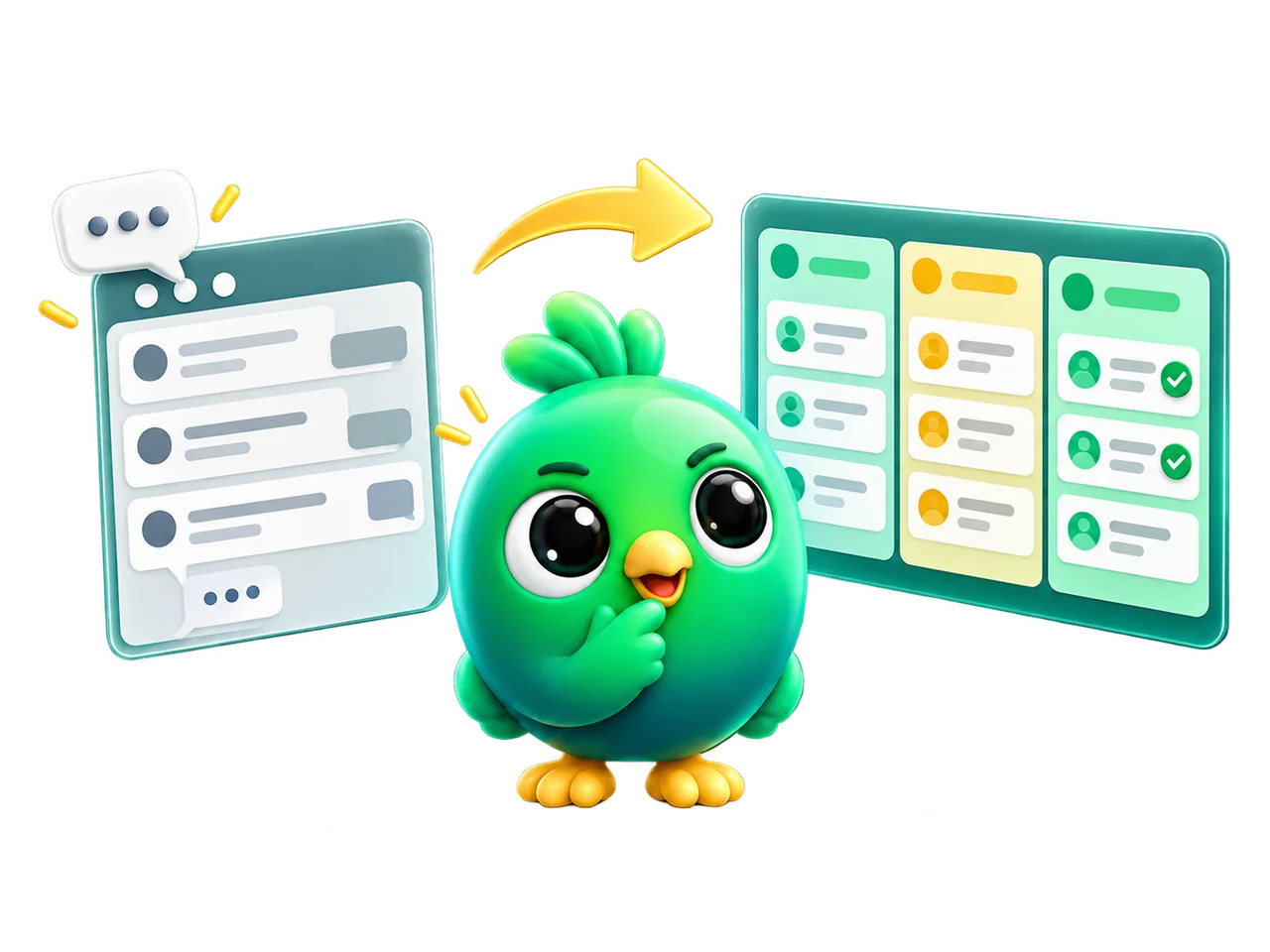
Pick InboxCRM if…
- You need a deal pipeline with stages and values
- You want follow-ups triggered by how long a chat has waited
- You want order tracking and funnel reports beside the chat
- You want CRM records stored in your own browser
Blueticks alternative
The short answer
Choose Blueticks if scheduling is the job: recurring messages, posts to groups and channels, or sending while your computer is off on its Pro plan. Choose InboxCRM if you sell through one-to-one chats and need to track each lead from first message to payment.
InboxCRM publishes this page. What we say about Blueticks comes from its own public pages, checked on 6 October 2026 and linked below.
Why people look for a Blueticks alternative
Blueticks lists task boards and labels. InboxCRM has a deal pipeline with stages and values, so you can see what is in Proposal, what it's worth and which chats have gone quiet.
Blueticks Basic limits labelled contacts, notes per contact and active reminders. If your contact list is the business, you will feel those limits early.
Blueticks meters AI in monthly credits. InboxCRM connects to your own OpenRouter, OpenAI, Gemini or Groq key, so usage is between you and the provider.
Side by side
What each tool lists publicly, row by row. Blueticks details were checked on 6 October 2026.
| Compare | Blueticks | InboxCRM |
|---|---|---|
| What it is | Chrome extension on WhatsApp Web for scheduling and campaigns | Chrome extension that adds a CRM inside WhatsApp Web |
| WhatsApp Business API | Not needed. Runs on WhatsApp Web | Not needed. Works with the number you already use |
| Where your data lives | Says messages and contacts aren't stored on its servers. Its privacy policy lists contact data it collects | CRM records stay in your browser's local storage, with no server copy |
| Sales pipeline | Task boards, labels and notes. No deal pipeline is listed | Kanban boards with custom stages and deal values |
| Scheduling & follow-ups | One-time and recurring messages to chats, groups and channels. Pro sends while you're offline | Scheduled messages, appointments, timed reminders and follow-up sequences |
| Automation | Bulk campaigns with CSV import and AI auto-replies | Auto-reply rules, a visual flow builder and paced campaigns to opted-in lists |
| AI | AI assistant on monthly credits | Optional reply assistant using your own OpenRouter, OpenAI, Gemini or Groq key |
| Team inbox | Not listed on its public pages | No. Single-user by design |
| Integrations | REST API and webhooks | Outgoing webhooks to your own endpoints |
| Pricing | Free plan with 3 scheduled messages at a time. Paid plans at $9, $25 and $50 per month billed monthly | See the Chrome Web Store listing. First month free through the InboxCRM Community |
Plans, prices and features change, and some prices vary by country. Confirm the details on Blueticks's own site before you decide.
Honest fit check
Blueticks is good at what it's built for. So is InboxCRM. They're built for different people.
Getting started
There's nothing to migrate. Your chats are already in WhatsApp Web, and InboxCRM builds on top of them.
Step 1
Install the extension in your desktop Chrome browser. No API account and no number migration.
Step 2
The InboxCRM sidebar appears on the left, and a tools panel slides in beside the chat you have open.
Step 3
Drop the chat into a pipeline stage, add a note or tag, set a follow-up and reply with a saved template.
Want the detail first? See every feature, how local-first storage works, and what responsible automation can and can't promise.

InboxCRM Community · Free reward
Join the community, redeem your first month free
Sign in with your InboxCRM account to get a one-time code — redeem it for one month free, no card needed until it's used.
Yes. Pick a chat, write the message and choose the date and time. InboxCRM also has an appointment centre and scheduled status posts. Chrome needs to be running with WhatsApp Web open for a scheduled message to send. Blueticks' Pro plan lists sending while offline, which InboxCRM doesn't do.
InboxCRM is built around follow-up rules and sequences that react to a chat's state, plus one-off scheduled messages. If you need the same message repeated on a fixed calendar to a group or channel, Blueticks is designed for that.
It depends on the gap. If you forget to send things on time, a scheduler fixes that. If you lose track of which leads are open, what you quoted and who needs a nudge, you need a pipeline, and that is what InboxCRM adds.
Yes. The interactive tutorials run every InboxCRM tool on practice screens in your browser, with no install and no sign-up. When you're ready, the InboxCRM Community gives new accounts a one-time code for a free first month.
Blueticks is a trademark of its owner. InboxCRM is not affiliated with or endorsed by Blueticks. Spotted something out of date? Tell us and we'll correct it.

Add the extension, open WhatsApp Web and start organising the chats you already have. No separate CRM to keep in sync.